






Lo lus teb luv luv: Tsis muaj ib daim ntawv teev key pej xeem twg uas yuav hloov tau txhua lub Windows version ua daim ntawv tso cai raug cai mus ib txhis. Txoj kev yog rub lub installation ntawm Microsoft, xaiv edition kom raug, backup cov ntaub ntawv thiab activate siv digital license lossis product key uas siv tau raws cai. Kab lus no tsis muab key xau, activator lossis KMS command pej xeem.
Microsoft siv ob hom tseem ceeb: digital license uas txuas nrog lub cuab yeej thiab product key uas muaj 25 tus cim. Ib tug code uas system lees txais tsuas qhia tias code ntawd siv tau hauv ib qho xwm txheej xwb; tus siv tseem yuav tsum muaj txoj cai siv raws cai, xws li daim ntawv tso cai nrog lub tshuab, ntaub ntawv kev yuav khoom lossis lub koom haum daim ntawv tso cai siv (raws li support.microsoft.com).
Yuav xaiv Windows 11, 10 lossis 8.1 li cas?
| Version | Haum rau thaum | Yam yuav tsum xav txog |
|---|---|---|
| Windows 11 | Lub tshuab ua tau raws li cov cai ntawm hardware thiab koj xav siv ib qho operating system uas tseem tau txais kev txhawb nqa. | Yuav tsum muaj processor uas sib xws, RAM tsawg kawg 4 GB, cia ntaub ntawv tsawg kawg 64 GB, UEFI/Secure Boot thiab TPM 2.0. Windows 11 Home thiab Pro rau tus kheej yuav tsum muaj Internet thiab Microsoft account thaum teeb tsa thawj zaug (raws li support.microsoft.com). |
| Windows 10 | Lub cuab yeej lossis software qub tseem hloov tsis tau mus rau Windows 11. | Windows 10 tau xaus kev txhawb nqa raws cai txij hnub 14/10/2025; qhov version ib txwm yuav tsis tau txais cov security patches pub dawb ntxiv ntawm Microsoft lawm (raws li support.microsoft.com). |
| Windows 8/8.1 | Tsuas xaiv thaum software lossis lub cuab yeej qub yuam kom siv version no xwb. | Windows 8.1 tau xaus kev txhawb nqa rau hnub 10/01/2023. Nws tsis yog qhov kev xaiv tsim nyog rau lub tshuab uas nquag txuas Internet (raws li learn.microsoft.com). |
Yog lub tshuab ua tau raws li cov cai, yuav tsum xaiv Windows 11 ua ntej. Tsis tsim nyog siv cuab yeej hla kev kuaj hardware los nruab Windows 11, vim qhov ntawd yuav cuam tshuam rau kev tau txais updates, kev ruaj khov thiab kev nyab xeeb. Rau Windows 8/8.1, nco ntsoov tias cov vev xaib rub tawm thiab cov npe key los ntawm lwm tog tsis hloov tau daim ntawv tso cai lossis lub installation uas Microsoft txhawb nqa.
Product key, digital license thiab KMS txawv li cas?
Digital license
Digital license yog txoj cai activation uas txuas nrog lub cuab yeej, feem ntau raug khi rau ib qho edition. Yog lub tshuab yav tas los tau activate nrog edition kom raug, thaum rov nruab koj feem ntau xaiv tau I don't have a product key. Tom qab txuas Internet, Windows yuav activate nws tus kheej yog daim ntawv tso cai tseem phim. Ua ntej rov nruab, qhib Settings > System > Activation hauv Windows 11 lossis Settings > Update & Security > Activation hauv Windows 10 kom sau tseg qhov xwm txheej tam sim no.
Yog koj pom cov lus Windows is activated with a digital license linked to your Microsoft account, ces daim ntawv tso cai twb txuas nrog tus account ntawd lawm. Yog lub tshuab yav tas los yeej tsis muaj daim ntawv tso cai raug cai, kev rov nruab yuav tsis tsim daim ntawv tso cai tshiab rau nws.
Product key muaj 25 tus cim
Product key uas siv tau raws cai feem ntau los ntawm COA daim ntawv lo thiab cov ntaub ntawv ntawm lub tshuab, lub thawv khoom, email yuav khoom, Microsoft Store, tus muag khoom uas tau tso cai lossis lub koom haum daim ntawv tso cai siv. Tus code muaj qauv XXXXX-XXXXX-XXXXX-XXXXX-XXXXX (raws li support.microsoft.com).
Key siv rau kev teeb tsa dav dav, cov key uas muab tshaj tawm dua hauv cov rooj sab laj, thiab cov code siv rau KMS tsis yog pov thawj tias koj muaj daim ntawv tso cai muag khoom. KMS yog ib qho txheej txheem rau cov koom haum uas siv daim ntawv tso cai ntau qhov; kev taw qhia lub computer ntiag tug mus rau ib lub KMS server pej xeem tsis ua rau lub computer ntawd muaj Windows muag khoom raws cai.
Npaj USB rau kev teeb tsa raws cai
Koj yuav tsum muaj ib lub computer uas txuas tau Internet, ib lub USB uas muaj chaw seem tsawg kawg 8 GB, thiab ib daim qauv thaub qab ntawm koj cov ntaub ntawv. Thaum tsim bộ cài, cov ntaub ntawv hauv USB yuav raug lwv. Ua ntej txuas ntxiv, muab cov ntaub ntawv, duab, authentication keys thiab browser cov ntaub ntawv theej mus rau lwm lub drive.
- Mus rau Microsoft nplooj ntawv raug cai rau rub Windows. Xaiv Windows 11 lossis Windows 10 raws li lub computer qhov kev sib raug zoo.
- Rub Media Creation Tool lossis ISO raug cai. Windows 10 Enterprise LTSC feem ntau yog ib feem ntawm ib qho kev pab cuam daim ntawv tso cai cais; tsuas rub thaum koj muaj cai nkag mus siv thiab muaj daim ntawv tso cai uas phim.
- Siv tus account tus thawj tswj los qhib lub cuab yeej, lees txais cov nqe lus, thiab xaiv tsim installation media rau lwm lub computer yog xav tau.
- Xaiv hom lus, architecture raws li cov kev xaiv uas Microsoft muab, thiab xaiv lub USB uas tsis muaj ntaub ntawv lossis lub npe raug.
- Tos kom lub cuab yeej ua tiav. Tsis txhob rub USB tawm thaum cov ntaub ntawv tseem tab tom sau rau hauv.
Tsis txhob siv ISO uas twb “integrated activation” lawm, cov version uas raug kho hloov, lossis cov link rub uas tsis paub meej qhov chaw los.
Teeb Windows los ntawm USB
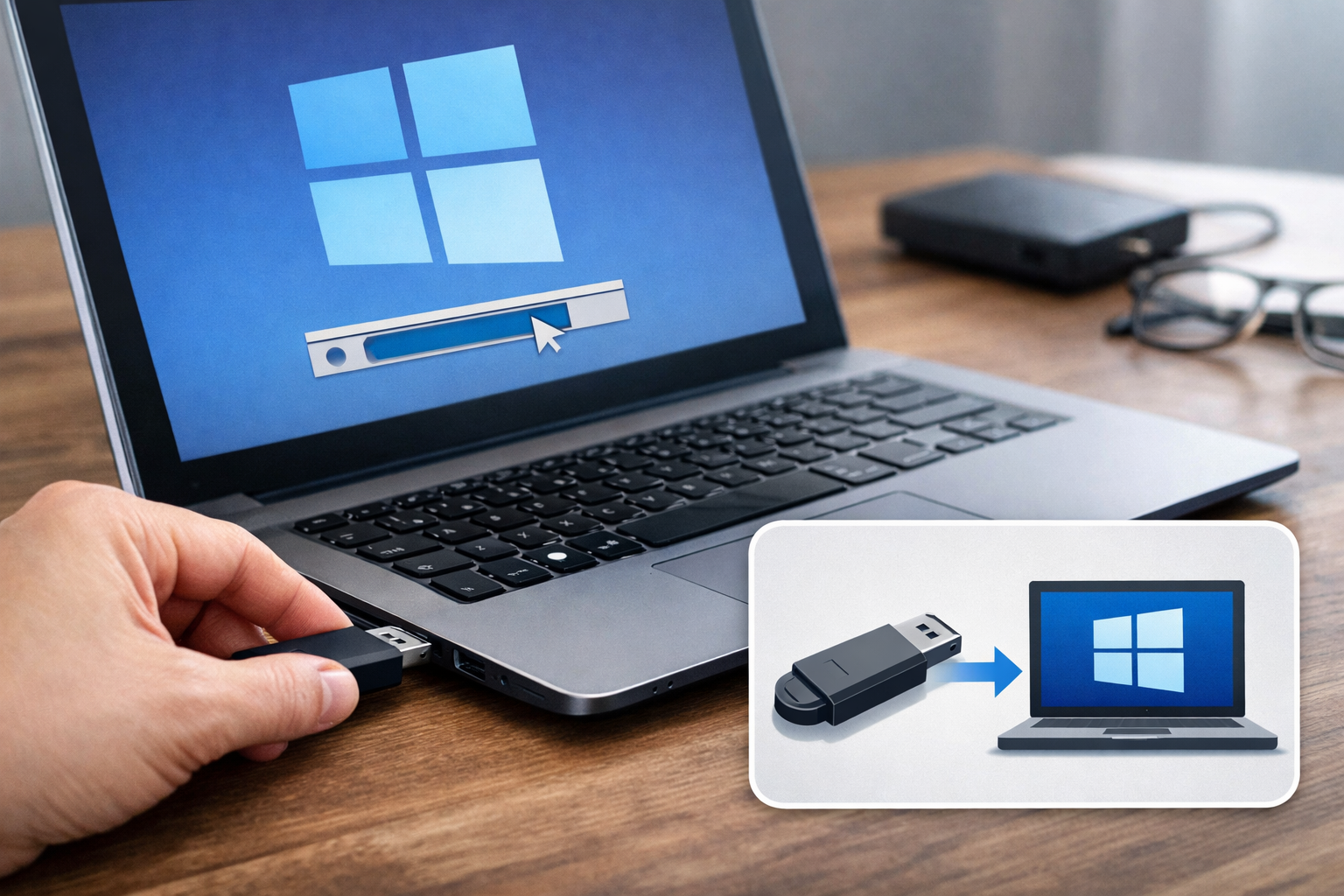
Kuaj xyuas ua ntej teeb tsa
- Ua ib daim qauv thaub qab ntawm Desktop, Documents, Downloads thiab tag nrho cov ntaub ntawv hauv cov partition uas tej zaum yuav raug lwv.
- Sau tseg qhov edition uas siv tam sim no: Home, Pro, Enterprise lossis lwm edition. Edition yuav tsum phim daim ntawv tso cai.
- Yog lub computer muaj hardware tshwj xeeb, npaj network driver los ntawm lub chaw txhawb nqa ntawm lub chaw tsim khoom.
- Yog yuav teeb tsa tshiab huv si, txheeb xyuas kom meej tias lub partition twg yog qhov muaj operating system. Kev lwv yuam kev ntawm ib lub partition yuav ua rau cov ntaub ntawv ploj.
Cov kauj ruam ua
- Ntxig USB rau hauv lub computer uas yuav teeb tsa, rov pib lub computer, thiab qhib Boot Menu. Cov yuam sij uas nquag siv yog F12, F9, Esc lossis Del, nyob ntawm lub chaw tsim khoom.
- Xaiv yam khoom uas muaj lo lus UEFI thiab lub npe ntawm USB.
- Hauv qhov program teeb tsa, xaiv hom lus, sijhawm, keyboard, ces xaiv Install now.
- Thaum raug nug txog product key, ntaus key uas siv tau raws cai. Yog koj twb muaj digital license rau edition uas raug, xaiv I don't have a product key.
- Xaiv edition kom raug, xws li Home lossis Pro. Key ntawm Home tsis tuaj yeem qhib Pro, thiab rov qab los kuj ib yam.
- Xaiv Custom: Install Windows only yog yuav teeb tsa tshiab huv si. Tsuas lwv lub partition uas koj tau txheeb xyuas meej tias yog operating system qub xwb.
- Xaiv qhov chaw seem, ces nias Next.
- Ua kom tiav kev teeb tsa account, network thiab privacy. Windows 11 Home/Pro rau tus kheej tej zaum yuav kom muaj Internet thiab Microsoft account.
Piv txwv qhia: lub computer tab tom siv Windows 10 Home thiab twb muaj digital license lawm, ces koj rov teeb Windows 10 Home. Thaum txog theem ntaus key, xaiv I don't have a product key, xaiv Windows 10 Home, ua kom tiav kev teeb tsa, txuas Internet, thiab nkag rau tus account uas twb txuas nrog daim ntawv tso cai. Qhov yuav tsum pom yog nplooj Activation qhia tias Windows twb raug qhib lawm. Piv txwv no tsis siv tau yog xaiv Windows 10 Pro lossis lub computer yeej tsis tau muaj daim ntawv tso cai.
Qhib thiab kuaj xyuas tom qab teeb tsa
Siv digital license
- Txuas Internet.
- Nkag rau Microsoft account uas raug thiab twb txuas nrog daim ntawv tso cai.
- Qhib nplooj ntawv Activation hauv Settings.
- Kuaj xyuas cov lus ceeb toom uas qhia tias Windows twb raug qhib los ntawm digital license.
Yog nyuam qhuav hloov lub motherboard, daim ntawv tso cai tej zaum yuav tsis rov raug lees paub nws tus kheej. Siv Activation troubleshooter thiab xaiv qhov qhia tias koj nyuam qhuav hloov hardware. Tsis txhob siv tus account ntawm tus muag khoom lossis ib qho script uas rub tau hauv Internet.
Siv product key
- Windows 11: Settings > System > Activation > Change product key.
- Windows 10: Settings > Update & Security > Activation > Change product key.
- Ntaus 25 tus cim product key uas koj muaj cai siv, thiab ua raws li cov lus qhia tshwm ntawm qhov screen.
Yog raug tsis lees txais, xyuas lub edition, qhov txwv ntawm cov cuab yeej siv tau thiab cov cim uas koj tau ntaus. Tsis txhob sim ntau ntau tus key uas tshaj tawm rau sawv daws, lossis khiav slmgr /skms nrog lub server uas tsis paub meej.
Txhawm rau txheeb xyuas, qhib Settings > System > Activation ntawm Windows 11, Settings > Update & Security > Activation ntawm Windows 10 lossis Control Panel > System and Security > System ntawm Windows 8.1. Kab lus Windows is activated lees paub tias lub sijhawm ntawd Windows tau qhib siv lawm; tabsis nws tsis hloov tau daim ntawv yuav khoom, ntaub ntawv tso cai lossis pov thawj qhia qhov chaw los ntawm. Yog li, khaws email yuav khoom, ntaub ntawv ntawm lub computer thiab cov ntaub ntawv hauv tus account cia.
Yog tsis muaj key, yuav ua li cas?
- Lub computer twb muaj daim ntawv tso cai: nruab lub edition kom raug, xaiv I don't have a product key thiab txheeb xyuas digital license tom qab txuas Internet.
- Lub computer tseem tsis tau muaj daim ntawv tso cai: nruab los ntawm qhov chaw raug cai, ces yuav daim ntawv tso cai hauv Microsoft Store lossis ntawm tus muag khoom uas tau tso cai.
- Lub computer ntawm tuam txhab lossis tsev kawm ntawv: hu rau tus thawj tswj system kom muab daim ntawv tso cai kom raug; tsis txhob siv KMS pej xeem ntawm koj tus kheej.
- Yog tseem yuav tsis tau tam sim no: koj siv tau los nruab txhawm rau ntsuas qhov sib raug raws li Microsoft cov xwm txheej, tabsis ib daim Windows uas tseem tsis tau qhib siv tsis yog daim ntawv tso cai siv mus ib txhis, thiab tsis tsim nyog siv cov cuab yeej txhaum cai los hla kev qhib siv.
Txheej txheem txheeb xyuas zaum kawg
- Xaiv lub version uas haum; yog lub computer ua tau raws li qhov yuav tsum tau, xaiv Windows 11 ua ntej.
- Rub ISO lossis Media Creation Tool los ntawm Microsoft.
- Thaub qab cov ntaub ntawv thiab siv USB dawb los tsim USB nruab.
- Nruab lub edition kom raug.
- Siv digital license lossis product key uas raug cai.
- Qhib Activation txhawm rau txheeb xyuas qhov xwm txheej.
- Yog yav dhau los koj tau khiav activator lossis KMS uas tsis paub meej qhov chaw, thaub qab cov ntaub ntawv tseem ceeb, luam theej lub system nrog lub cuab yeej ruaj ntseg uas ntseeg tau thiab xav txog kev nruab dua tshiab los ntawm bộ cài raug cai.
Qhov uas pab kom koj rov qhib siv tauอย่าง ntseeg tau tsis yog lus tshaj tawm tias “active mus ib txhis”, tabsis yog bộ cài huv, edition kom raug thiab cov ntaub ntawv pov thawj tias koj muaj cai siv daim ntawv tso cai.
Cov ntaub ntawv siv
- Activate Windows— Microsoft Support
- Find your Windows product key— Microsoft Support
- Create installation media for Windows— Microsoft Support
- Windows 11 System Requirements— Microsoft Support
- Windows 10 support has ended on October 14, 2025— Microsoft Support
- Windows 8.1 end of support on January 10, 2023— Microsoft Learn
- Danh sách Key Win 8 / Win 8.1 cài đặt và Active bản quyền vĩnh viễn— Học IT Ngay
- Danh sách Key Win 10 Pro Active bản quyền vĩnh viễn miễn phí— Học IT Ngay
- Tải Windows 10 Enterprise LTSC 2019 Nguyên gốc từ Microsoft— Học IT Ngay
