






The short answer: When GitHub Actions or the GitHub API may be unavailable for hours, prepare a CI/CD path outside GitHub, an independently accessible source-code mirror, an artifact repository or container registry outside the same failure domain, copies of the required configuration and secrets, and a rehearsed failover runbook.
Do not treat a self-hosted runner as a complete fallback. A self-hosted runner still needs to connect to GitHub to receive jobs and download the runner version; if GitHub’s control plane or the Actions API has an outage, the runner may not receive new work (according to docs.github.com).
This article is for small teams and people who are new to DevOps. The practical goal is to preserve three capabilities: return the system to a safe state, create a trustworthy artifact for an emergency release, and resume normal operations without creating duplicate release histories. It does not assume that you need to build an alternative platform at enterprise scale.
Determine the level of continuity you need to protect
Before choosing tools, decide what must continue during an outage. For many teams, a reasonable order of priority is:
- Level 1 – operational safety: do not release new features, but retain the ability to roll back to the stable version currently running.
- Level 2 – emergency releases: build and deploy a small change that has been reviewed by a person.
- Level 3 – full continuity: continue running linting, unit tests, builds, scans, and deployments almost as usual.
Small teams should complete Level 1 and Level 2 first. Level 3 is appropriate only when release disruption causes significant harm or the system has strict recovery-time requirements. This is a choice about acceptable risk and operating cost, not a technical requirement that is the same for every project.
| System type | Recommended objective | Minimum solution |
|---|---|---|
| Website or application with infrequent changes | Rollback and emergency releases | Store signed images, a manual deployment runbook, and time-limited emergency access |
| Production SaaS product | Retain the ability to fix critical defects | Alternative CI/CD for the release branch, a registry outside GitHub, and required checks |
| System processing transactions or critical data | Minimize release downtime | Two CI/CD paths, an independent secret manager, regular drills, and two-person approval |
Map the pipeline’s dependencies
Create a table for each service in the current process. Record its owner, access address, retention period, required permissions, and verification method. If an item has no owner or no access path when GitHub is unavailable, it is a single point of failure that needs to be addressed.
| Component | Common dependencies | Question during an outage | Fallback option |
|---|---|---|---|
| Source code | GitHub repository, Git clone, pull request | Can you retrieve the approved commit? | A Git mirror outside GitHub or a scheduled read-only copy |
| CI | GitHub Actions workflow | Can you run tests and linting? | Independent CI/CD or locally executed scripts with pinned versions |
| Runner | GitHub-hosted runner, self-hosted runner | Can the runner receive new jobs? | A runner orchestrated by the alternative CI system |
| Build dependencies | npm, PyPI, Maven, NuGet, Docker base images | Can packages and images be downloaded? | A proxy or registry mirror independent of the primary failure domain |
| Artefacts | Actions artifacts, GitHub Packages, image registry | Can the built version be retrieved for deployment? | An independent artefact repository with clear retention policies and checksums |
| Secrets | Secrets, signing keys, cloud credentials | Can authentication work without GitHub? | A secret manager and time-limited emergency credentials |
| Deployment | Cloud APIs, Kubernetes, VMs, CDNs | Who is authorized to deploy, and how? | A manual runbook or an independent deployment system |
Prepare an alternative CI/CD path
The alternative path does not need to run every workflow. The minimum route should retrieve the exact approved commit or code package, install dependencies from controlled sources, run the required checks, create an immutable artefact, record build metadata, and deploy only after independent approval.
- Retrieve a fixed commit from the mirror; do not read the branch
maincurrently hosted on GitHub. - Install dependencies from a lockfile, cache, or version-controlled proxy registry.
- Run linting, unit tests, dependency checks, and the build according to predefined criteria.
- Package the artefact or container image with an immutable version identifier.
- Record the commit SHA, checksum, build time, tool versions, and approver.
- Deploy only after manual approval or an equivalent safeguard.
The control plane, credentials, and logs for the alternative path must be independent of GitHub to the extent required by the continuity objective. A different CI system that still retrieves its code, secrets, base images, and artefacts from the same service may reduce only part of the risk.
If the repository uses reusable workflows or internal actions, pin references to commit SHAs rather than mutable branches when invoking them; this improves stability and auditability (according to docs.github.com).
Emergency execution from the mirror
The example below is run in a shell on an emergency CI machine or an approved operations machine, not in the GitHub interface. The scripts ci/test-required.sh, ci/build-image.sh, ci/verify-release.sh and ci/deploy-approved.sh must be prepared in advance; they must return a non-zero exit code when a check or deployment fails.
#!/usr/bin/env bash
set -Eeuo pipefail

: "${MIRROR_URL:?Đặt MIRROR_URL tới Git mirror độc lập}"
: "${COMMIT_SHA:?Đặt COMMIT_SHA của commit đã được phê duyệt}"
: "${IMAGE_REPOSITORY:?Đặt IMAGE_REPOSITORY của registry độc lập}"
: "${IMAGE_TAG:?Đặt IMAGE_TAG bất biến, ví dụ release-abc1234}"
: "${DEPLOY_ENV:?Đặt DEPLOY_ENV, ví dụ staging hoặc production}"

WORKDIR="${WORKDIR:-/tmp/emergency-release-${COMMIT_SHA}}"
IMAGE_REF="${IMAGE_REPOSITORY}:${IMAGE_TAG}"

rm -rf -- "$WORKDIR"
git clone --no-checkout "$MIRROR_URL" "$WORKDIR"
git -C "$WORKDIR" fetch --no-tags origin "$COMMIT_SHA"
git -C "$WORKDIR" cat-file -e "${COMMIT_SHA}^{commit}"
git -C "$WORKDIR" checkout --detach "$COMMIT_SHA"

cd "$WORKDIR"
./ci/test-required.sh
./ci/build-image.sh "$IMAGE_REF"
./ci/verify-release.sh "$IMAGE_REF" "$COMMIT_SHA"

printf 'Đã build và kiểm tra %s từ commit %s.\n' "$IMAGE_REF" "$COMMIT_SHA"
printf 'Chỉ tiếp tục sau phê duyệt theo runbook; môi trường: %s\n' "$DEPLOY_ENV"
./ci/deploy-approved.sh "$IMAGE_REF" "$DEPLOY_ENV" "$COMMIT_SHA"

printf 'Đã gửi triển khai %s tới %s. Hãy kiểm tra health check và log triển khai.\n' "$IMAGE_REF" "$DEPLOY_ENV"
Replace the environment variables with actual values before running. The expected result is that the source is checked out in a detached state at the exact commit, all checks complete successfully, the image has an immutable reference, and the deployment script records the correct environment. If git fetch the commit cannot be found, stop; do not substitute the latest branch. If verification or the health check fails, do not continue the release and switch to rollback.
Do not put tokens, private keys, or passwords in commands, repositories, or logs. The deployment script must retrieve credentials from an independent secret manager, restrict permissions by environment, and never print secret values to standard output.
Separate source code, dependencies, and artefacts from a single point of failure
Source code: Create regular mirrors with an independent provider or Git server. Record the last synchronization time and the latest commit available in the mirror. Periodically test both cloning and retrieving the correct commit, because a mirror that has never been restored is only an assumption.
Artefacts: Do not treat Actions artifacts as long-term release storage. For each release, store the image or binary package in a repository with a clear retention policy, together with the commit SHA, checksum, dependency manifest, and rollback instructions.
Dependencies: A lockfile, cache, or proxy registry prevents the emergency route from automatically pulling the latest versions during an incident. Rebuilding with newer dependencies may produce an artefact different from the tested version; if the exact dependencies cannot be retrieved, roll back or wait rather than bypassing the checks.
Supply-chain checks: Maintain dependency scanning outside outage periods and define in advance how alerts will be handled before a release. If you use GitHub Dependabot, see the guide to enabling Dependabot malware alerts; however, the continuity plan should not depend solely on a GitHub interface or API.
Prepare emergency access and secrets
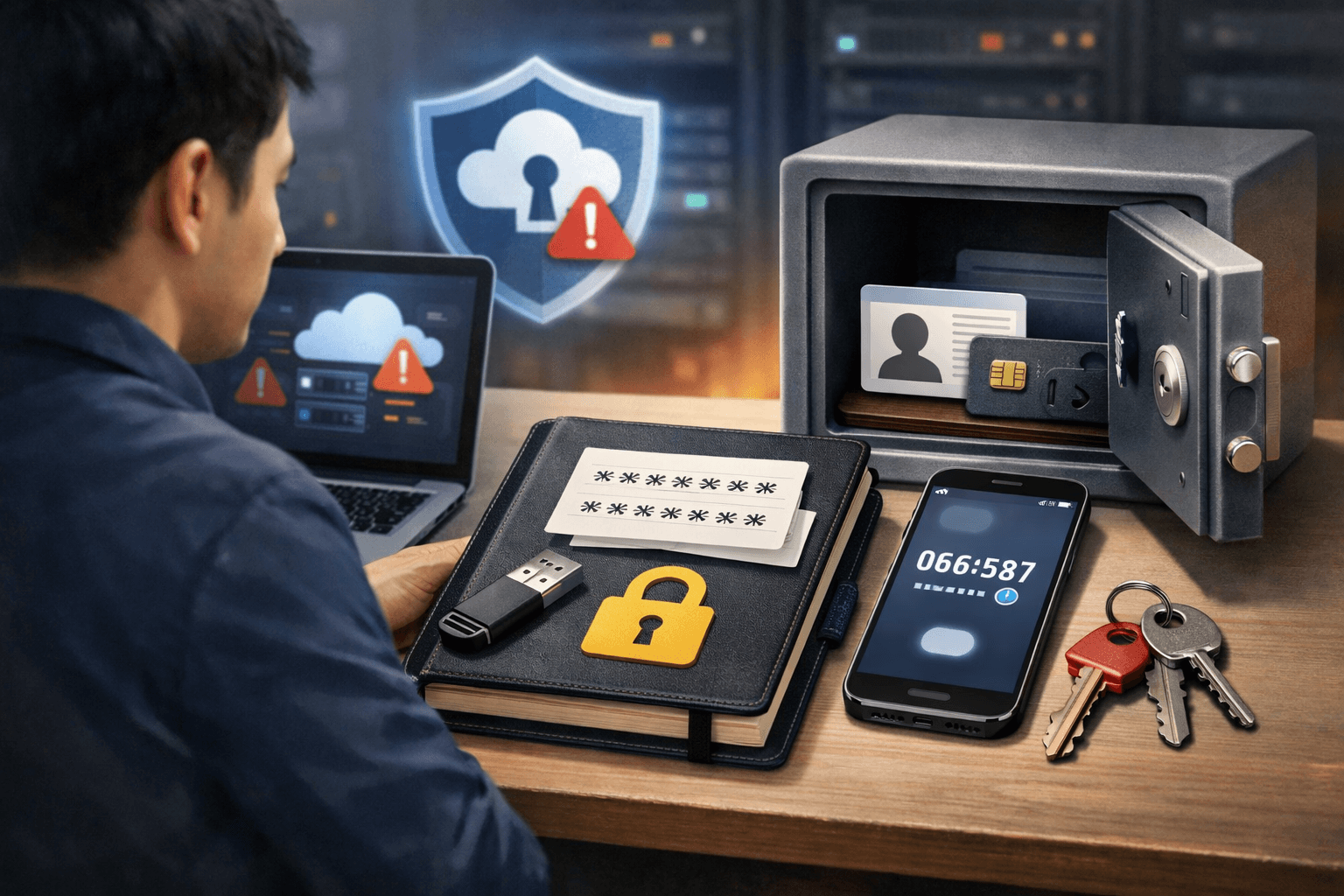
- Create emergency deployment credentials with narrowly scoped permissions, a short validity period, and access limited to the required environments.
- Ensure that at least two people can approve or activate the process, avoiding dependence on a single individual.
- Use a secret manager independent of GitHub, with access logging and a revocation process.
- Protect artefact or image-signing keys separately; do not copy private keys into repositories, personal computers, or script files.
- Maintain an out-of-band contact list for notifications when issues, pull requests, and comments are inaccessible.
Emergency access should not be an unrestricted administrator token stored in a plain-text file. After use, revoke or rotate the credentials, review the logs, and record the commit, artefact, approver, and deployment time.
Runbook for when GitHub Actions or the API begins failing
1. Confirm the platform incident
Check GitHub’s status page, send a safe API request, record when the failure occurred, and compare the result with another repository or workflow. Do not rush to edit YAML or trigger large numbers of reruns while the service is unstable.
If the API returns a 403 or 429 status code, distinguish rate limiting from an outage. Respect retry-after, the reset time, and use exponential backoff; continuing to send requests after being rate-limited can cause the integration to be blocked (according to docs.github.com).
2. Freeze actions that could worsen the impact
- Temporarily pause auto-deployments, data migrations, and jobs that write to external systems.
- Do not delete workflow runs, artifacts, or runners to “clear the queue.”
- Record the pending commit, release, and changes.
- Communicate the status to the development, operations, and product stakeholders through a communication channel outside GitHub.
3. Select an operating mode
- Standby mode: use this when there is no need to release; only monitor the system and prepare for rollback.
- Emergency-release mode: use this for a critical issue; run the alternative route with a pinned commit, perform the minimum required checks, and obtain two-person approval.
- Controlled manual mode: use this only when the alternative CI route is not ready; one person builds, another reviews the logs and artifacts, and only a separately authorized person performs the deployment.
4. Log every action
Create a record outside GitHub containing the incident ID, start time, commit used, test results, artifact checksum, approvers, deployment commands, health-check results, and the rollback decision. This record will serve as the reconciliation source when GitHub becomes available again.
Recover after the outage and avoid duplicate releases
When GitHub is operating normally again, do not immediately rerun every workflow. Proceed in this order:
- Reconcile workflows that succeeded, failed, were queued, or never managed to create a run.
- Compare the commit built through the fallback route with the commit currently recorded on GitHub.
- Check the artifacts and production environment to avoid deploying the same change twice.
- Rerun only the workflows that are necessary, prioritizing a specific commit SHA or an intentionally triggered new event.
- Clearly mark the manual release in the change-management system.
- Revoke the emergency credentials, review permissions, and retain the logs for the post-incident review.
GitHub has recorded incidents in which events that occurred during the incident could not be replayed automatically, so do not assume that the system will catch up on its own. Each critical workflow needs clear criteria for whether to retry it, trigger it again with a new commit, or skip it because the artifact has already been released.
Checklist before considering the plan complete
- There is a dependency map and an owner for the source code, CI, runners, registry, secrets, and deployment.
- There is a source-code mirror outside GitHub, and the process for retrieving the correct commit has been tested.
- Artifacts or container images are stored in an independent repository, together with their checksums and build information.
- There is an alternative build–test–deploy route that does not require the GitHub Actions control plane.
- Emergency credentials have limited permissions, a defined validity period, and a revocation procedure.
- There is a runbook specifying the conditions for switching modes, the approvers, and the rollback procedure.
- There is a mechanism to prevent builds from using dependencies without pinned versions.
- The team has rehearsed a scenario in which the GitHub API is unresponsive and has tested the process in a non-production environment first.
- There is a procedure for reconciling workflows, artifacts, and logs after GitHub recovers.
A practical starting point: First, complete the source-code mirror, store a release artifact outside GitHub, write the rollback runbook, and test the build–test–deploy process with a pinned commit in a non-production environment. Once this route has been verified, decide whether investing in a fully independent CI/CD system is necessary.
Reference source
