






The safest way to buy concert tickets is to start with an official source, not a resale post on social media. Open the official website or account of the artist, event organizer or venue to find the ticket seller linked directly from it. If you are buying a transferred ticket, proceed only when the event platform supports ticket transfers, provides clear terms and offers an appropriate support channel.
This process does not guarantee that every transaction will be refunded if something goes wrong. Transfer rights, resale policies, dispute procedures and the authority responsible for receiving complaints vary by country, ticket provider and payment method. The practical goal is therefore to reduce risk by independently verifying the transaction before paying.
No ticket screenshot, video of someone holding a ticket or account with a large following can, by itself, prove that a ticket is genuine. Tickets may be forged, sold to multiple people or invalidated after the seller receives payment. Ticketmaster also notes that it cannot verify tickets purchased from third parties; the most reliable authentication process is to buy directly from the official platform or the venue’s box office (according to help.ticketmaster.com).
A seven-step process for buying concert tickets safely
1. Identify the correct event before looking for a seller
Record the artist’s name, city, performance date, venue, organizer and ticket-sale opening time. Cross-check the information against at least two channels managed by the artist, organizer or venue. If the sources do not agree, do not place a deposit or make a payment yet.
- The artist’s or event’s official website.
- A social-media account linked from the official website.
- The venue’s website or a ticket provider announced by the organizer.
Do not treat an advertisement appearing on Facebook, Instagram, TikTok or a search engine as proof that it is official. Subscribe to notifications from the artist, venue and ticket seller to learn when sales open, rather than relying on resale posts from unclear sources (according to consumer.ftc.gov).
2. Open the official ticketing website yourself
Do not immediately click a link sent in a message, comment or advertisement. Open the official website of the artist, organizer or venue yourself, then follow its ticket link. This can reduce the risk of visiting a fake website, but you must still check the domain name and event details.
Before signing in or entering payment information, check the following:
- The domain name matches exactly, with no extra hyphens, letters or unusual domain extensions.
- The website’s event information matches the date, venue and organizer.
- The checkout page clearly states its pricing, fees, refund policy and customer-support options.
- The link takes you to an app or domain that the organizer has publicly announced.
A padlock icon or a brand-matching interface is not enough to prove that a website is genuine. Scammers can create copied interfaces or buy advertisements that lead to fake domains.
3. Check the ticket status: original, transferred or speculative
Before paying, ask what type of ticket it is and verify the answer through an official channel:
- Directly purchased ticket: The seller bought it through an official channel and can transfer it using a feature supported by the platform.
- Ticket resold on a verified platform: The platform provides transaction information, a ticket-transfer process and support channels under its terms. The phrase “verified” does not replace reading the terms.
- Speculative ticket: The seller is offering the ticket before the official sale begins or has not shown that they possess a transferable ticket.
Ignore offers such as “reserve your spot,” “insider tickets available” or “guaranteed allocation” when the event has not yet gone on sale. Such listings may be for speculative tickets rather than actual tickets; check the artist’s website and avoid ticket listings that appear before the official sale begins (according to blog.ticketmaster.com).
4. Check the seller without mistaking identity for evidence
If you are still considering buying from an individual, treat the account as an unverified source. An old account, a large number of followers, transaction screenshots or recommendations from friends may all be fabricated, stolen or staged.
Check the following:
- Is the posting history consistent, or has the account recently changed its name and profile picture and suddenly become much more active?
- Do the phone number, name on the receiving account and seller’s name match?
- Will the seller accept a transaction through a platform with buyer protection, or do they insist on a direct bank transfer?
- Do they avoid calls, in-app verification or repeatedly change their explanation?
If an account claims to belong to the artist, manager or organizer’s representative and sends you a private message offering tickets, verify it through the official website or a known public contact channel. You can also learn more about how to identify impersonation content involving public figures when a ticket offer relies on a fake video, voice or account.
5. Do not use a screenshot to authenticate a ticket
A screenshot only shows that the seller has an image; it does not prove that they possess a valid ticket. The QR code or barcode in the image may have been copied, partially obscured or sent to multiple people at the same time.
Do not ask the seller to publicly post the entire ticket code as proof. Posting the code on social media could allow someone else to copy and use it before you do. If the seller sends a ticket image, ask them to obscure the code and transfer the ticket through the provider’s official system, if the platform supports that feature.
6. Choose a payment method that may support disputes
Prioritize a payment method that lets you see the recipient clearly, retain a transaction history and submit a support request if something goes wrong. Read the platform’s buyer-protection terms before paying; “you can file a dispute” does not mean that you will definitely receive a refund.
Do not pay if the seller asks for:
- Gift cards, cryptocurrency or international bank transfers that are difficult to reverse.
- A transfer through a personal payment app marked as a gift or private transaction.
- Additional “ticket-holding fees,” “unlock fees,” “name-change fees” or “ticket-receipt taxes” beyond the official price.
- A photo of your identity document, card details, one-time passcode (OTP) or password to “verify the buyer.”
Signs such as pressure to transfer money quickly and requests to use hard-to-trace payment methods often appear in scams. If you have already sent money by mistake, contact your bank or payment provider immediately to ask whether the transaction can be blocked, investigated, recovered or referred for fraud handling (according to consumerfinance.gov).
7. Verify the outcome as soon as you receive the ticket
After paying, check whether the ticket has appeared in your official account. Do not rely solely on an email or PDF file sent by the seller. Some platforms display the ticket code only shortly before the event, so read the rules to distinguish a valid pending status from a seller who has not transferred the ticket.
- Sign in to the official app or website using your own device.
- Check the event name, date, section, row, seat and ticket status.
- Read the rules on name changes, transfers, refunds and when the ticket code becomes visible.
- Save the receipt, messages, account name, amount and transaction time.
If the ticket has not appeared by the time specified by the platform, the details do not match, or the seller asks you to click an unfamiliar link to “activate” it, stop. Do not install apps from unknown sources or provide login codes.
Three signs you should cancel the transaction immediately
- An unusually low price combined with time pressure: the seller says only a few minutes remain, someone else is waiting or you must pay a deposit immediately.
- No independent verification link: all the information appears in private messages, while the official website does not mention the seller or the offer.
- A payment method that cannot protect you: the seller refuses a platform that supports disputes and accepts payment only by bank transfer, cryptocurrency or gift card.
A legitimate seller may set a deadline for holding a ticket, but should still provide verifiable information and clear transaction terms. Do not let fear of missing out cause you to skip verification.
What to do if you suspect you bought a fake ticket
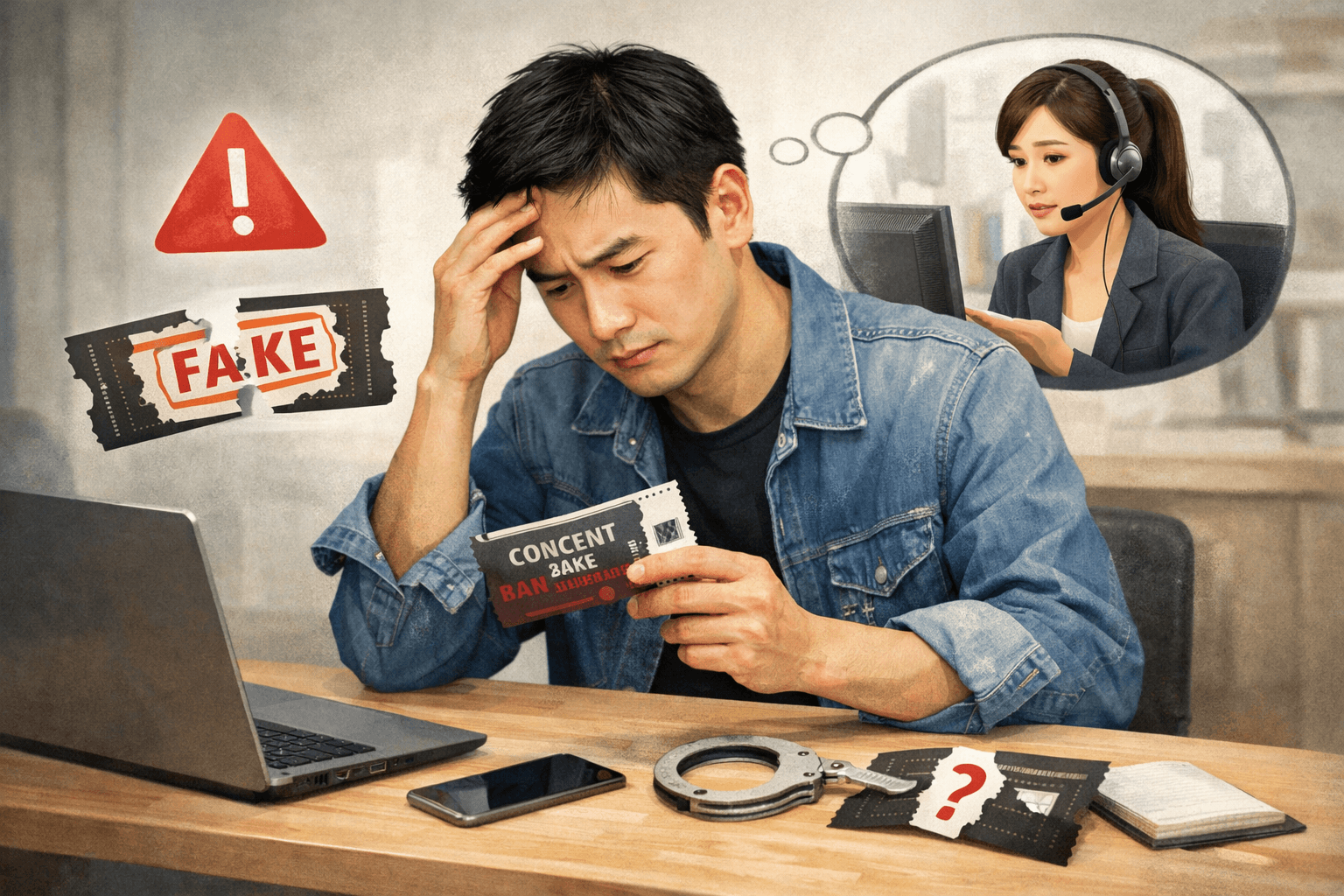
- Stop communicating and do not send more money: especially if the seller claims an additional fee is needed to complete the ticket transfer.
- Save the evidence: take screenshots of the post, profile, messages and emails, and save receipts, transaction codes and the recipient account details.
- Contact your bank or payment service immediately: clearly state that the transaction may be fraudulent and ask about the procedures for investigating the transaction, freezing it or protecting your account.
- Report the account and post: use the reporting functions of the social network, ticketing platform and event organizer.
- Change your passwords if you clicked a link or provided login information: prioritize your email, ticketing and payment accounts, and enable multifactor authentication if available.
- Report the incident to the appropriate authorities where you live: reporting procedures and the possibility of recovering money vary by country. In the United States, the Consumer Financial Protection Bureau (CFPB) advises contacting your financial institution and relevant agencies such as the Federal Trade Commission (FTC) or the FBI’s Internet Crime Complaint Center if you suspect fraud (according to consumerfinance.gov).
Do not pay anyone who claims to offer a “fund-recovery service” and promises to recover your lost money. This may be a second scam.
Example: checking a ticket offer
Hypothetical situation: An Instagram account posts: “Two tickets in a great section, below-market price—bank transfer required within 10 minutes.” The seller sends ticket images and a partially redacted identity document, and says the tickets cannot be transferred through the official platform.
What to do: Do not send the money. First, open the artist’s official website to check the authorized ticket seller. Then check whether the event is actually on sale, whether the tickets are transferable and whether the platform supports resale through its own process. Because the offer involves time pressure, the ticket images provide no independent verification and the payment method offers no protection, treat this transaction as high risk.
30-second checklist before clicking “Pay”
- Have I found the ticket link through the official website or account?
- Are the domain name and ticket seller’s name correct?
- Is the event genuinely on sale, or could this be a speculative ticket?
- Will the ticket appear in my official account, or will I receive only an image or PDF?
- Do I understand the transfer, refund and dispute-support policies?
- Is the seller pressuring me, avoiding verification or requesting a payment method that is difficult to recover?
- Have I saved the evidence and checked the final amount, including fees?
If you cannot answer any question with confidence, pause the transaction. No concert is worth putting your account, personal data or entire ticket budget at risk.
Reference source
- How do I confirm if my tickets are valid or authentic?— Ticketmaster Help
- Cracking down on ticket bots that leave you out in the cold— Federal Trade Commission
- How to Avoid Fake Speculative Tickets for Live Events— Ticketmaster
- What are some classic warning signs of possible fraud and scams?— Consumer Financial Protection Bureau
- Who do I contact for help with a scam or fraud?— Consumer Financial Protection Bureau
