






The short answer: Back up your content and theme, open the blog while signed out, check URLs, images, and menus on a computer and phone, then measure a specific URL with PageSpeed Insights. Change only one component at a time, and mark the task complete only when the public URL and required functionality still work.
This article uses SaibABC Blog as an example. It is a planned Blogger project, not evidence that the blog has been created, has a public address, or has achieved any actual results. If you do not have a real URL yet, create a checklist but do not record the item as “fixed.”
When you finish, you will have an issue log ranked by impact, a before-and-after change log, a rollback plan, and weekly and monthly review schedules.
Prepare Backups and a Checklist
You need blog editing access, a desktop browser, a phone, and a list of important URLs. Record the homepage, one real post, published Pages, menus, labels used as destinations, and all enabled widgets.
Before changing the theme or layout, back up the blog content and theme separately. Blogger provides separate workflows for backing up content and downloading a copy of the theme; these should not be treated as a single file (according to support.google.com). Store the files somewhere with controlled access, and name them something like [ten-blog]-[loai-sao-luu]-[YYYY-MM-DD] then replace the bracketed portion with the actual data.
A theme backup provides a rollback path for layout changes; a content backup does not replace recording URLs, menu settings, and widget changes. If you need to restore the blog, keep the original files unchanged before trying a new approach.
Prioritize Problems That Stop Readers
| Priority | Sign | Action | Success condition |
|---|---|---|---|
| Critical | The page does not open, HTTPS or the domain is failing, or the main image is missing | Check the URL and access status; do not change multiple layers at once | A signed-out visitor can open the correct page |
| High | A menu leads to the wrong destination, the “Learn Blogger” page is blank, or content overflows horizontally | Fix the destination or remove the item that has no content | Readers can follow the menu to real content |
| Medium | Large images, widgets, or elements load late | Measure first, try one change, then measure again | Required functionality still works and shows signs of improvement |
| Low | The performance score is not high, but there is no clear problem | Optimize only when there is a specific problem to solve | Record the reason for the change |
A low performance score does not automatically mean the blog is unusable. Prioritize accessibility, correct content display, and navigation before optimizing the score.
Check Links from the Reader’s Perspective
- Open the blog in a private window or a browser where you are not signed in.
- Open the main menu, sidebar, footer, and “Learn Blogger” if that Page has been created and published.
- Click the important links instead of merely looking at URLs in the admin interface.
- Record the original URL, the final URL after any redirects, the error code if there is one, and the link’s location.
Checking while signed out helps prevent confusion between administrator permissions and visitor access. If an administrator can open a page but a visitor cannot, check its public status, reader permissions, and publication status.
| Symptom | Possible cause | How to handle it |
|---|---|---|
| Page not found | The URL is incorrect, the post or Page was deleted, or the path changed | Open the correct destination, then update the URL or remove the link |
| The “Learn Blogger” menu item leads to a blank page | The landing Page has not been created or published, or no real link has been added | Temporarily remove the item from the menu; add it back only when the destination opens successfully |
| The URL redirects elsewhere | The domain, post URL, or an unexpected redirect chain has changed | Record the final URL before making any further changes |
| The menu contains a placeholder item | The new page or label exists only in the plan | Do not turn a placeholder into a public URL |
In Blogger, the Page List can display pages or custom link items. Therefore, add only pages, labels, or URLs that you have checked outside the admin interface to the menu (according to support.google.com).
For SaibABC Blog, “Blogger Learning” and “Writing Content” are only planned destinations if no actual page or label exists yet. A short, working menu is better than one filled with empty links.
Fix broken images before optimizing images
Distinguish among three cases:
- Broken image: a blank area, broken-image icon, or alt text appears in place of the image.
- Slow-loading image: the image eventually appears but loads late or causes the content to shift.
- Incorrectly sized image: the image overflows its column or creates horizontal scrolling on a phone.
- Open the post or page containing the image from its public URL on both a computer and a phone.
- Record the post URL, the text surrounding the image, its caption, and its alt text.
- In the editor, remove only the broken image from the draft; do not delete the entire post.
- Reinsert an image from a source you are authorized to use, preferably through Blogger’s image tool rather than an URL from an unclear source.
- Choose a size appropriate for the content area and check that the image does not overflow the screen.
- Save or update the post, then reopen the public URL while signed out.
If the image was inserted using HTML or an external gadget, check the source URL, the https protocol, access permissions, and whether the image source still exists. Do not take an image from another website merely because it is displayed there if you do not have permission to use it.
You can consult the Blogger image optimization guide after the image displays correctly. Do not replace every image on the blog because a single image is broken, and do not use a large file for a small display area without a clear reason.
Check the menu and phone layout through one complete user journey
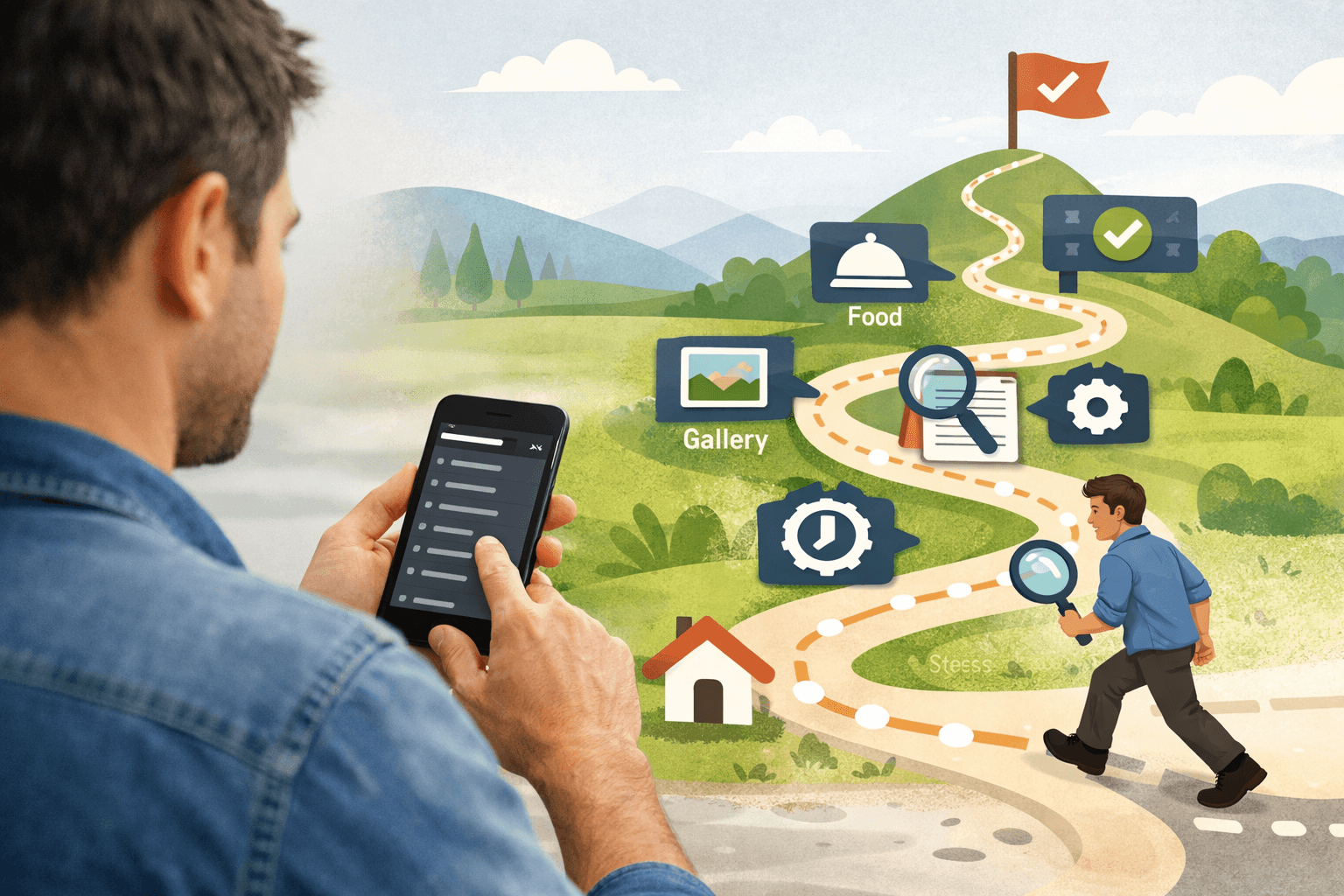
- From the public homepage, open the main menu.
- Select “Blogger Learning” only if the page has actually been created and published.
- Open the post “5 Things to Prepare Before Creating a Personal Blog” if the real post is linked; if it is not available, choose one of your published posts.
- Open an internal link in the post, then return using the browser’s navigation button.
- Repeat the entire journey on a phone in portrait orientation.
Check that text is not clipped, horizontal scrolling is unnecessary, menu items are easy to tap, images stay within the content area, and titles and headings are easy to read. If the layout breaks after a change, check for content that is too wide, recently added gadgets, and the theme. Blogger provides guidance for addressing certain gadgets or display problems from Layout; if the page is blank or unexpected code appears, stop adding code from unknown sources and check the theme first (according to support.google.com).
Measure the cause of slow loading before removing gadgets
Choose a representative URL, such as the homepage and a post with many images. Record the URL, measurement date, device, and main warnings. Run the same URL before and after the change in PageSpeed Insights; when data is available, the tool may combine simulated data with real-user data, so a single run is not an absolute conclusion (according to developers.google.com).
Do not record only the overall score. Record specific contributors such as large images, above-the-fold images, third-party JavaScript or iframes, fonts, advertisements, chat boxes, social media elements, embedded videos, and layout shifts as resources finish loading.
- Record the initial measurement results.
- Choose one suspected component.
- Record the current configuration and how to restore it.
- Temporarily disable or remove only that component.
- Save the change, then open the public URL on a computer and a phone.
- Check which functionality was lost and measure the same URL again.
Third-party JavaScript can provide sharing buttons, videos, chat boxes, advertisements, or analytics, but it can also affect performance and privacy (according to web.dev). Therefore, keep a gadget only when you know what purpose it serves and can check the results after making a change.
If a gadget is no longer used, has no real destination, or provides no clear value, consider removing it. If it serves a necessary function, try reducing the scope of its display or keep it; do not delete it solely to improve the score. You can consult how to check image lazy loading when the tool identifies an image-loading issue, but check above-the-fold images and content accessibility before applying the change at scale.
Record before-and-after results and prepare to roll back
Use a log for each change:
| Date | URL/area | Current status | One change | Result | Rollback |
|---|---|---|---|---|---|
| [YYYY-MM-DD] | [URL] | [liên kết/ảnh/chậm] | [hành động] | [đã mở/ảnh hiện/chức năng còn] | [có/không] |
Record an issue as “fixed” only after checking the public URL, not merely after the Save button reports success. If the menu disappears, the layout breaks, or a new error appears, roll back the latest change using the backup or recorded configuration, then check again before trying another approach.
Maintenance schedule and exercise
| Frequency | Action | Evidence to retain |
|---|---|---|
| Weekly | Open the homepage, one recent post, the menu, and important links; check images on a phone | URL list and detected issues |
| Monthly | Check the About page, “Learn Blogger,” external links, gadgets, and the mobile layout | Issue log, actions, and confirmation date |
| When changing the theme | Back up the theme, record the changes, and check the homepage, posts, menu, images, and phone display | Theme file from before the change and change log |
| When adding a gadget | Measure the URL first, add one gadget, check it, then measure again | Before-and-after results for the same URL |
Exercise: Choose a real URL, open it while signed out, and check one menu link, one link in a post, and two images. Open the same URL on a phone, record up to three PageSpeed Insights warnings, fix only one issue, and update the log. If you do not have a public blog yet, complete the checklist without claiming that the results have been verified.
When should you stop optimizing?
- Access, image, and menu issues have been addressed.
- The page is readable on a phone and does not overflow horizontally.
- You cannot identify which specific problem the next change would solve.
- Removing a gadget would eliminate functionality readers need.
- The score changes, but there is no sign of improvement in the actual user experience.
The goal of maintenance is to keep the blog working correctly, readable, and manageable—not to make every page achieve a perfect score. If you already have Search Console or Analytics data, use the actual data together with the issue log to choose the next task; do not fill in made-up numbers.
The next step is to retain the theme backup, URL table, and change log. Once you have data showing which pages need improvement, use it to plan content instead of creating unnecessary pages, images, or gadgets. The measurement section can be linked to the relevant article in the series when that article is published.
Reference source
