






Working out with wearable devices effectively does not mean chasing every number displayed on your watch. A safer approach is to use the data to gauge exertion, track trends over several days, and adjust your workout schedule to match your actual fitness level. Smartwatches can help monitor heart rate, steps, activity duration, and sleep, but they do not replace medical examinations or clinical assessment.
In this article, I’ll show you which metrics to focus on, how to set an appropriate intensity, how to build a personalized workout schedule, and how to recognize when to reduce your training load or seek professional advice.
What data should you start with when working out with a wearable device?
Not every metric in an app is equally useful. Beginners should focus on three categories of data: exercise duration, relative intensity, and how the body responds after a workout.
1. Exercise duration and number of active days
Look at your total exercise minutes for the week rather than trying only to hit a daily step goal. For healthy adults, the World Health Organization recommends at least 150 minutes of moderate-intensity aerobic activity per week, or 75 minutes of vigorous-intensity activity, combined with muscle-strengthening activities for all major muscle groups on at least two days per week (according to who.int).
If you are currently inactive, this is not a mandatory target to reach in your first week. You can start with 10–15 minutes of brisk walking on 4–5 days, then gradually increase the duration as your body adapts. Some physical activity is better than none, especially for people who are just starting (according to cdc.gov).
2. Heart rate and perceived exertion
Heart rate can help you estimate intensity, but it should be interpreted alongside your breathing and ability to talk. Under the simple “talk test,” at moderate intensity you can talk but not sing; at vigorous intensity, you can say only a few words before needing to breathe (according to cdc.gov).
Some smartwatches display heart-rate zones based on an estimated maximum heart rate calculated as approximately 220 minus your age. The American Heart Association considers 50–70% of maximum heart rate moderate intensity and 70–85% vigorous intensity, but these are general guidelines only; medication, heart disease, fitness level, and stress can all affect heart rate (according to heart.org).
Therefore, if your watch reports a high heart rate but you can still speak normally, check the device’s fit and the measurement conditions before concluding that you are exercising too intensely.
How to interpret smartwatch data without misreading it
Data from wearable devices is best suited to tracking trends, not making diagnoses. Errors can result from the device’s position, wrist movement, sweat, temperature, skin tone, type of exercise, and the algorithm used by a particular device model.
What are the limitations of wrist-based heart-rate monitoring?
Most popular wearable devices measure heart rate with an optical sensor on the wrist. A systematic review found that accuracy can be acceptable during some activities, particularly walking or treadmill running, but error increases during cycling, resistance training, or movements that cause substantial wrist motion (according to pubmed.ncbi.nlm.nih.gov).
To improve measurement quality, wear the device securely without tightening it enough to cause numbness, position it slightly above the wrist bone, and wait for the signal to stabilize before starting. If you need more accurate heart-rate monitoring for intensive training, a chest-strap sensor is generally a better option than a wrist-based optical device.
Do not use calorie estimates to decide how much to eat or exercise
The energy-expenditure figure on a watch is usually an estimate based on age, sex, weight, heart rate, movement, and the device’s proprietary algorithm. A review of commercial wearable devices found substantial variation in energy-expenditure estimates, and no brand was considered a “gold standard” for every metric (according to pmc.ncbi.nlm.nih.gov).
Therefore, do not assume that a meal can be precisely “offset” by the number of calories your watch says you burned. Use this metric to make relative comparisons between similar workouts under similar conditions, rather than treating it as an absolute figure.
You can also read how to use wearable data correctly to avoid turning tracking information into self-diagnosis.
Build a personalized workout schedule from seven days of data
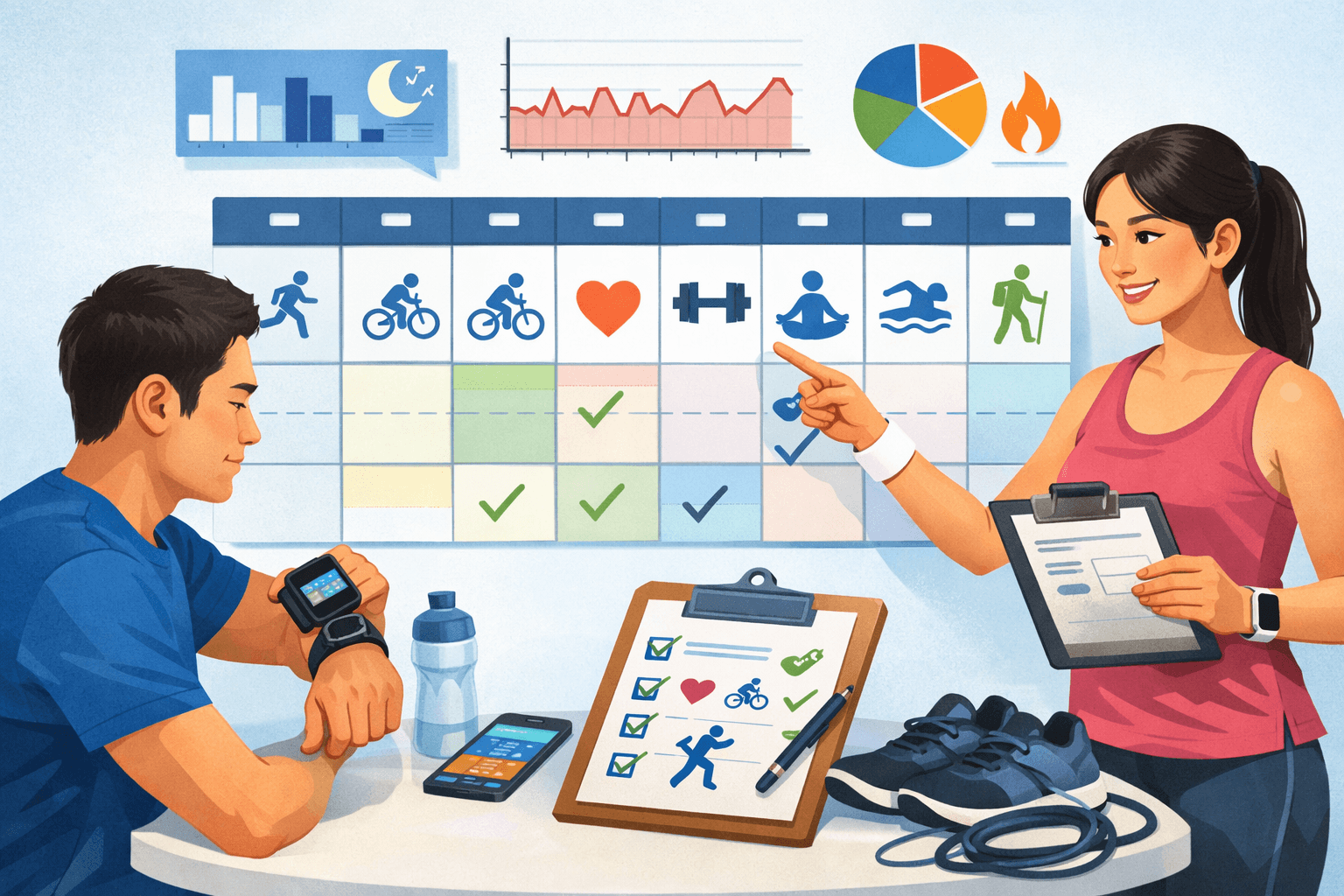
A good workout schedule balances your goals, fitness level, recovery time, and type of exercise. You can start with the following four-step process.
- Record a one-week baseline: Note the number of active days, total duration, average heart rate or heart-rate zone, perceived exertion on a scale of 1 to 10, and how tired you feel the next day.
- Choose one primary goal: For example, improve endurance, reduce sitting time, build strength, or maintain a routine. At the beginning, prioritize only one primary goal.
- Schedule hard and easy days: Avoid scheduling high-intensity workouts back to back. A day of easy walking or active recovery can help you maintain the habit without adding extra overload.
- Increase only one factor at a time: Increase duration, speed, or the number of sessions, but not all three at once. If a new week leaves you with prolonged pain, poor sleep, or a clear drop in performance, return to your previous level.
For example, a beginner could follow this schedule:
| Day | Activity | How to use the data |
|---|---|---|
| Monday | 20-minute brisk walk | Maintain an intensity at which you can speak in short sentences; monitor for a steady heart rate |
| Tuesday | 20–25 minutes of strength training | Do not set a heart-rate target; prioritize technique and controlled movement |
| Wednesday | Easy walk for 15–20 minutes | Assess muscle soreness and sleep quality |
| Thursday | Brisk walk or cycle for 25 minutes | Compare perceived exertion with Monday’s session |
| Friday | Rest or engage in light activity | Check trends in resting heart rate and fatigue |
| Saturday | Full-body strength training | Record the number of sets, repetitions and any unusual pain |
| Sunday | Leisurely walk for 20–30 minutes | Review the total duration for the week |
This schedule is only a general framework for adults without specific contraindications. Older adults, people who have been inactive for a long time, and those with cardiovascular disease, diabetes, arthritis or other chronic conditions should consult a healthcare professional about the appropriate type and level of activity (according to cdc.gov).
For more related information, you can explore the health data topic and the Health section.
When should you reduce your training load or stop exercising?
Wearables are not an infallible safety-alert system. You should reduce the intensity if an unusually high heart rate repeatedly occurs during the same exercise, perceived exertion clearly increases despite an unchanged duration, muscle pain persists, or insomnia or fatigue affects your daily activities.
Stop exercising and seek medical help if you experience chest pain or pressure, unusual shortness of breath, lightheadedness, fainting, severe palpitations or new, unexplained symptoms. Do not try to complete your watch’s goal when your body is signaling danger; chest pain accompanied by shortness of breath, nausea or dizziness requires emergency care (according to heart.org).
Checklist before each training week:
- The device is charged, updated and worn in the correct position.
- The weekly goal is based on your current fitness level, not solely on the app’s default goal.
- There is at least one light-activity or complete-rest day.
- Know the signs that mean you should reduce the intensity or stop exercising.
- Assess trends after 7–14 days; do not overreact to a single abnormal reading.
In summary, a smartwatch is most useful when it helps you exercise more consistently, recognize intensity and adjust your personal training schedule. Prioritize long-term trends, the talk test and how your body feels; treat heart rate, step count and calories as supporting data—not the final verdict.
Reference source
