






The short answer: Apple Health can be useful for tracking running trends, but the distance shown on Apple Watch does not necessarily match the treadmill display. When running indoors, choose Indoor Run, wear the watch snugly, update your body information, and calibrate your stride outdoors. Do not treat VO₂ max or Insights as medical measurements or definitive conclusions about your health.
This article is for people who have noticed that Apple Watch reports a different distance from the treadmill, or who want to know which metrics to trust. You do not need to correct every discrepancy in a single session; the practical goal is to create consistent measurement conditions so you can identify trends across multiple sessions.
The new Apple Health changes how data is interpreted—but it does not turn your watch into a laboratory
In a September 15, 2026, press release, Apple described a redesigned Health app with areas such as Insights and Longevity, along with features that use Apple Intelligence to interpret health data. The release also stated that some features are expected to roll out in late 2026 and may depend on the device, language, region, or local regulations (according to apple.com).
The key point is that the app may aggregate and interpret data more effectively, but the quality of its conclusions still depends on the input data. Distinguish between:
- Activity data: duration, heart rate, distance, speed, pace, and step count.
- Estimated data: calories, indoor distance, and VO₂ max.
- Interpretive data: Insights, readiness levels, or recommendations generated from multiple data sources.
An Insight may help you identify a trend worth examining further, but it is not a disease diagnosis. A sound conclusion requires putting the data in context, including sleep quality, recent illness, medication, temperature, training schedule, and perceived exertion.
Which metrics should you trust when running on a treadmill?
| Metric | Appropriate use | Possible causes of inaccuracy |
|---|---|---|
| Duration | Relatively useful if you start, pause, and end the workout at the correct times. | The duration includes rest or warm-up time if you do not pause the workout. |
| Heart rate | Use it to track exertion and trends across sessions. | A loose band, poor skin contact, cold temperatures, sweat, tattoos, or movement can cause missing readings. |
| Distance | Use it to compare sessions on the same device after calibration. | Apple Watch and the treadmill use different calculation methods; holding the handrails, changing speed, and stride length affect the result. |
| Speed and pace | Useful for tracking personal trends under similar conditions. | Apple Watch may derive pace from estimated distance, so it will not always match the treadmill. |
| Calories | Treat them only as a rough estimate. | They depend on your body profile, heart rate, and algorithms; do not use them to calculate precisely how much food to eat to replace expended energy. |
| VO₂ max/Cardio Fitness | Use it to track long-term trends when suitable data is available. | This is an estimate, not a direct measurement; Indoor Run is not used to calculate Cardio Fitness. |
Apple says Apple Watch estimates VO₂ max from heart and motion data during Outdoor Walk, Outdoor Run or Hiking; indoor workouts are not used for this metric (according to support.apple.com).
Why does Apple Watch report a different distance from the treadmill?
Treadmills typically calculate distance from the belt’s speed and movement. When you run indoors, Apple Watch does not use GPS to measure the route; it relies more heavily on the accelerometer, heart rate and a learned stride-length model. As a result, the two devices may report different results, which does not by itself mean that either one is malfunctioning.
The difference is more likely to increase when:
- You hold the handrails, so your arm movement does not fully reflect your running steps.
- You change speed, run on an incline or alternate with walking at intensities for which the watch has not learned your stride length.
- The band is too loose or the sensor does not maintain stable contact with your skin.
- Your height, weight or other profile information in the Watch app is out of date.
- The treadmill needs maintenance, its belt is slipping or its displayed speed is no longer accurate.
For an individual workout, choose one consistent source for tracking progress. If your goal is to compare different weeks, record the speed set on the treadmill, duration, incline and average heart rate rather than looking only at the distance reported by Apple Watch.
Set up Apple Watch before running on a treadmill
1. Choose Indoor Run and check data permissions
On Apple Watch, open Workout and choose Indoor Run before you start running. Do not choose Outdoor Run simply to try to generate GPS data indoors. On your iPhone, open the Healthapp, tap your profile picture → Apps or Devices, select the relevant app and check the required data permissions. Menu names may vary slightly depending on your operating-system version.
If an app is not authorized to read or write data, the workout may not appear completely in Health. Grant only the permissions you need, and review third-party apps before allowing access to running, heart-rate or sleep data.
2. Update your body measurements
On your iPhone, open Watch → My Watch → Health → Health Details → Edit. Check your date of birth, sex, height and weight, and update them if anything has changed. This information affects some calculations, such as calories and fitness estimates.
3. Wear the watch correctly
Wear Apple Watch on the top of your wrist and fasten it snugly enough for the sensors to maintain stable contact with your skin, but not so tightly that it causes pain or numbness. If the band is too loose, the heart-rate signal may have gaps or fluctuate abnormally. Cold temperatures, sweat, tattoos and irregular movement can still affect the sensors even when the watch is worn correctly.
4. Turn on motion calibration and distance
On your iPhone, go to Settings → Privacy & Security → Location Services → System Services, then turn on Motion Calibration & Distance. Perform this step on your iPhone, not on the treadmill display.
Next, wear the watch and complete an Outdoor Walk or Outdoor Run in a flat, open area with a strong GPS signal for about 20 minutes at your usual pace. If you regularly use several different speeds, you should calibrate for the main speeds you use (according to support.apple.com).
Calibration helps Apple Watch learn the relationship between movement, stride length, and distance; it does not confirm that the treadmill is displaying speed accurately.
VO₂ max Is Only an Estimate of Fitness
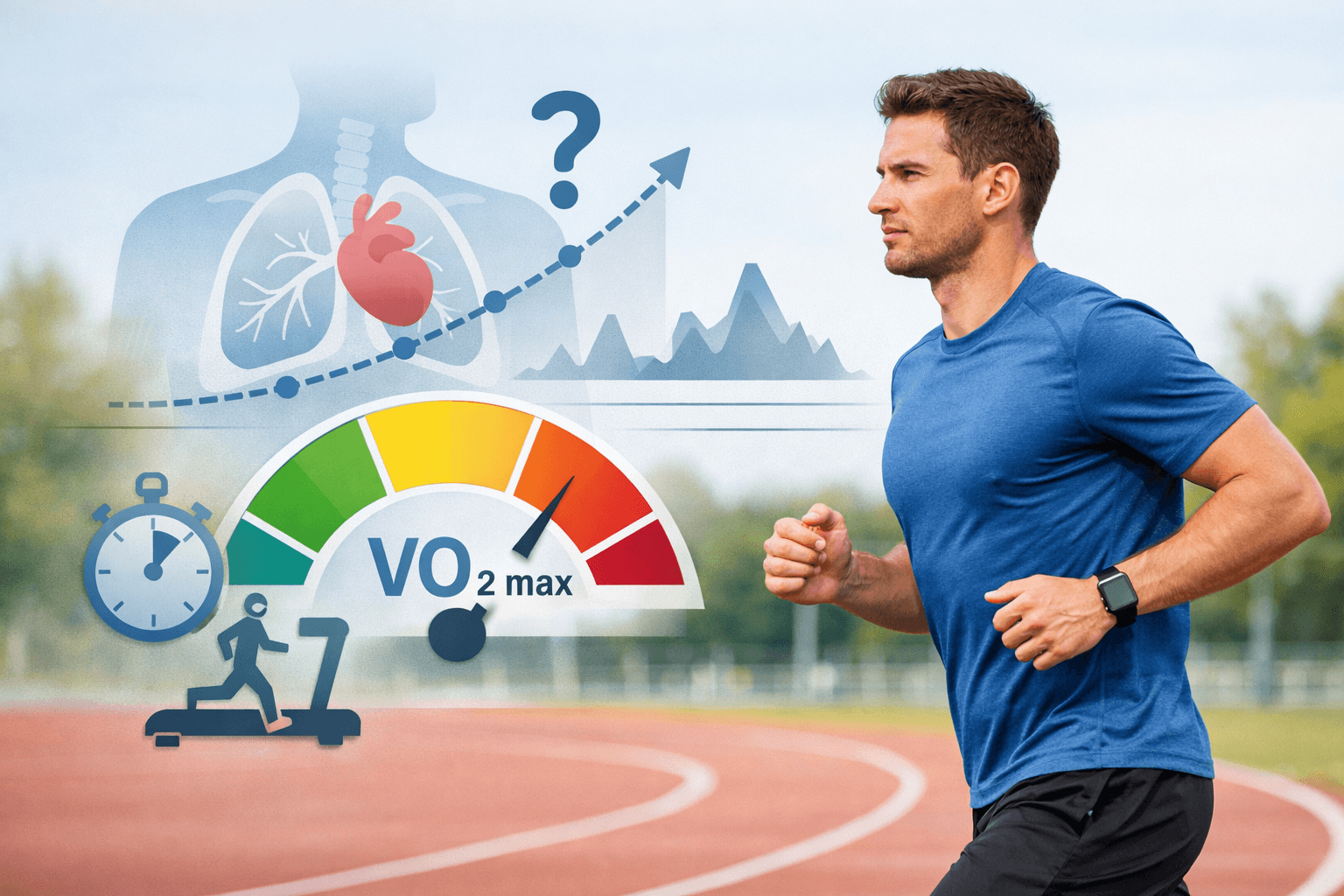
VO₂ max is the maximum amount of oxygen the body can use during exertion, typically expressed in mL/kg/min. On Apple Watch, it is an estimate, not a direct measurement taken with a gas-analysis mask during a maximal exercise test.
A study indexed in Digital Health compared Apple Watch VO₂ max estimates with indirect calorimetry during a treadmill running test. The reported results suggest that the watch can provide a convenient estimate of fitness, but its accuracy is limited and it should not be treated as equivalent to a standard laboratory measurement (according to pubmed.ncbi.nlm.nih.gov).
A safer way to interpret it is to:
- Avoid reacting to a single reading after one workout.
- Look for trends over several weeks and under similar conditions.
- Compare it with heart rate, speed, perceived exertion, and your ability to complete the workout.
- Do not use the VO₂ max reading on your watch to self-diagnose heart or lung disease.
If the reading remains low over time and is accompanied by unusual shortness of breath, chest pain, dizziness, or a marked decline in exercise capacity, stop trying to adjust your training based on the number and speak with a healthcare professional. If symptoms are severe or appear suddenly, seek emergency medical care.
Read Insights Without Treating an Interpretation as a Diagnosis
When reviewing an Insight, check these four points:
- What data is the Insight based on? It could be based on heart rate, sleep, workouts, heart rate variability (HRV), or data from another app.
- Is there enough data over time? One poor night of sleep is not enough to draw conclusions about a long-term change in health.
- Is it a description or a recommendation? “A downward trend” is not the same as “you have a health problem.”
- Could other factors be affecting the result? Acute illness, alcohol, travel, changes in altitude, medication, or changes to your training schedule can all cause readings to fluctuate.
Apple Intelligence may make health data easier to interpret, but it does not make the underlying sensor data inherently more accurate. Treat an Insight as a starting point for further review, not as the sole basis for making major changes to your training plan or self-diagnosing.
For a broader explanation of how to use wearable devices without self-diagnosing, see how to interpret wearable data trends safely. People building a training plan can also consult how to use wearable data to exercise safely.
A Post-Workout Review Process
- Record the workout type, such as Indoor Run, along with the speed, incline, and duration.
- Check whether you held the handrails, stopped during the workout, or changed speed repeatedly.
- Compare the treadmill distance with the Apple Watch reading, but do not conclude that either one is absolutely correct based on a single workout.
- Check the heart-rate graph for prolonged gaps or unusual fluctuations.
- Note any unusual factors, such as lack of sleep, fatigue, heat, alcohol consumption, recent illness, or medication use.
- Assess progress only after a series of workouts performed under similar conditions.
Hypothetical example: the treadmill reports 5 km in 35 minutes, while Apple Watch reports 4.6 km. If the duration matches, your heart rate is stable, and you did not hold the handrails, use the speed set on the treadmill and the duration as the primary data for that workout; also note that Apple Watch may need further calibration. If the discrepancy recurs, check your watch fit, stride, and the treadmill’s maintenance status before changing your training plan.
If the Data Still Looks Abnormal, Troubleshoot in This Order
- Repeated distance discrepancy: check that Indoor Run was selected, update your profile, avoid holding the handrails, calibrate the watch outdoors, and use the same treadmill for comparison.
- Gaps in heart-rate data: adjust the band and the watch position; if the readings remain abnormal, do not use that metric as the sole basis for deciding workout intensity.
- No VO₂ max reading: check whether you have sufficient data from an appropriate Outdoor Walk, Outdoor Run, or Hiking workout; Indoor Run does not by itself generate Cardio Fitness under Apple’s criteria.
- A sudden change in an Insight: review the observation period and possible confounding factors before drawing conclusions about your health.
If you need to undo calibration data, open Watch → My Watch → Privacy → Reset Fitness Calibration Data, then recalibrate outdoors. The menu name may vary by software version; this does not correct a treadmill that reports the wrong speed.
Conclusion: Trust Trends, Not a Single Number
Apple Health is best used as a personal trend-tracking system. When you run on a treadmill, duration and heart rate are generally useful for tracking exertion; distance and pace should be compared under consistent conditions; calorie estimates are only estimates; and VO₂ max should be interpreted as a long-term estimated fitness metric based on suitable outdoor workouts.
The practical process is: select Indoor Run, check your profile and data permissions, wear the watch correctly, calibrate it outdoors, record the workout conditions, and review trends across multiple sessions. This does not turn the Apple Watch into laboratory-grade measuring equipment, but it can help you avoid common misinterpretations.
Reference source
- Apple advances health and fitness capabilities using Apple Intelligence and the most accurate heart rate sensing in a wearable— Apple Newsroom.
- Track your cardio fitness levels— Apple Support.
- Get the most accurate measurements using your Apple Watch— Apple Support.
- Calibrate your Apple Watch for improved Workout and Activity accuracy— Apple Support.
- Investigating the accuracy of Apple Watch VO2 max measurements: A validation study— PubMed.
