


Close Menu
  • Home
  • Life style
    • Celebrities
    • Exercise & Training
    • Healthline
  • Exploration
    • Beauty tips
    • Business
    • Travel guides
    • Fashion
    • Technology
  • Web tutorials
    • Hosting & Servers
    • Blogger guides
    • WordPress guides
  • English
    • Tiếng Việt
    • Hmoob
    • English
Facebook YouTube X (Twitter) Instagram
Trending
  • How to Register and Set Up a Vultr VPS: A–Z Guide
  • Docker Minimus Migration: Move to Docker Hardened Images
  • Blogger Permissions for Collaborators: Keep Control
  • Add a Blogger Report Abuse Button to Custom Themes
  • Optimizing Blogger Images for Google Images: File Names to Landing Pages
  • What Is a VPS? Top 5 Providers and Selection Criteria
  • Unprecedented: Argentina to Honour Messi in the 10th Minute
  • Blogger Image Lazy Loading for SEO: Crawlable Pages
Facebook YouTube X (Twitter) Instagram
SaibABCSaibABC
Chú thích cho quảng cáo
  • Home
  • Life style
    1. Celebrities
    2. Exercise & Training
    3. Healthline
    4. View All

    Unprecedented: Argentina to Honour Messi in the 10th Minute

    05/09/2026

    Messi vs. Ronaldo at 1,000 Goals: Who Will Reach the Milestone?

    30/08/2026

    Comparing Lionel Messi and Cristiano Ronaldo: Their Complete Careers

    30/08/2026

    Celebrities Move to Video Podcasts: The New Era of Talk Shows

    30/08/2026

    Five-Minute Office Exercises: A Snack-Sized Movement Schedule

    30/08/2026

    Best Exercises to Strengthen Your Core: From Beginner to Advanced

    30/08/2026

    Wearable Workouts: Use Data to Exercise Safely

    01/09/2026

    Diagnosing and Treating Severe Pneumonia: A Practical Guide

    30/08/2026

    Preventing Dengue at Home: A Safety Checklist

    30/08/2026

    Using Wearables for Health Monitoring: Safe Use and Limits

    30/08/2026

    Unprecedented: Argentina to Honour Messi in the 10th Minute

    05/09/2026

    Wearable Workouts: Use Data to Exercise Safely

    01/09/2026

    Messi vs. Ronaldo at 1,000 Goals: Who Will Reach the Milestone?

    30/08/2026

    Diagnosing and Treating Severe Pneumonia: A Practical Guide

    30/08/2026
  • Exploration
    1. Beauty tips
    2. Business
    3. Travel guides
    4. Fashion
    5. Technology
    Featured

    Free Windows 11 Product Keys: Facts and Legal Activation

    By Nuj Coom02/09/2026
    Recent

    Free Windows 11 Product Keys: Facts and Legal Activation

    02/09/2026

    Edge AI on Raspberry Pi: When to Run Locally?

    02/09/2026

    Protect Small Businesses from Impersonation Scams

    01/09/2026
  • Web tutorials
    1. Hosting & Servers
    2. Blogger guides
    3. WordPress guides
    4. View All

    How to Register and Set Up a Vultr VPS: A–Z Guide

    07/09/2026

    Docker Minimus Migration: Move to Docker Hardened Images

    07/09/2026

    What Is a VPS? Top 5 Providers and Selection Criteria

    05/09/2026

    What Is an Agent Plugin? Package AI Skills Across Tools

    02/09/2026

    Blogger Permissions for Collaborators: Keep Control

    07/09/2026

    Add a Blogger Report Abuse Button to Custom Themes

    07/09/2026

    Optimizing Blogger Images for Google Images: File Names to Landing Pages

    07/09/2026

    Blogger Image Lazy Loading for SEO: Crawlable Pages

    05/09/2026

    WordPress 7.1 AVIF & HEIC: Reduce Server Load

    02/09/2026

    WordPress 7.1 Responsive Breakpoints: How to Test Them

    02/09/2026

    Protecting WordPress Against AI Bots and Unknown Crawlers

    30/08/2026

    How to Install the LAMP Stack on Ubuntu: Linux, Apache, MySQL and PHP

    30/08/2026

    How to Register and Set Up a Vultr VPS: A–Z Guide

    07/09/2026

    Docker Minimus Migration: Move to Docker Hardened Images

    07/09/2026

    Blogger Permissions for Collaborators: Keep Control

    07/09/2026

    Add a Blogger Report Abuse Button to Custom Themes

    07/09/2026
  • English
    • Tiếng Việt
    • Hmoob
    • English
SaibABCSaibABC
Home»Web tutorials»Blogger guides»Add a Blogger Report Abuse Button to Custom Themes
Blogger guides 5 Mins ReadNo Comments

Add a Blogger Report Abuse Button to Custom Themes

Nuj CoomBy Nuj Coom
Facebook Twitter Pinterest LinkedIn Tumblr Email
Chú thích cho quảng cáo

Contents

  1. Why does a custom blog need a Blogger Report Abuse button?
  2. How to Add the Report Abuse Widget to Blogger
    1. Method 1: Add the Widget from the Layout Section
    2. Method 2: Add a Direct Link in a Custom Theme
  3. Test the Reporting Button and Avoid Customization Errors
    1. Post-implementation checklist
    2. Common Issues and Fixes
  4. Reference source

If your Blogger blog uses a custom theme, check for and restore the Blogger Report Abuse button in the footer, sidebar, or navigation menu. The safest approach is to add the default Report Abuse widget from the Layout section. If the widget does not appear, you can add a direct link to https://www.blogger.com/go/report-abuse. Blogger recommends maintaining this mechanism so readers can report inappropriate or potentially illegal content (see Blogger Help).

Why does a custom blog need a Blogger Report Abuse button?

When you change the theme, remove the default footer, or use a template downloaded from an external source, the reporting button may be removed without any clear warning. Readers then have no direct way to report copyright infringement, scams, impersonation, malware distribution, or other illegal content.

In its official support documentation, Google calls this feature Report Abuse and states that the button may appear in the footer, sidebar, or menu, depending on the template. Blogger also allows this default mechanism to be used when you are building a blog with a custom theme (see Google Blogger Help).

A reporting link does not mean that a blog is “DSA-compliant by certification.” It is one step in implementing a notice-submission mechanism. Article 16 of the Digital Services Act requires notice mechanisms for allegedly illegal content to be accessible, user-friendly, and capable of receiving submissions electronically (see EUR-Lex).

How to Add the Report Abuse Widget to Blogger
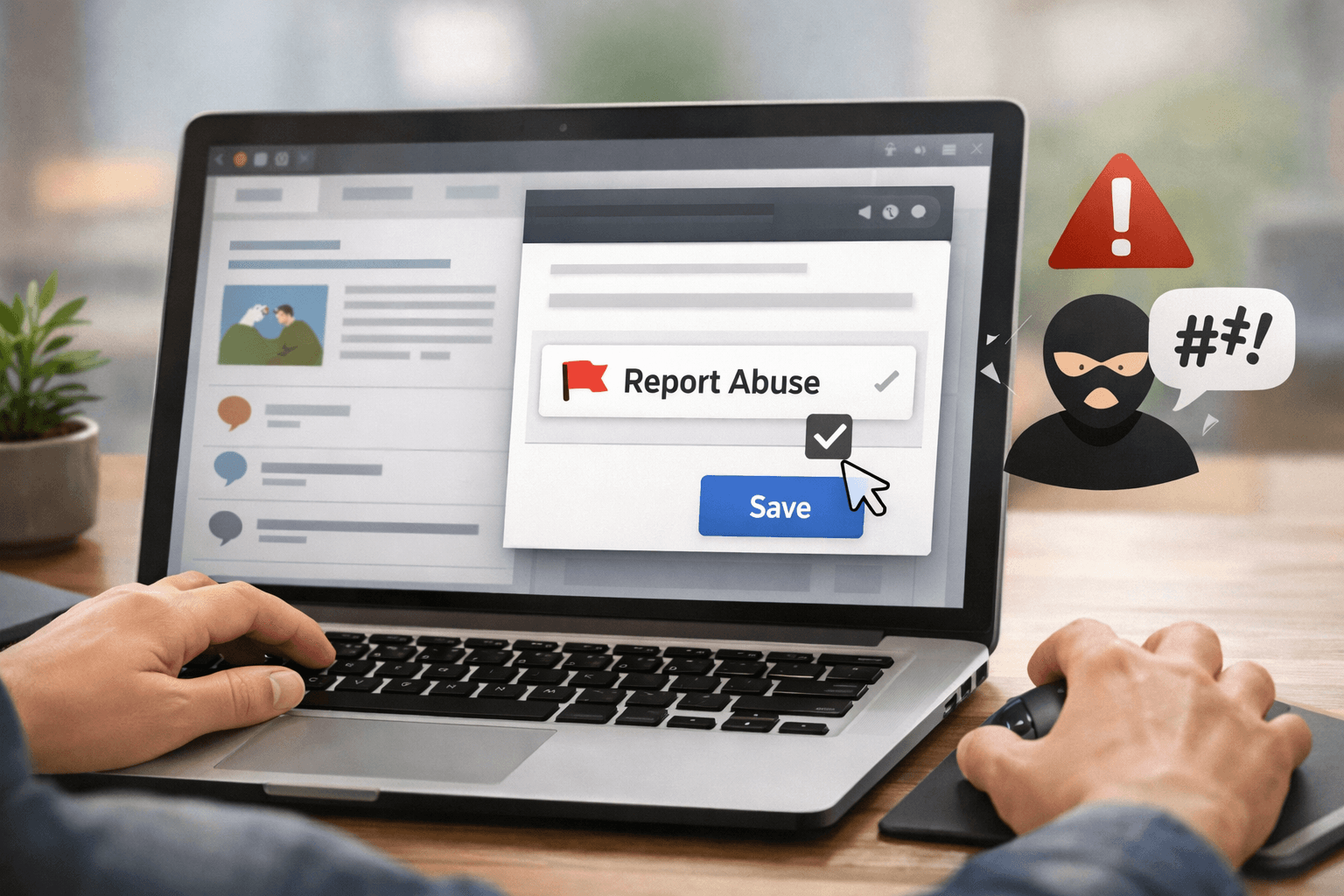
How to Add the Report Abuse Widget to Blogger

Method 1: Add the Widget from the Layout Section

  1. Sign in to Blogger and select the blog you want to edit.
  2. Open Layout in the dashboard.
  3. Find the Footer, Sidebar or an appropriate menu location, then select Add a Gadget.
  4. Find the gadget named Report Abuse or Report Abuse. The displayed name may vary depending on your account language.
  5. Save the layout, open the blog as a visitor, and click the button to test it.

Placing the button in the footer is usually the easiest option to manage because it appears consistently across multiple pages. Do not place the link only in a single post, since readers may discover reportable content from another page.

Chú thích cho quảng cáo

If your blog also receives a large volume of spam comments, combine the reporting button with Blogger comment moderation settings to reduce unwanted content before publication.

Method 2: Add a Direct Link in a Custom Theme

When the widget is not listed or the template does not support the desired location, open the theme’s HTML editor and add a link to the footer or menu. Minimal example:

<a href="https://www.blogger.com/go/report-abuse" rel="nofollow">Báo cáo nội dung không phù hợp</a>

You can open the link in a new tab by adding target="_blank", but this is optional. If you use this attribute, you should also add rel="nofollow noopener" to limit unnecessary tab-opening behavior and avoid risks associated with windows opened from another page.

For themes with multiple language versions, use a clear label such as “Report inappropriate content” instead of simply “Report Abuse.” The goal is to ensure that readers recognize the function even if they are unfamiliar with the English term.

Test the Reporting Button and Avoid Customization Errors

Post-implementation checklist

  • Open the blog in a private browsing window or while signed out.
  • Check the button on the homepage, a post page, and a mobile screen.
  • Click the link and confirm that it leads to Blogger’s official reporting page.
  • Check the text color, contrast, and size of the clickable area.
  • Make sure the button is not obscured by an ad layer, pop-up, or CSS.

If you use a custom domain, check HTTPS before publishing the changes. A certificate or Certification Authority Authorization (CAA) configuration error may prevent readers from opening the report page even when the link in the template is correct. You can also see how to enable HTTPS for a custom-domain Blogger blog to review this part.

Common Issues and Fixes

  • Widget not found: switch to adding a direct link in the HTML template.
  • Button appears only on the homepage: place the code in the shared footer area rather than in the content of an individual post.
  • Link redirects to an error page: check the URL for typos and use the correct address blogger.com/go/report-abuse.
  • Button is difficult to see: adjust the CSS to improve contrast, spacing, and the size of the clickable area.

The reporting mechanism only handles the receipt of reports; it does not replace your contact page, privacy policy, or content-moderation process. If the blog has multiple authors, assign appropriate permissions and publish suitable information about the responsible person. Creating an author page for the blog also helps readers clearly identify the content source and how to get in touch.

Finally, save a copy of the template before editing the HTML. If a change causes display problems, restore the previous copy and try again using the default widget. You can find more related guides in the Blogger Tutorials section.

Reference source

  • Ensure readers can report inappropriate content – Blogger Help
  • Manage your blog’s settings – Blogger Help
  • Regulation (EU) 2022/2065 – Digital Services Act
  • Fighting online scams with the DSA

Chú thích cho quảng cáo
Blogger content moderation customization blog DSA Report Abuse
Share. Facebook Twitter Pinterest LinkedIn Tumblr Email
Previous ArticleOptimizing Blogger Images for Google Images: File Names to Landing Pages
Next Article Blogger Permissions for Collaborators: Keep Control
Nuj Coom
  • Website
  • Facebook
  • X (Twitter)
  • Instagram

I'm a doctor, for sure. But I also love writing and sharing knowledge, life experiences, web tricks, and useful lectures. Let's cheer for your passion.

Related Posts

Blogger Permissions for Collaborators: Keep Control

07/09/2026

Optimizing Blogger Images for Google Images: File Names to Landing Pages

07/09/2026

Blogger Image Lazy Loading for SEO: Crawlable Pages

05/09/2026
Add A Comment
Leave A Reply Cancel Reply

Latest posts

11 Legitimate Ways to Make Money Online

Free Windows 11 Product Keys: Facts and Legal Activation

What’s new in WordPress 7.1? A checklist for safe use

Build a Minimalist Wardrobe in 2026: Buy Less, Wear Longer

How to Register and Set Up a Vultr VPS: A–Z Guide

Advertisement
Chú thích cho quảng cáo

SUBSCRIBE TO UPDATES

Get the latest creative news from SaibABC.Com on web tips, design, and business.

Copyright © 2024. Designed by NujCoom.
  • Home
  • Contact
  • Privacy
  • Tiếng Việt
  • Hmoob

Type above and press Enter to search. Press Esc to cancel.