






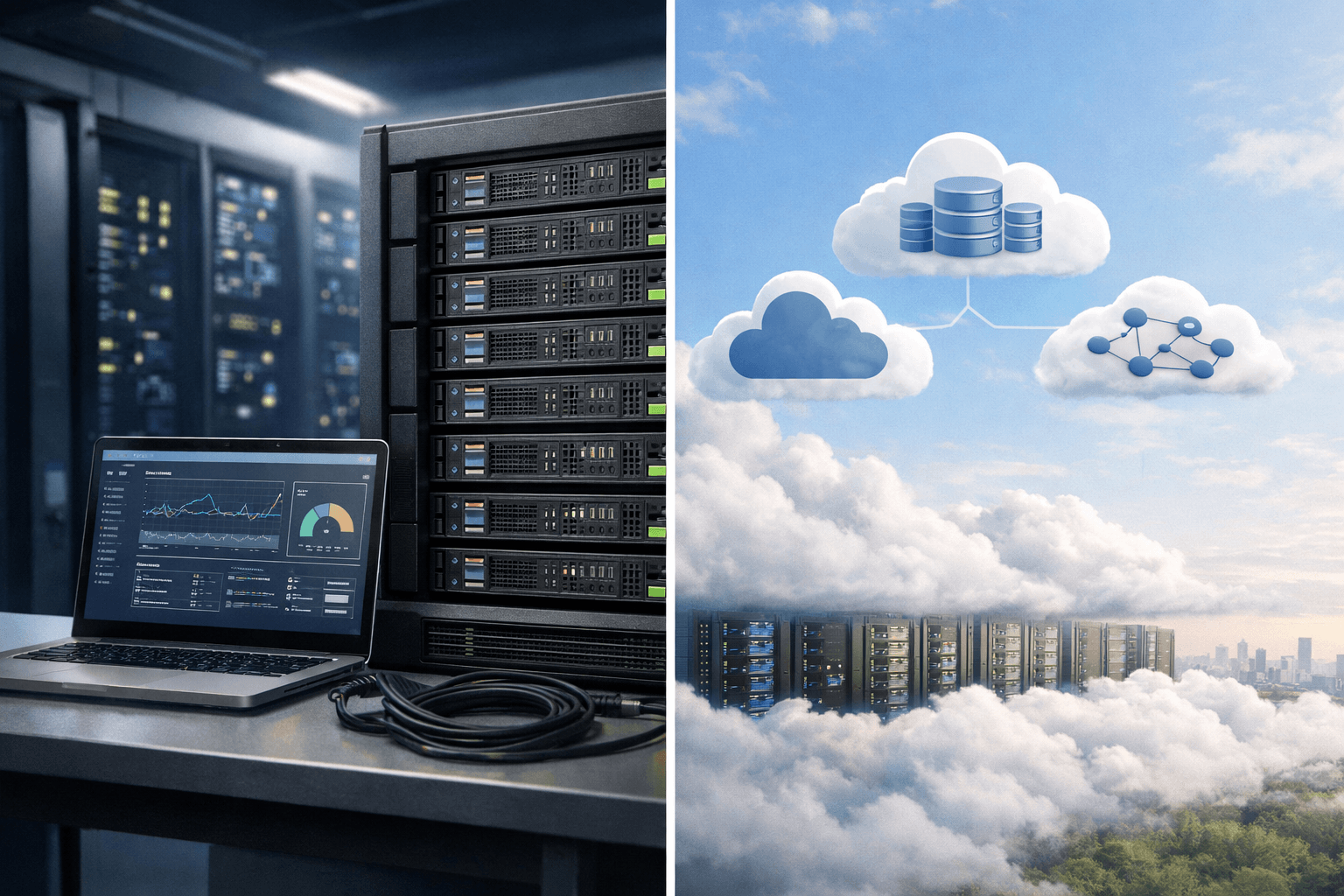
Cloud repatriation for websites is the process of moving part or all of a website running on the public cloud back to a VPS, dedicated physical server, colocation facility, or self-managed infrastructure. This decision only makes sense when traffic is sufficiently stable, public cloud costs have been fully measured, and the team is capable of operating the new system.
In other words, you should not move a website off the public cloud simply because this month’s bill has increased. Compare the total cost of ownership, scalability requirements, availability, security, backups, and administration time for at least several months before changing the architecture.
What is cloud repatriation, and why should websites consider it?
Cloud repatriation generally means moving workloads from the public cloud to a more private environment, such as a hosting provider’s VPS, a bare-metal server, a server located in a data center, or on-premises infrastructure. This is usually a selective decision, not a move to “leave the cloud completely.” Recent FinOps reports show that resource optimization, waste reduction, and cost management outside the public cloud are receiving increasing attention; therefore, the appropriate model is often to choose the best place to run each workload rather than applying one platform to every component (according to data.finops.org).
For websites, the reasons driving repatriation usually fall into three groups:
- Rising fixed costs: always-on servers, large storage capacity, continuously running databases, and data transfer fees can make the public cloud more expensive than expected.
- Stable workloads: e-commerce websites, internal portals, or SaaS applications with consistent traffic can make good use of a fixed-term leased server.
- Control requirements: businesses want to decide for themselves on operating system configuration, software, data location, backup policies, or upgrade cycles.
However, the public cloud still offers clear advantages when a website needs to scale resources up and down quickly, deploy across multiple regions, use managed services, or maintain operations with a small infrastructure team. AWS also recommends assessing the application portfolio, measuring the current state, and choosing a strategy for each workload rather than moving everything mechanically (according to aws.amazon.com).
When is moving a website off the public cloud a sensible decision?
1. Stable, continuously running workloads
A VPS or bare-metal server is suitable for websites whose CPU, RAM, and disk usage remain relatively consistent throughout the day. If the server must run 24/7 and you rarely need sudden capacity increases, leasing fixed resources may be easier to budget for than usage-based billing.
For example, a content website with a database of several hundred gigabytes, stable traffic, and continuous background processing could host the application and database on a dedicated server, while the CDN continues to distribute static content.
2. High cloud bills caused by supporting resources
Do not look only at the virtual machine price. Include disks, snapshots, IP addresses, load balancers, managed databases, logs, backups, requests, and egress fees. The FinOps Foundation considers usage optimization, resource entitlements, and data transfer flows to be important parts of public cloud cost management (according to finops.org).
Before moving, you should prepare a 6–12-month cost table that includes:
- Server and operating system costs;
- Database, cache, and backup storage;
- CDN, DNS, WAF, and DDoS protection;
- Monitoring, alerting, and on-call operations staff;
- The cost of outages, disaster recovery, and hardware replacement.
If the public cloud is still cheaper after all these costs are included, repatriation may not be the best choice. Some FinOps analyses suggest that businesses often still have opportunities to save through rightsizing, usage commitments, and removing idle resources before migrating (according to finops.org).
3. The website needs stable performance rather than immediate scalability
A VPS provides a logically isolated environment, while bare metal gives you an entire physical server. Bare metal is worth considering when a website needs substantial RAM, high disk I/O, consistent CPU performance, or a database that is sensitive to resource contention on virtual machines.
Even so, performance does not automatically improve simply because you move to a physical server. The application, database queries, cache, web server configuration, and CDN still determine most of the outcome. Measure p95/p99 latency, database response time, IOPS, CPU steal time, and error rates before and after testing.
4. The team can take responsibility for operations
The public cloud typically provides many built-in management layers. When moving to a VPS or bare metal, you must handle operating system updates, firewalls, SSH, backups, monitoring, recovery, key rotation, TLS certificates, and server replacement planning yourself.
This is why you should not equate “renting a VPS” with “having no infrastructure responsibilities.” You may reduce resource costs while increasing staffing costs and operational risk. For WordPress or PHP websites, you can refer to the process for deploying a stack on Ubuntu through the guide to installing WordPress on Ubuntu, but production environments still require hardening, off-server backups, and recovery testing.
VPS or public cloud: Which model should you choose for a website?
| Criteria | VPS | Bare metal | Public cloud |
|---|---|---|---|
| Cost | Easy to budget for; suitable for moderate, stable workloads | Cost-effective for high, continuous workloads | Flexible but includes many additional costs |
| Scalability | Usually requires upgrading the plan or moving to another server | Hardware upgrades may involve delays | Resources can be scaled up or down more quickly |
| Performance | May be affected by shared physical resources | Best resource control | Depends on the instance type and architecture |
| Operations | You manage the operating system and applications | You manage nearly the entire server | You can use many managed services |
| Availability | You must design redundancy yourself | You must design hardware redundancy yourself | There are many redundancy services and regions |
| Suitable for | Small to medium-sized websites with steady traffic | Databases, resource-intensive processing, and fixed workloads | Fluctuating traffic, rapid launches, and multiple regions |
Choose VPS if you need a less complex transition, have a limited budget, and your website has relatively steady traffic. Choose bare metal if utilization is high and continuous, and performance per dollar matters more than the ability to scale up or down instantly. Stay with public cloud if traffic is difficult to predict, you need autoscaling, operate across multiple geographic regions, or rely heavily on databases, queues, object storage, and managed services.
In many cases, hybrid hosting is a balanced approach: move the stable web and database workloads to a VPS or bare metal, while keeping the CDN, object storage, email, off-site backups, or burst workloads on public cloud. This reduces baseline costs while retaining some scalability.
For example, you can host WordPress and its database on a VPS, use a CDN to cache static content, store backups in object storage, and keep a cloud virtual machine as a temporary recovery environment. If your website faces a high risk of attack, evaluate the WAF, rate limiting, and CDN separately; the analysis of DDoS protection will help you avoid treating the VPS as your only DDoS protection layer.
A safe website migration process and how to verify the results
- Measure the current state: record hourly traffic, CPU, RAM, I/O, database size, p95 latency, error rate, backup duration, and actual bills.
- Eliminate waste first: turn off unused resources, reduce volume sizes, optimize snapshots, review logs, and consider committed-use discounts. If you do not complete this step, you may simply transfer the waste to the VPS.
- Design the target environment: determine the number of vCPUs, RAM, disk type, operating system, web server, database, CDN, firewall, backup, and recovery plan.
- Build the environment in parallel: install the application, synchronize data, and configure secrets, TLS, cron, queues, and monitoring. Do not switch DNS as soon as the new machine has been installed.
- Test: run a load test close to the current p95 level, and check logins, payments, uploads, search, webhooks, email, and background tasks.
- Switch DNS in a controlled manner: lower the TTL beforehand, choose a low-traffic period, monitor errors, and keep the old machine available long enough to roll back.
- Evaluate after migration: compare costs, latency, error rates, task processing times, and operational hours over 30–90 days.
Common mistakes include comparing only server prices, forgetting backup and egress fees, having no copy outside the machine, overlooking DNS redundancy, or migrating a database without checking version compatibility. If your website requires IPv6, HTTP/3, or a CDN, check each layer rather than assuming the old configuration will work identically; you can also see the IPv6 hosting verification process.
Conclusion: cloud repatriation is best suited to websites with stable traffic, fully analyzed public cloud costs, and teams with sufficient operational expertise. VPS is a practical option to test the approach with moderate risk; bare metal is intended for heavy, continuous workloads; while public cloud remains a strong platform for fluctuating traffic and rapid scaling requirements. If you are unsure, start with hybrid hosting and migrate individual workloads with clear cost and performance profiles.
Reference source
