






Is AI skin analysis accurate? The short answer is: it can be useful for identifying surface-level trends, but it is not yet reliable enough to diagnose skin conditions or decide to buy an entire product set. AI skin-analysis apps typically read selfie images, lighting, contrast, and some of your answers. The results therefore depend heavily on image quality, training data, skin tone, the condition of your skin at the time of capture, and how the app defines issues such as “dull skin” or “large pores”.
A safer way to use it is to treat AI as a tool for tracking and asking questions. You should not treat a score, “skin age,” or a list of recommended products as a final conclusion. For inflammatory acne, painful lesions, persistent rashes, changing moles, or recurring symptoms, seeing a dermatologist remains more important than a single phone-based analysis.
How accurate is AI skin analysis, and to what extent?
First, it is important to distinguish between three types of tools commonly grouped together as AI skin analysis:
- Image-tracking tools: record the number of pimples, areas of redness, or pigmentation changes across multiple photos.
- Cosmetic consultation tools: analyze your answers and images to suggest ingredients, products, or a routine.
- Tools that claim to diagnose: attempt to identify skin diseases, suspicious lesions, or the risk of skin cancer.
The first type is generally the most useful if you use it under consistent photographic conditions. The second can help you organize information, but it is easily influenced by commercial objectives. The third requires the greatest caution. The American Academy of Dermatology warns that skin-diagnosis apps may provide inaccurate information; in one evaluation cited by the organization, melanoma-detection apps missed 41% of the cases assessed (according to aad.org).
The important point is that a professionally designed interface does not mean the tool has been clinically tested across many skin tones, device types, and real-world conditions. Reviews of AI in dermatology also note limitations such as biased training data, a limited number of high-quality images, and inconsistent performance across groups with different skin pigmentation (according to pmc.ncbi.nlm.nih.gov).
Therefore, interpret the results according to this principle: AI may detect signs that need monitoring, but it cannot confirm the cause on its own. “Dry skin” in a photo could indicate a weakened skin barrier, but it could also simply be the result of having just washed your face, sitting in an air-conditioned room, or using lighting that emphasizes flaking.
How to use an AI skin-analysis app without being steered into buying products
1. Prepare consistent input data
If you want to use phone-based skin analysis, wash your face gently, wait about 15–30 minutes for your skin to settle, and do not take the photo immediately after exercising, taking a hot shower, or applying multiple layers of skincare. Take the photo in natural light or consistent white light, with beauty filters turned off. Keep the distance and angle similar each time you check.
Ideally, take at least a front-facing photo, a left-side profile, and a right-side profile. If the app only allows a single selfie with an automatic filter, treat the result as very preliminary. Glare, insufficient lighting, skin smoothing, or changes in white balance can cause AI to misjudge redness, pigmentation, and texture.
2. Add context that the camera cannot see
Before receiving advice, enter information that could change the recommendation:
- Is your skin stinging, itchy, peeling, or painful?
- Have you recently changed your cleanser, sunscreen, topical medication, or supplements?
- How long have the symptoms been present, and do they recur cyclically?
- Are you pregnant, breastfeeding, taking medication, or living with a diagnosed skin condition?
- Is your main goal to reduce acne, relieve dryness, improve dark spots, or simply simplify your routine?
AI can see the surface, while context helps explain the cause and level of risk. If an app does not ask these basic questions but recommends multiple strong active ingredients, that is a sign to lower your level of trust.
3. Separate the analysis from the product sales pitch
Record the results before looking at purchase recommendations. For example, you can divide them into three columns: “What did AI observe?”, “What cause did AI infer?”, and “What does AI want me to buy?” If the third column appears too early or leads only to one brand, treat it as commercial advice rather than a neutral assessment.
You can use a minimalist skincare routine for each skin concern to check whether the recommendations are truly necessary or merely make your routine more complicated. A basic routine should usually address the fundamentals first: gentle cleansing, suitable moisturization, and sun protection. For acne-prone skin, prioritize products labeled non-comedogenic; dermatologists also recommend gentle care, avoiding scrubbing, and giving products enough time to work (according to aad.org).
How to verify AI skincare advice
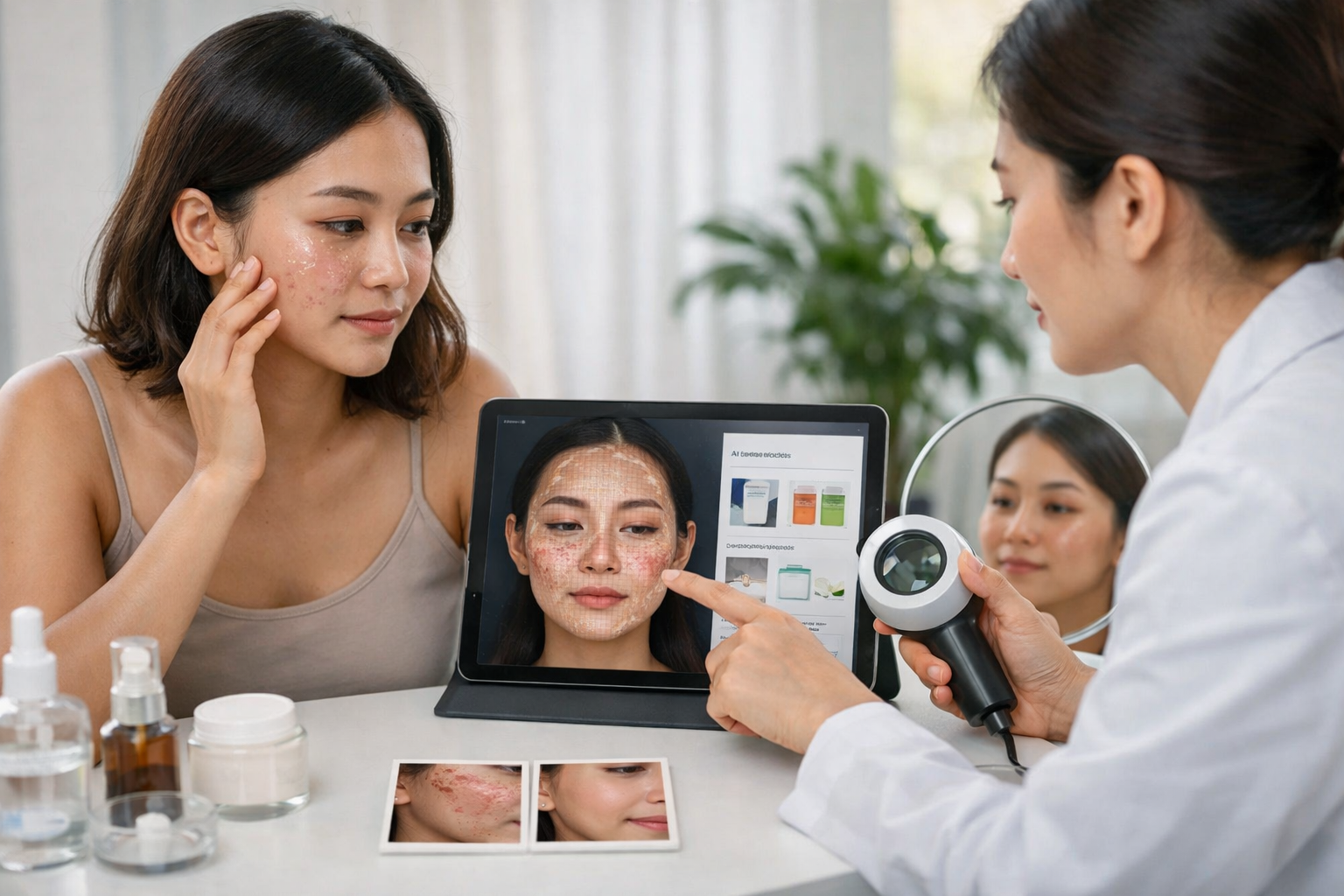
A AI skincare routine worth considering should not merely provide product names. It should explain why the recommendation is suitable, how often to use it, what strength to start with, when to stop, and whether alternatives are available. You can verify it using these five questions:
- What problem is the AI trying to address? “Dull skin” is a broad cosmetic goal and is not enough to justify using an acid, retinoid, or strong brightening agent.
- Are the active ingredients suitable for your current condition? If your skin is stinging, peeling, or itchy, adding multiple exfoliating actives could make the skin barrier even more irritated.
- Does it provide instructions for gradually increasing use? Safe advice should specify the starting frequency, how to patch-test on a small area, and that you should not introduce multiple new products at once.
- Does it discuss sun protection and routine interactions? Products for treating pigmentation or acne often require protection from ultraviolet radiation; broad-spectrum sunscreen with SPF 30 or higher is a common recommendation in acne care (according to aad.org).
- Does it state its limitations and signs that require medical attention? If an app confidently claims “you have condition X” or promises a quick cure, you should not use it as a basis for treatment.
For advertisements containing terms such as peptide, PDRN, “biotech,” or “rapid recovery,” check the mechanism, evidence, and concentration rather than trusting technology-related labels. The article how to read biotech skincare advertising critically can help you separate marketing claims from genuinely useful information.
| AI Signal | Reasonable Interpretation | Recommended Action |
|---|---|---|
| Oily skin, visible pores | A surface observation that can vary easily with lighting | Monitor it further; do not immediately buy multiple oil-control products |
| Dry or dehydrated skin | May be related to the environment, cleansing, or the skin barrier | Prioritize gentle moisturization and reduce products that may cause irritation |
| More acne in a particular area | Suggests a trend worth monitoring, but does not identify the type of acne | Take periodic photos; do not self-use prescription medication |
| “Sensitive skin” | Not a specific medical diagnosis | Check the ingredients and try one product at a time |
| Recommendation for an exclusive product set | May be commercially influenced | Compare the ingredients and look for equivalent alternatives |
When should you not rely on AI skin analysis on your own?
You should not use an AI skin-scanning app to delay seeing a doctor if you have a new skin spot or one that is rapidly changing in color, shape, or size; a sore that does not heal; a bleeding lesion; a widespread rash; painful swelling; or deep acne that causes scarring. AI also cannot replace taking a medical history, an in-person examination, and an assessment of the entire body.
For mild acne, you can try a simple routine, keep a product diary, and assess it over time instead of changing products constantly. If you have large, painful, deep acne that leaves scars or does not improve, you should see a dermatologist; over-the-counter products often have difficulty effectively treating these cases (according to aad.org).
You should also check the data policy before uploading photos. Find out whether photos are stored, whether they are used for training or advertising, whether you can delete your account and data, who operates the company behind the app, and whether the app clearly states that it is for educational purposes only or is intended for use in a medical context. The FDA notes that regulatory policies depend on the software’s specific functions, not merely on whether it runs on a phone (according to FDA).
The most practical rule is: use AI to observe, record, and generate questions; use evidence and professionals to decide on treatment. If an AI result makes you want to buy five products at once, stop, return to your main goal, and try one change at a time. This helps you determine which products are genuinely useful, reduces the risk of irritation, and prevents skincare from becoming an automatic shopping cycle.
If you are considering sunscreen for skin prone to leaving white residue, also see how to choose a suitable mineral sunscreen rather than relying solely on an app’s score.
Reference source
