






If your website receives XML and transforms it into HTML with XSLT in the browser, add that flow to your migration plan now. Under the currently published schedule, Chrome is expected to stop supporting XSLT in Stable starting with Chrome 158 on November 17, 2026; Chrome 152, expected on August 25, 2026, will offer a deprecation trial to provide additional migration time. This is a planning milestone, not a reason to postpone architectural changes (according to developer.chrome.com).
The target outcome is a website that continues to render correctly without depending on the browser's native XSLT support. There are three main approaches: have the server return pre-rendered HTML, have JavaScript receive the data and build the interface, or use an XSLT processor running in JavaScript/WASM as a compatibility layer during the transition.
What will Chrome remove?
This change does not remove XML in general. The affected functionality is XSLT processing in the browser, including:
XSLTProcessor, such asnew XSLTProcessor(),importStylesheet()andtransformToFragment().- A processing instruction that links XML to an XSLT stylesheet, such as
<?xml-stylesheet type="text/xsl" href="view.xsl"?>.
A processing instruction that applies CSS, such as type="text/css", is a different case. Therefore, do not conclude that every XML document will stop opening in Chrome; determine whether the website uses XSLT or only XML/CSS.
| Milestone under the currently published schedule | Meaning |
|---|---|
| Chrome 142, October 28, 2025 | Early warnings begin appearing in the console. |
| Chrome 143, December 2, 2025 | XSLT is deprecated; warnings appear in DevTools and Lighthouse. |
| Chrome 152, August 25, 2026 | The deprecation trial allows websites to register to continue using XSLT for a limited period. |
| Chrome 158, November 17, 2026 | XSLT stops working in Stable for cases without an approved transition mechanism. |
| Chrome 176, August 17, 2027 | The Origin Trial and Enterprise Policy also end under the currently published schedule. |
Check Whether the Website Actually Depends on XSLT
Before rewriting the frontend, create an inventory of URLs, applications, devices, and endpoints that may be transforming XML in the browser. You need access to the source code, XML/XSLT files, logs, and a staging environment.
Scan the Source Code and XML Data
Run the following command in the terminal at the source-code root. Replace PATH_TO_SOURCE with the actual path; the command skips common dependency directories:
grep -RInE --exclude-dir=node_modules --exclude-dir=.git 'XSLTProcessor|transformToFragment|transformToDocument|importStylesheet|text/xsl|xml-stylesheet' PATH_TO_SOURCEThe result is a list of lines containing the relevant strings. Even if there are no matches, you must still inspect XML or live responses because a processing instruction may be generated by the server, an RSS feed, an internal feed, or a device.
In Windows PowerShell, run the command from the source-code directory. Replace PATH_TO_SOURCE with the path to scan:
Get-ChildItem -Path 'PATH_TO_SOURCE' -Recurse -File | Select-String -Pattern 'XSLTProcessor|transformToFragment|transformToDocument|importStylesheet|text/xsl|xml-stylesheet'If PowerShell reports that it cannot find the path, check the value inside the single quotation marks. Save the results in the dependency inventory; do not immediately delete the lines you find.
Check the Running Application
- Open the website in Chrome in a staging environment or with a test account.
- Press
F12, then open Console, Network and Issues. - Reload pages that contain XML, feeds, reports, or legacy administrative interfaces.
- In Network, filter by
xml,xslorfetch; record the URL, response headers, stylesheet, and the action that triggered it. - Record the expected result, actual result, and the relevant browser or device.
A source-code scan shows where dependencies may exist; runtime testing shows the user's actual path through the application. The two results may differ because code can be loaded dynamically, bundled, or generated by the server.
Record deprecation warnings in the application
If you control the JavaScript code, you can place the following example at the application's entry point to send reports to an endpoint you manage. Test it on staging first; replace /telemetry/xslt with the actual endpoint, and do not send sensitive data:
if ('ReportingObserver' in window) {
  const observer = new ReportingObserver((reports) => {
    for (const report of reports) {
      if (report.body?.id === 'XSLT') {
        const payload = JSON.stringify({
          page: location.href,
          message: report.body.message
        });
        navigator.sendBeacon('/telemetry/xslt', payload);
      }
    }
  }, { types: ['deprecation'], buffered: true });

  observer.observe();
}
The endpoint must authenticate requests, limit the data size, avoid logging URLs that contain personal information, and comply with privacy policies. Runtime reporting does not replace source-code scanning because users may not exercise every code path.
Choose an alternative
| Current situation | Priority | Trade-off |
|---|---|---|
| XML is internal data, and the website needs stable HTML | Transform it on the server and return HTML | Requires changes to the backend or pipeline but reduces browser dependencies. |
| The frontend already uses JavaScript, and the data has a clear structure | Switch the API to JSON and render it with JavaScript | Requires rewriting templates and UI states, plus accessibility testing. |
| Several complex XSLT stylesheets must be retained | Use an XSLT processor in JavaScript/WASM | Reduces the initial rewrite but increases bundle size, processing costs, and maintenance. |
| The legacy system cannot be changed immediately | Use a polyfill or trial as a bridge | Only buys time; it must have an end date and a permanent solution. |
Option 1: Transform XSLT on the server
This is often a suitable choice when XSLT only transforms internal XML into HTML. The server performs the transformation, and the browser then receives HTML instead of XML accompanied by a stylesheet.
- In the repository or backend pipeline: keep an XML/XSLT pair as the canonical input; back it up before making changes.
- In the backend: choose a library compatible with the server language and the XSLT/XPath versions in use. Check its license and whether resource limits can be enforced.
- In staging: create an HTML endpoint, such as
/reports/123.html. Replace123with a valid record ID, and do not accept an arbitrary stylesheet path from the user. - In routing or the frontend: move each URL group to the new endpoint; keep the old XML endpoint if integrated systems still require it.
- During testing: compare the output using empty data, special characters, multiple records, malformed data, and different languages.
- When releasing: use a feature flag or migrate URL groups incrementally; monitor errors before removing the processing instruction.
Trước:
Trình duyệt nhận XML + view.xsl
        ↓
Chrome tự chạy XSLT
        ↓
HTML hiển thị

Sau:
Máy chủ đọc XML + view.xsl
        ↓
Backend chạy phép biến đổi
        ↓
Trình duyệt nhận HTML
The advantage is that the initial HTML is easier to control for accessibility, indexing, and devices with limited JavaScript support. The trade-off is additional backend work; untrusted XML must be controlled to prevent unintended external-resource access or excessive resource consumption.
Option 2: Switch to JSON and JavaScript
Choose this approach when the website already has a JavaScript frontend or needs to update data without reloading the page. This is a UI migration, not merely a matter of changing XML to JSON: you must redesign loading, error, empty-data, keyboard-navigation, and indexable-content states.
The minimum flow is:
API JSON → fetch() → kiểm tra dữ liệu → tạo DOM → gắn CSSExample API /api/articles.json returns an array of articles. Run the code in the page's JavaScript module, which contains the element <ul id="article-list"></ul>; replace the URL and field names with those used by the actual API:
const response = await fetch('/api/articles.json', {
  headers: { Accept: 'application/json' }
});

if (!response.ok) {
  throw new Error(`API failed: ${response.status}`);
}

const articles = await response.json();
const list = document.querySelector('#article-list');

if (!list || !Array.isArray(articles)) {
  throw new Error('Invalid article data or missing #article-list');
}

const fragment = document.createDocumentFragment();

for (const article of articles) {
  const item = document.createElement('li');
  const link = document.createElement('a');

  link.href = article.url;
  link.textContent = article.title;
  item.append(link);
  fragment.append(item);
}

list.replaceChildren(fragment);
The expected result is a list of links appearing in #article-list; malformed data causes an exception so the application can display an appropriate error state. Use textContent for text data so API content is not interpreted as HTML. If rich HTML must be inserted, identify the data source, sanitize it with a suitable library, and check the Content Security Policy.
<xsl:for-each>→ a loop or list-rendering function.<xsl:if>and<xsl:choose>→ a condition in the rendering function.<xsl:value-of>→textContent, a DOM property, or a safe template variable.xsl:sort→ sort it on the backend or withArray.prototype.toSorted()when the target environment supports it.- XSLT template reused in multiple places → a component or rendering function with explicit inputs.
Option 3: Use an XSLT processor in JavaScript/WASM
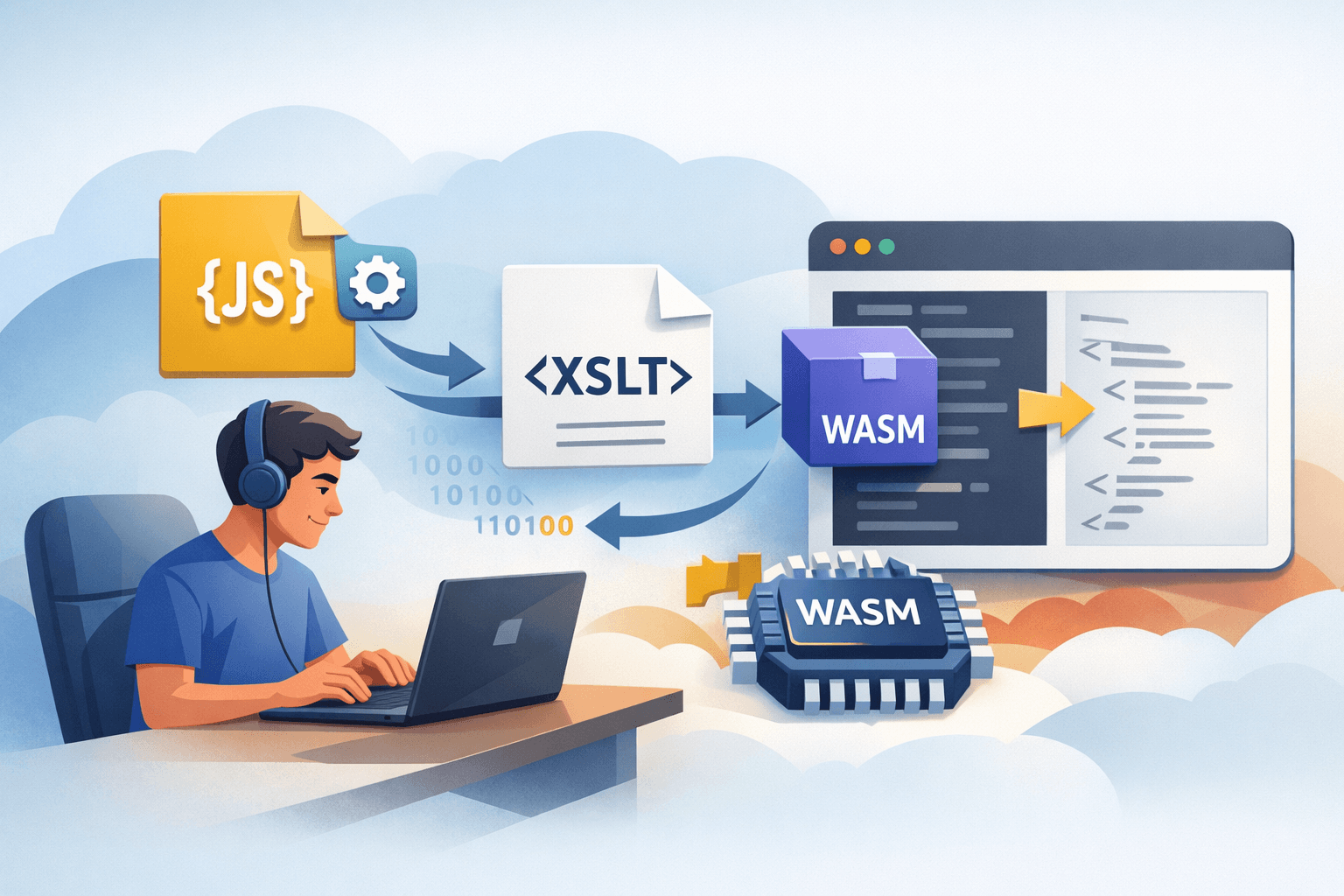
If you have multiple stylesheets or complex transformation logic, an XSLT processor running in JavaScript/WASM can help keep the system running while you rewrite it incrementally. Chrome identifies this as a viable migration path; Saxon is one example that supports capabilities beyond the browser’s XSLT 1.0 implementation.
Before choosing this option, test the following in staging:
- Whether the XSLT and XPath versions, namespaces, and extensions are supported.
- Bundle size, startup time, and processing overhead on low-powered devices.
- The license, package source, update process, and vulnerability-monitoring capability.
- Resource limits and how untrusted XML is handled.
- Whether it runs in the target browsers, a Web Worker, or an environment without a DOM.
This should be a compatibility layer with an end date. Prioritize rewriting business-critical stylesheets for the backend or JavaScript rather than turning the compatibility library into a long-term dependency without a maintenance plan.
Option 4: Use a polyfill or deprecation trial
A polyfill can provide an interface similar to XSLTProcessor XSLTProcessor
Chrome 152 includes a deprecation trial that allows websites to temporarily re-enable XSLT after its default removal. The token can be supplied through a meta tag or HTTP response header using the Origin Trials mechanism (see developer.chrome.com).
<meta http-equiv="origin-trial" content="TOKEN_DO_CHROME_CAP">Do not deploy the chain TOKEN_DO_CHROME_CAP. Register the correct origin, obtain the token from the Origin Trials page, place the token in the response from the corresponding origin, and track its expiration date. The trial is only a bridge; it is not a long-term solution.
Test before shifting traffic
Create a test dataset and store it with the project so it can be reused in future releases. At a minimum, include:
- Valid XML, missing optional fields, and malformed data.
- Empty lists, a single item, and multiple items.
- Unicode, quotation marks, ampersands, multilingual content, and data that requires escaping.
- Dates, decimal numbers, time zones, relative URLs, and URLs containing special characters.
- Unauthenticated users, expired sessions, and insufficient permissions.
- Mobile devices, slow networks, disabled JavaScript, and screen readers.
For each case, check the following:
- Is the content correct from a business perspective?
- Does the HTML have usable headings, landmarks, and links?
- Are sensitive data being sent to the browser or inserted into HTML unsafely?
- When the backend, API, or stylesheet fails, does the user receive an understandable error state?
Run the staging build on Chrome Canary, Dev, or Beta when an early XSLT-disable mechanism is available; also test Chrome 158 once that version is available. The fact that the current version of Chrome still renders the site correctly does not prove that the site is no longer dependent on XSLT.
Common errors and how to address them
Only fixing XSLTProcessor
A website may not call XSLTProcessor XSLTProcessor in JavaScript but may still depend on text/xsl text/xsl in XML. Scan static source code, XML responses, and device-generated data.
Replacing it with innerHTML without controlling the data
innerHTML innerHTML is not automatically safer than XSLT. For untrusted data, prefer textContenttextContent, DOM APIs, and an allowlist of permitted attributes. If HTML is required, use a maintained sanitizer, restrict its sources, and check the CSP.
Not testing flows without XSLT
In staging, temporarily disable the old processing path or block XSLT stylesheets to identify which pages still depend on them. If a page breaks only when XSLT is blocked, it must not yet be marked as migrated.
Using the trial as the primary plan
The token may expire or fail to match the origin. Record its expiration date in the release-management system, create an alert, and set a milestone for removing the trial from the code.
Deployment and rollback plan
- Assess: Back up the source code, configuration, and necessary data; scan the source code, XML, endpoints, and logs; and inventory the dependent flows.
- Classify: Choose server-side rendering for stable content, JSON/JavaScript for interactive applications, or a compatibility processor for stylesheets that are difficult to rewrite.
- Test: Select a representative flow, deploy it to staging, and compare the old and new outputs using the test dataset.
- Roll out incrementally: Use a feature flag, route version, or URL group; monitor errors and deprecation reports after each rollout.
- Prepare a rollback path: Keep the old rendering version, old endpoint, or flag configuration until the logs confirm that the new flow is stable. When rolling back, switch the flag or route to the old version, confirm that traffic has recovered, and only then investigate the cause.
- Complete: Test in an environment where XSLT is disabled, remove the processing instruction and native calls, and then remove the polyfill or trial token only when no dependent traffic remains.
Quick decision: choose server-side rendering for stable content; choose JSON and JavaScript for interactive applications; choose an XSLT processor or polyfill when you need to keep a legacy system running during the transition. No approach should rely on the browser’s native XSLT support long term.
Completion checklist
- A backup is available, and you can roll back to the previous version or route.
- You searched for
XSLTProcessor, related methods, andtext/xslin the source code, XML, and endpoints. - You identified the pages, devices, and user actions that actually trigger XSLT.
- You selected a replacement for each use case and verified compatibility.
- You tested empty and invalid data, Unicode, access permissions, accessibility, performance, and low-powered devices.
- You checked the security implications of inserting data, XML resource limits, and third-party dependencies.
- You tested in an environment without native XSLT and monitored errors after deployment.
- You set an end date for the polyfill, compatibility library, and deprecation trial.
- You confirmed that production no longer depends on native XSLT before the Chrome 158 milestone.
Reference source
- Removing XSLT for a more secure browser— Chrome for Developers.
- Chrome 152 | Release notes— Chrome for Developers.
- Get started with origin trials— Chrome for Developers.
- Feature deprecation and removal in Chrome— Chrome for Developers.
