






DDoS protection for websites is not just a matter of enabling an option in your hosting. Shared hosting typically relies on the provider’s filtering system, a VPS can be protected at the network layer but still requires you to handle the application yourself, while a DDoS-protection CDN is most effective when it acts as a reverse proxy and hides the origin server. In particular, modern HTTP attacks targeting Layer 7 DDoS can use legitimate requests to overload PHP, WordPress, databases, or APIs.
To choose the right solution, you need to separate three questions: where is the traffic blocked, which layer is protected, and can malicious traffic bypass the system?
How does DDoS protection for websites differ across shared hosting, VPSs, and CDNs?
| Infrastructure | Layers typically protected | Who configures it? | Key strength | Main limitation | Suitable for |
|---|---|---|---|---|---|
| Shared hosting | Primarily L3/L4 at the provider level; some plans include a WAF | Provider | Minimal operational effort, low cost | No control over the firewall, rate limiting, or dedicated resources | Blogs, small informational websites |
| VPS | Depends on the provider; usually L3/L4 | You and the provider | Full control over the operating system, web server, and WAF configuration | CPU, RAM, and bandwidth can still be exhausted; L7 protection must be designed separately | Applications requiring administrative control |
| CDN reverse proxy | L3/L4 and L7 depending on the service, with caching and a WAF | The CDN provider and you | Filters traffic at the edge and reduces requests reaching the origin | Exposing the origin IP or secondary ports eliminates the advantage | Public websites, APIs, e-commerce |
| CDN combined with a WAF | L3/L4, L7, bot protection, and rate limiting | You build the policies; the CDN enforces them | Protects URLs, methods, headers, and behavior | You need to learn security rules and avoid blocking legitimate users | Websites with logins, APIs, and transactions |
The key point is that “having DDoS protection” does not mean “the website will always be online.” For example, DigitalOcean describes the integrated DDoS layer for Droplets as L3/L4 protection and does not provide L7 protection; when mitigation capacity is exceeded, the provider may blackhole the traffic, making legitimate requests inaccessible as well (according to docs.digitalocean.com).
Shared hosting: convenient but entirely dependent on the provider
With shared hosting, multiple websites use the same server and network connection. Providers typically have edge filters, firewalls, load balancers, or automated policies that activate when abnormal traffic is detected. However, you usually do not know the exact filtering thresholds, response time, how HTTP floods are handled, or the account’s dedicated resource limits.
Shared hosting may be sufficient for a low-traffic website, but it should not be considered a dedicated DDoS-protection solution. When an attack increases the number of connections or PHP requests, the provider may limit the account, temporarily suspend the website, or require an upgrade to a higher-tier plan. Modules such as mod_evasive are only useful while the server still has sufficient bandwidth and processing capacity; cPanel documentation also notes that this mechanism cannot replace protection at the firewall and router layers (according to docs.cpanel.net).
VPSs: more control but not automatically safer
A VPS allows you to configure Nginx or Apache, a firewall, Fail2ban, caching, connection limits, and a WAF. This is a major advantage when you need DDoS protection for a VPS. But administrative access also means responsibility: you must update the operating system, close unnecessary ports, monitor logs, and prepare a plan for when CPU, RAM, or bandwidth is consumed too quickly.
A VPS firewall can block IPs, ports, or protocols, but it usually cannot stop a distributed HTTP flood from thousands of addresses. If a request has already reached Nginx and then invokes PHP or queries the database, blocking it at the application layer may already be too late. Therefore, a VPS should be placed behind a CDN/WAF when the website is at risk of L7 attacks.
You can refer to the Ubuntu Server security guide to strengthen the initial configuration, then check the web server, firewall, and access logs for each service.
Layer 7 DDoS: Why do DDoS-protection CDNs need a WAF and rate limiting?
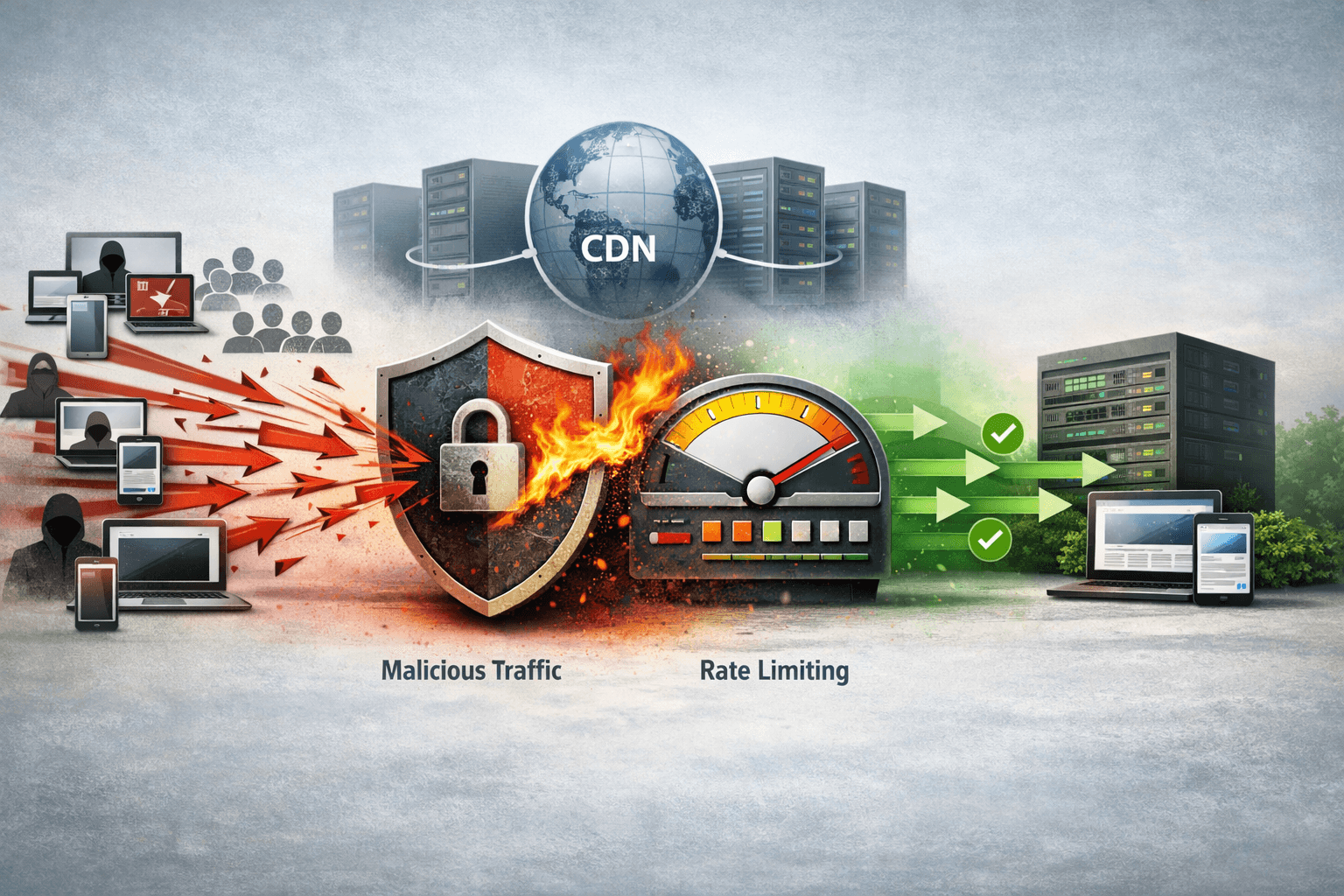
L3/L4 DDoS attacks typically target bandwidth, TCP, UDP, or protocols. In contrast, Layer 7 DDoS sends HTTP/S requests that look like they come from real users, such as repeatedly calling search, login, shopping cart, or resource-intensive API endpoints. A legitimate request repeated at a high rate can still overwhelm PHP workers, the connection pool, or the database.
A CDN reduces the load by caching and serving static resources at the edge. Once content has been cached, a request does not necessarily need to reach the origin (according to developers.cloudflare.com). However, a CDN cannot cache every dynamic page and does not automatically understand which endpoints are more expensive than others. This is what the WAF and rate limiting must handle.
WAF filters request content and context
A WAF can inspect the URI, HTTP method, headers, cookies, country, IP reputation, query patterns, and signs of bot activity. You can require a challenge for suspicious traffic, block requests to administrative paths, or restrict unnecessary methods.
A WAF should not be configured to block broadly just because of a User-Agent or country. Botnets can distribute IP addresses, imitate browsers, and change headers. Good policies typically combine multiple signals: path, frequency, response codes, login status, and behavior over a period of time.
Rate limiting protects expensive endpoints
WAF and rate limiting complement each other. The WAF determines whether a request is trustworthy; rate limiting restricts how many times a client or group of clients can access a resource within a given period. Cloudflare allows conditions based on expressions, counting characteristics, time periods, request thresholds, and actions such as block, challenge, or throttle (according to developers.cloudflare.com).
Example starting points for a WordPress website:
/wp-login.php: challenge when an IP exceeds the threshold for failed logins observed in practice./wp-admin/: allow only authenticated users or approved administrative IPs./xmlrpc.php: disable it if the website does not use it, or restrict it strictly./searchand API endpoints: set a lower threshold than for article pages because each request may query the database.- Do not apply the same threshold to users, legitimate crawlers, and different API keys.
Rate limiting should not be treated as an absolute counter. Cloudflare notes that counters may be calculated per data center and may have a delay of several seconds, so some requests exceeding the threshold may still reach the origin before the action is applied (according to developers.cloudflare.com).
Practical configuration and how to verify that the system really mitigates DDoS
Deployment process in order
- Identify the origin: record the server IP, open ports, DNS-only records, administrative subdomains, and email services. Do not let auxiliary records accidentally expose the origin IP.
- Put the website behind a CDN proxy: enable the proxy only for appropriate web hostnames. The CDN must sit in front of the origin to filter requests before they reach the server.
- Lock down the origin: on the firewall, allow only the CDN’s IPs to access the HTTP/HTTPS ports; allow SSH only from administrative IPs or through a VPN. Cloudflare recommends allowlisting its IPs at the origin and checking DNS records that may contain the original IP (according to developers.cloudflare.com).
- Enable the WAF: start in monitoring mode or use challenges for rules with a risk of false positives, then switch to blocking after reviewing the logs.
- Set rate limits: prioritize login, search, checkout, upload, and API endpoints; count by IP, session, API key, or account depending on the design.
- Reduce origin load: enable caching for CSS, JavaScript, images, and cacheable pages; optimize queries and object caching, and limit PHP workers.
- Prepare an incident plan: keep backups, provider contact information, alert thresholds, and a procedure for switching to a static page or maintenance mode.
If you administer an Ubuntu VPS, combine this process with automatic Let’s Encrypt SSL configuration to ensure that the CDN–origin connection is encrypted and that the certificate does not expire.
How to verify the results without creating a DDoS yourself
- Check public DNS, DNS history, and certificate transparency to detect an exposed origin IP.
- Send a small number of legitimate requests at a low rate to login, search, and API endpoints; confirm that the rule records them correctly without blocking normal users.
- Check the origin access log: direct requests from the Internet should be denied, while requests from the CDN should get through.
- Compare cache hits, CPU, RAM, PHP workers, database connections, and 4xx/5xx error rates before and after enabling the CDN.
- Do not use flood-generation tools on a real website without written authorization. Use a staging environment or a controlled load test instead.
Common errors and how to fix them
- Only enabling a CDN while still exposing the origin IP: change the origin IP, check old DNS records, and block direct access with the firewall.
- Blocking only by IP: switch to counting by IP combined with the path, session, or API key because L7 traffic is often distributed across sources.
- Setting the threshold too low: analyze normal traffic first, use challenges initially, and apply controlled whitelisting.
- Assuming caching solves everything: identify dynamic endpoints, expensive queries, and requests that cannot be cached.
- Ignoring costs and limits: carefully read the provider’s policies on bandwidth, requests, blackholing, incident support, and response times.
Conclusion: shared hosting is suitable for small websites, but you depend on the provider’s policies. A VPS gives you control and is a good foundation for self-configuration, but L7 DDoS protection should not rely solely on the firewall on the machine. For a public website, the most practical choice is usually a VPS or hosting placed behind a CDN reverse proxy, combined with caching, a WAF, rate limiting, and origin lockdown. If the application has APIs, login, or transactions, prioritize designing policies for each endpoint rather than buying a package advertised vaguely as “DDoS protection.”
Reference source
