






If you are researching what Blogger is and see addresses in the form tenblog.blogspot.com, you do not need to create an account yet. First, determine whether you need a simple platform for publishing content or a website system with more features and control.
By the end of this article, you will be able to distinguish Blogger from Blogspot, understand a blog’s basic components, identify potential costs, and choose one of three paths: use a Blogspot address, use Blogger with a custom domain, or choose another platform.
What is Blogger?
Blogger is a Google service for creating, managing, and publishing blogs. You can publish posts, create pages, change the design, manage comments, assign author permissions, and adjust certain settings that affect how the blog appears in search engines. You need a Google Account to create and manage a blog (according to support.google.com).
Put simply, Blogger is the part you use behind the administration screen. This is where you write posts, edit titles, add images, create menus, and check your blog’s settings.
Blogger suits people who want to get started quickly without renting their own server, installing a content management system, or managing numerous technical components from the outset. This simplicity comes with limits on scalability and control.
What is Blogspot?
Blogspot is commonly associated with the domain blogspot.com, which appears in the default address of many Blogger blogs, for example:
https://ten-blog-cua-ban.blogspot.comIn practical terms for users:
- Blogger is the platform and administration area.
- Blogspot is the domain used in a blog’s default address.
- A custom domain is an address you purchase from a domain registrar and then connect to Blogger, such as
www.tenban.com.
Therefore, Blogger and Blogspot are not competing platforms. You can manage a blog with Blogger and let readers access it through a Blogspot address or a custom domain. Blogger lets you choose a blog address, connect a custom domain, and configure redirects in the publishing settings.
What are the components of a Blogger blog?
Before deciding, remember that a blog is more than just a web address:
| Component | Role | Example in SaibABC Blog |
|---|---|---|
| Platform | Where content is managed and published | Blogger |
| Address | Where readers access the blog | [địa chỉ Blogspot thực hành] |
| Post | Content typically published over time | “5 Things to Prepare Before Creating a Personal Blog” |
| Page | Static content that changes less often than posts | About, Contact |
| Label | Categorizes posts by topic | Getting Started with Blogger |
| Theme | Determines how content is displayed | Header, content, sidebar, and footer |
| Domain | A more memorable address when you use a custom domain | [tên miền thực hành của bạn] |
In the example project, SaibABC Blog is the planned practice blog name on Blogger. It is not SaibABC.Com, the WordPress website used to publish this series. For now, you should not assume that SaibABC Blog has an address, readers, or a custom domain.
What can Blogger do?
Publishing blogs and content websites
Blogger supports needs such as writing how-to articles, sharing knowledge, building a personal blog, maintaining a professional journal, documenting a project, or running a small content website. You can create posts, static pages, labels, comments, and search descriptions for the blog.
Google also describes capabilities such as choosing a theme, connecting a custom domain, viewing basic statistics, connecting Google Analytics, and backing up or importing content. These components are sufficient to start a structured blog rather than simply publishing disconnected posts (according to blogger.com).
Using a Blogspot address or a custom domain
You can start with a Blogspot address to test your topic and content-creation workflow. When you need a more professional appearance, you can purchase a custom domain and connect it to Blogger.
A custom domain does not turn Blogger into a different platform; it only changes the address that readers see. Domain costs are set by the provider and usually include an initial registration fee and renewal fees; prices vary by domain extension and provider.
If you use a custom domain, you must still manage your domain-provider account and DNS (the Domain Name System). With a Blogspot address, Blogger provides HTTPS automatically; with a custom domain, you need to check the HTTPS status after connecting it (according to support.google.com).
Managing contributors and comments
Blogger may be suitable for a blog with one author or a small team. You can invite authors, administrators, or readers with appropriate permissions. Blogger Help states that a blog can have up to 100 members, including authors, administrators, or readers; this is a platform limit, not a required target (according to support.google.com).
For a blog with multiple contributors, clearly determine who can write posts and who can change settings. Do not grant administrator access simply because someone needs to publish posts.
What costs are involved in using Blogger?
| Cost to consider | When it may arise | What it means in practice |
|---|---|---|
| The Blogger platform | When using a Blogspot address and the built-in features | You do not need to purchase a separate hosting plan under this model. |
| Custom domain | When you want to use an address such as www.tenban.com | Registration and renewal fees apply, depending on the provider, domain extension, and time of purchase. |
| Third-party design | When you purchase or lease a design template from a third party | There may be licensing, support, or update fees; check the source and terms of use. |
| Additional services | When using domain email, analytics tools, or other services | These are not automatically part of Blogger; calculate them separately according to your needs. |
The question “Is Blogger free?” needs to be divided into two parts: whether you use a Blogspot address and built-in features, and whether you purchase a custom domain or external services. “Not needing separate hosting” does not mean that all website costs are zero.
Limitations to understand before choosing Blogger
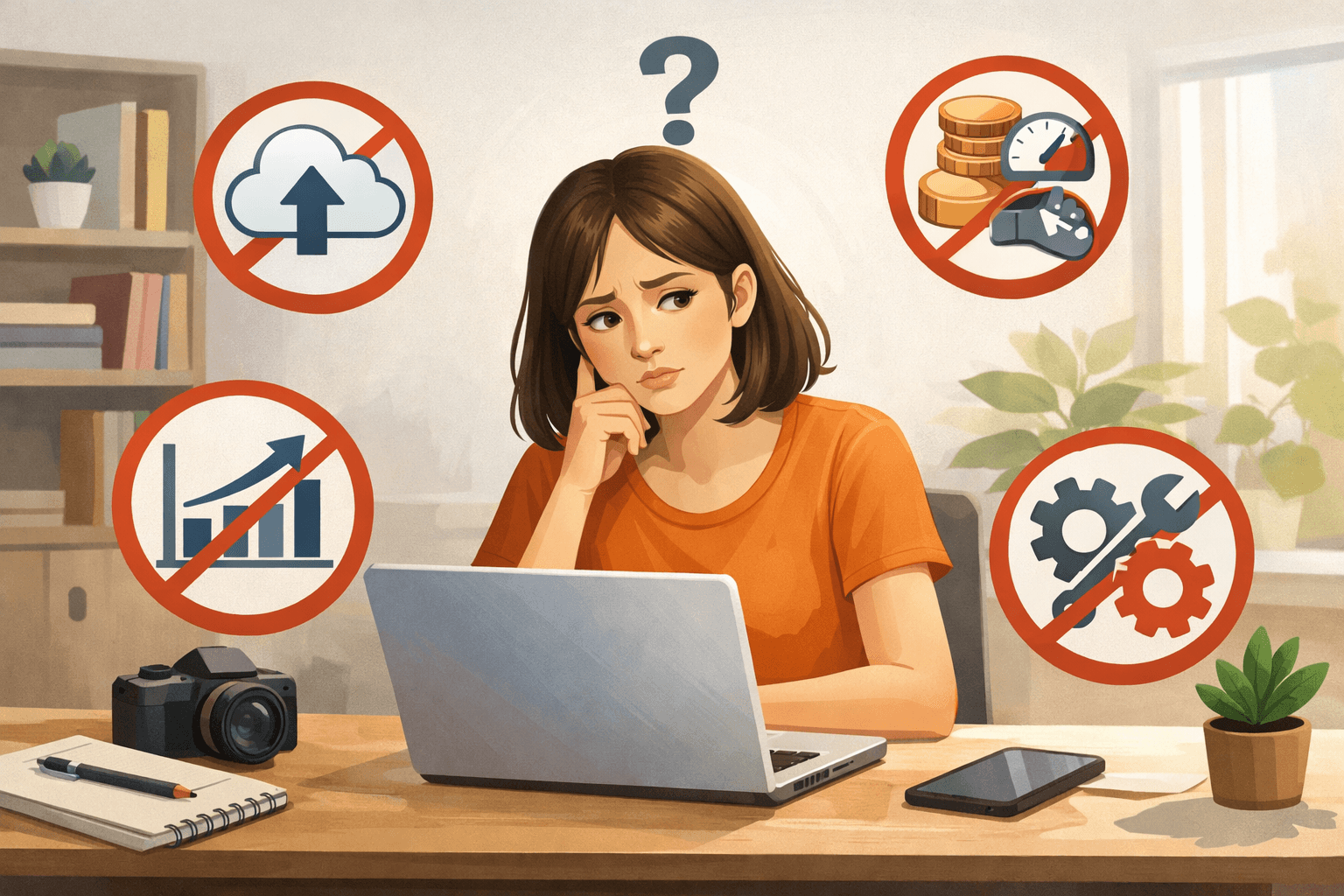
- Dependence on Google's ecosystem and policies: the blog must comply with content policies and terms of service. Violations may affect access to the blog or account.
- Limited server control: you do not manage the server, database, or platform source code yourself as you would when operating an independent system.
- Limited functional extensibility: Blogger offers certain themes, widgets, and customization options, but it is not an e-commerce system or advanced membership platform.
- Third-party themes require checking: errors in the code, mobile rendering, updates, and the theme's source may affect the blog.
- No guaranteed traffic: using Blogger does not automatically help posts rank highly, get indexed quickly, or generate revenue.
Blogger includes backup and content-import features, but you should still keep copies of your content in a secure location. Backups do not replace protecting your Google Account, reviewing access permissions, and retaining your domain information if you use a custom domain.
What types of websites is Blogger suitable for?
| Use case | Suitability | Reason |
|---|---|---|
| Personal or professional blog | Suitable | You can start with posts, an about page, and a basic theme. |
| Tutorial, educational, or niche-content website | Suitable | The focus is on publishing and organizing articles. |
| Blog for testing a topic | Suitable | You can start with a Blogspot address before purchasing a custom domain. |
| Simple business or personal-profile website | May be suitable | It requires few pages, limited functionality, and no complex workflow. |
| Large online store | Consider another platform | You may need advanced shopping-cart, payment, order-management, and inventory features. |
| A website with members and multi-role workflows | Consider another platform | You may need more customizable account, access-control, and data-management features. |
| A web application or business system | Usually not suitable | This requirement goes beyond the primary role of a blogging platform. |
This assessment is based on the type of need; it is not a promise that Blogger will meet every requirement within the same category. If your website mainly needs readable content and a simple management process, Blogger is worth considering. If you need deep control over data, servers, functionality, or business processes, compare other platforms before investing in content.
Decision table: Should you use Blogger?
| Question | If the answer is “Yes” | If the answer is “No” |
|---|---|---|
| Is your primary goal to write and publish content? | Blogger may be a good fit. | Clarify the primary function before choosing. |
| Do you want to start with low costs and minimal technical work? | Starting with a Blogspot address may be reasonable. | Compare the total cost with platforms that offer more extensive management capabilities. |
| Are you comfortable using a system provided by Google? | You can continue evaluating Blogger. | Consider a self-managed solution or another provider. |
| Do you need a custom domain? | Blogger can still work, but you must account for the domain cost and DNS work. | A Blogspot address may be sufficient at the beginning. |
| Do you need a store, membership features, or complex workflows? | Choose Blogger only after checking specific complementary solutions. | Blogger may meet basic content needs. |
| Can you maintain the topic and publishing schedule? | The platform has a better chance of creating long-term value. | Finalize the topic and target readers before creating the blog. |
Example: How will SaibABC Blog use Blogger?
In this series, SaibABC Blog is a planned demonstration project on Blogger, focusing on Blogger tutorials, website creation, and content development for beginners.
The project’s expected outcomes include:
- creating a blog and establishing a public address;
- publishing a sample post titled “5 Things to Prepare Before Starting a Personal Blog”;
- completing the design, menu, labels, and necessary information pages;
- considering a custom domain if appropriate for the project’s needs;
- developing content, measuring performance, and exploring monetization options.
This is a practical plan, not evidence that the blog already has an address, readers, rankings, or revenue. This article also does not explain how to create an account, install a theme, or purchase a domain.
Exercise: Write a one-sentence statement of your website’s needs
Before moving on to choosing a topic, complete the following sentence with your own information:
“I want to build a website for [nhóm người đọc] to help them [việc cần giải quyết] through content or functionality that [điều tôi có thể duy trì]. I am choosing Blogger because [lý do], and I accept the limitation that [giới hạn quan trọng nhất].”
Example:
“I want to build a website for people who are new to blogging, helping them understand and complete the basic steps through short tutorials with checklists. I am choosing Blogger because I want to start with a simple management process, and I accept that this platform is not an advanced e-commerce system.”
Check your answer against these four criteria:
- Have you clearly stated whom the website is for?
- Have you described what the website will help readers do?
- Have you explained why you chose Blogger rather than simply saying it is “easy to use”?
- Have you acknowledged at least one limitation you are willing to accept?
Conclusion: When should you choose Blogger?
Blogger is best suited to building a blog or content website when you want a simple start, do not want to manage a server yourself, and accept the platform’s limitations. You can use a Blogspot address at first, then consider a custom domain once the topic and direction of the project become clearer.
Blogger is not the default choice for every website. If you need a large store, a membership system, customizable data, business workflows, or server-level control, evaluate other platforms before investing significant time.
The next step is to finalize the blog’s topic, audience, and primary benefit The result of the exercise above will serve as the basis for choosing a topic, narrowing the audience, and naming the blog in the next article in the series.
How to Choose a Blog Topic and Name It Around Your ReadersReference source
- Create a blog — Google Blogger Help.
- Manage your blog’s settings — Google Blogger Help.
- Blogger.com – Create a unique and beautiful blog easily. — Blogger.
- Turn on HTTPS for your blog — Google Blogger Help.
