






The short answer: Before running by heart-rate zones, sync Suunto Run with the Suunto app, check the software version, charge the battery sufficiently, wear the watch snugly against your skin, and wait for the heart-rate icon to confirm a signal. Then check the zone type currently in use at Activity > Training > Intensity zones > HR zones. If the wrist reading is clearly inconsistent with your perceived exertion or the workout includes fast intervals, reduce the intensity and consider using a compatible chest strap.
As of September 19, 2026, Suunto Run’s official release notes stated that version 3.27.18 was being rolled out in stages starting August 21, 2026, and included improved optical heart-rate measurement performance (according to suunto.com). The actual update timing may vary between devices because the release is not necessarily made available to all devices at the same time.
The update may improve signal processing, but it does not turn wrist heart-rate monitoring into an absolute measurement. If you experience chest pain, unusual shortness of breath, dizziness, or other concerning symptoms, stop exercising and seek medical help rather than relying on the watch reading.
What the update improves—and what it does not solve
Version 3.27.18 includes improvements and bug fixes, including improved optical heart-rate measurement performance. Suunto has also announced a new wrist heart-rate algorithm for Suunto Run focused on running activities. According to the company’s internal testing data, the proportion of readings deviating by more than 5 beats per minute from a reference device fell from 7.394% to 4.036%. These are Suunto’s internal results, not independent certification; actual deviation still depends on the user, activity, and wearing conditions (according to us.suunto.com).
The update should therefore be understood as a software improvement, not a guarantee that every reading will be accurate in every situation. How you wear the watch, temperature, movement, and the method used to set your zones all directly affect training decisions.
Check the update and signal before running
1. Confirm the software version
- On your phone: open the Suunto app, turn on Bluetooth, place Suunto Run near your phone, and wait for the app to connect and sync.
- In the device information or sync notification, check whether an update is waiting. Menu names may vary slightly by app version.
- On the watch: if your device interface includes this option, open Settings > General > Software update to check.
- Keep the watch in a location with a stable connection, make sure the battery is sufficiently charged, and do not remove the watch during installation.
When the update is complete, the expected result is that the watch restarts or returns to normal operation, no update-pending notification remains, and it still connects to the Suunto app. Suunto states that an over-the-air update can be downloaded when the watch is connected to the app; the device may update automatically overnight if the battery is at least 50% charged.
If you do not see the update, check the Bluetooth connection, battery level, and app version, then sync again later. Do not immediately assume that not seeing the update is an error, because releases may be rolled out in stages.
2. Check the heart-rate signal
- Wear the watch in the correct position as described below.
- Open Running mode and wait for the workout preparation screen to display the heart-rate icon or a heart-rate reading confirming that a signal has been acquired.
- If the reading jumps abnormally while you are standing still, do not use it to decide whether to increase the intensity.
- Walk briskly or jog very lightly for a few minutes, then check whether the reading has become more stable.
The target result is a continuous signal and a reading that does not fluctuate implausibly relative to your exertion level. A light warm-up does not turn a wrist sensor into a measurement-standard device; it simply gives the system more time to acquire a signal under real-world movement conditions.
How to wear Suunto Run for more stable wrist-sensor performance
- Place the back of the watch directly against your skin; do not leave a sleeve between the sensor and your wrist.
- Wear the watch slightly above the wrist bone, on the more stable part of your forearm.
- Tighten the strap enough to keep the watch from sliding as your arm moves, but not so tightly that it causes numbness, pain, or skin discoloration.
- Wipe sweat, water, and dust from the back of the watch before measuring.
- Warm up more thoroughly in cold weather or when your hands are cold.
Arm movement, muscle tension, ambient temperature, skin pigmentation, and tattoos can all affect an optical sensor. Suunto also notes that accuracy varies between people and activities; if you need faster and more detailed feedback, the company recommends a compatible chest-worn heart-rate sensor (according to us.suunto.com).
If the strap slips, adjust it before changing zones or speeding up. For interval runs, sprints, or training near threshold, a chest strap is generally more suitable for tracking rapid changes. For easy running and monitoring overall trends, the wrist sensor may be adequate when worn correctly.
Choose the right heart-rate zone calculation method
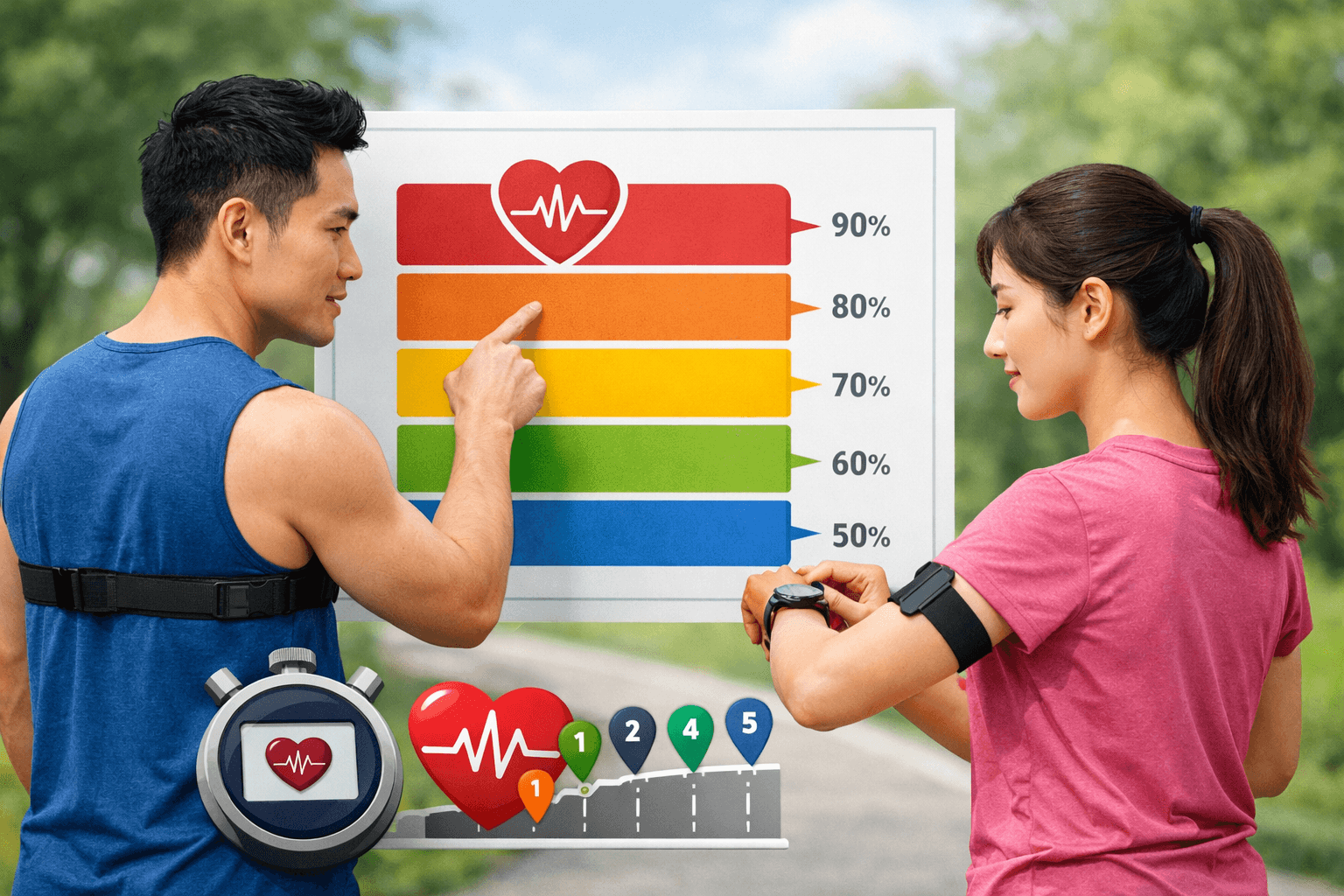
Suunto Run uses five intensity zones, from Zone 1, the lowest, to Zone 5, the highest. Zones can be calculated using maximum heart rate, heart-rate reserve, or lactate-threshold heart rate. Choose the method based on the data you actually have rather than selecting the method that sounds more accurate.
For beginners without complete personal data
Start with Max HR zones if you do not know your lactate-threshold heart rate and do not have reliable resting-heart-rate data. Suunto Run may calculate maximum heart rate by default using the formula 220 minus age, but this is a population estimate, not an accurate individual value.
On the watch, open:
Activity > Training > Intensity zones > HR zones > Zone typesSelect Max HR zones, then select a range:
- Default HR zones for all sports: use the default zones for all sports.
- Running HR zones: use separate zones for running.
- Cycling HR zones: use separate zones for cycling.
If you have a more reliable maximum heart rate, enter the value in beats per minute and confirm so the watch can recalculate the zones. If the interface does not match exactly, look for sections with equivalent names related to HR zones or consult the device’s official guide; do not enter random data simply to change the zones.
Runners who have tracked their resting heart rate
Select HR reserve zones when you have relatively reliable values for both maximum heart rate and resting heart rate. This method considers the difference between the two values, so it may reflect your individual profile better than an estimated maximum heart rate alone.
Do not use a single abnormal reading as baseline data. Use a value tracked under relatively consistent conditions, such as after waking and before physical activity. If your resting heart rate changes substantially because of illness, lack of sleep or medication, interpret your training zones with caution.
Runners with a lactate-threshold heart rate
Select Lactate threshold HR zones if you have a lactate-threshold heart rate value from an appropriate test or training protocol. If you do not know this value, do not enter an arbitrary number simply because it makes your training zones appear more “accurate.”
Check your zones during the run
- Select the running mode.
- On the preparation screen, confirm that the heart-rate icon shows that a signal has been detected.
- If you have configured separate zones, check that the intensity target or selected zone is the one for running.
- Warm up gently before assessing whether you are in the correct zone.
- Consider the reading alongside your perceived exertion and breathing; do not use a single number to force yourself to increase your pace.
When you set a target zone, Suunto Run may display the zone scale on the workout screen and prompt you to increase or reduce your pace if your heart rate falls outside the selected zone. After the workout, review the time spent in each zone together with how your body felt, rather than looking only at your peak heart rate.
| Sign | Safe response |
|---|---|
| The reading spikes at the start of the workout even though you have only been walking | Slow down, check the strap and wait for the signal to stabilize after warming up. |
| Heart rate is unusually low during strenuous effort | Check skin contact, the watch position and whether your hands are cold. |
| The reading fluctuates with each arm swing | Tighten the strap enough to prevent the watch from slipping; if the problem persists, consider using a chest strap. |
| The reading does not match how you feel across multiple workouts | Compare it with your perceived exertion and a reference device; do not rely solely on the wrist reading to increase your intensity. |
To learn how to use wearable-device data without treating it as a diagnosis, see the guide to training with wearable devices. To interpret data as trends rather than as isolated readings, see how to monitor your health with wearable devices.
When should you use a chest strap?
Prioritize a compatible chest strap when you need a rapid response in the following situations:
- Intervals with short repetitions.
- Threshold runs or workouts near maximum heart rate.
- You need to compare results across multiple workouts with greater consistency.
- The wrist heart-rate reading frequently conflicts with your perceived exertion.
- You want to use a feature that requires a signal from a chest strap, such as ZoneSense if supported by your device and software.
Wrist-based heart-rate monitoring remains useful for everyday runs, easy runs and tracking trends. However, do not treat the watch as a medical device or use a single reading to self-diagnose.
Checklist before you press Start
- Suunto Run is connected to the Suunto app, with no updates pending.
- The battery has enough charge for both the update and the entire workout.
- The back of the watch is in direct contact with your skin.
- The strap is secure enough that the watch does not slip as you swing your arm.
- The heart-rate icon shows that a signal has been detected.
- You have selected the correct zones for running, rather than the default zones for another sport.
- You know which zone and corresponding effort level today’s workout requires.
- If the signal appears unreliable, you will reduce the intensity or switch to a chest strap instead of forcing yourself to follow the number.
Conclusion: Updating Suunto Run is the first step, not the last. For more reliable zone-based training, confirm the firmware, wear the watch correctly, wait for a stable signal and choose a zone-calculation method that matches the data you actually have. When the wrist reading clearly conflicts with how you feel or with the workout’s objective, check it again or use a chest strap rather than forcing yourself to increase the intensity.
Reference source
