






If you are just building a website, choosing the best WordPress theme should prioritize three factors: ease of setup, fast loading, and not locking you into a single page builder. In the list below, I have selected six popular themes with free versions that support the block editor and are suitable for blogs, business websites, portfolios, or WooCommerce stores.
No theme is best for every website. Astra is suitable for those who need many pre-built templates; GeneratePress stands out for performance; Kadence makes it easy to customize headers and footers; Blocksy excels at modern design; Neve focuses on speed; while OceanWP is suitable for those who want many options for multipurpose websites.
Before installing, you should create a backup or staging environment. If your website is live, refer to the plugin testing process before updating to reduce the risk of theme and plugin conflicts.
Criteria for choosing the best WordPress theme for beginners
A worthwhile theme is not just attractive in the demo. You should check the following criteria:
- Simple installation: it can be installed from the WordPress theme directory or by uploading the official ZIP file.
- Editor compatibility: it works reliably with Gutenberg and popular page builders when needed.
- Performance: clean code, minimal unnecessary resources, and good mobile display.
- Pre-built templates: they help beginners create a homepage, blog, or store more quickly.
- Scalability: support for WooCommerce, forms, SEO, memberships, or courses as the website grows.
- Updates and support: the theme should be maintained, have clear documentation, and be compatible with the latest WordPress version.
Remember that actual speed also depends on hosting, plugins, images, caching, and server configuration. A lightweight theme provides a good foundation, but it cannot replace the entire website optimization process.
6 Best WordPress Themes for Beginners
1. Astra – a balanced choice for many types of websites
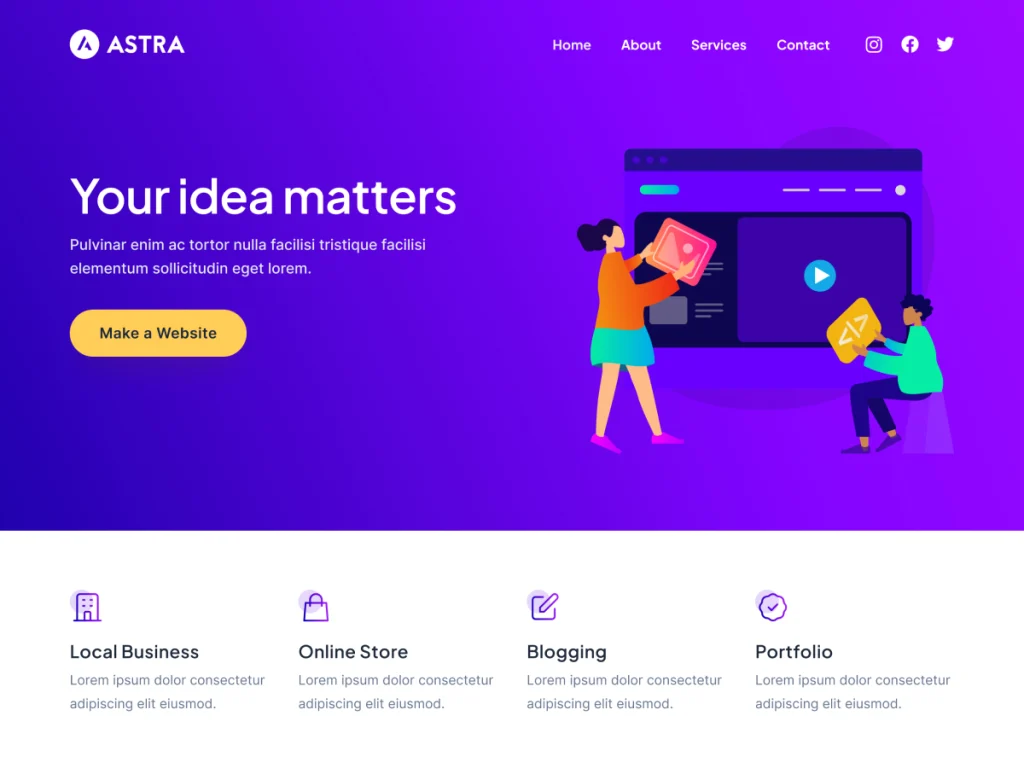
Astra is a safe choice for beginners because it has a large ecosystem, many pre-built templates, and compatibility with Gutenberg, Spectra, Elementor, and Beaver Builder. According to the WordPress.org page checked on August 24, 2026, Astra has more than 1 million active installations and is presented as a lightweight, highly customizable theme with WooCommerce support (according to WordPress.org).
You should choose Astra if you want to create a service website, personal blog, company website, or small store without designing everything from scratch. The limitation is that many advanced features and professional templates are included in the paid plans.
2. GeneratePress – prioritizing speed and a clean structure
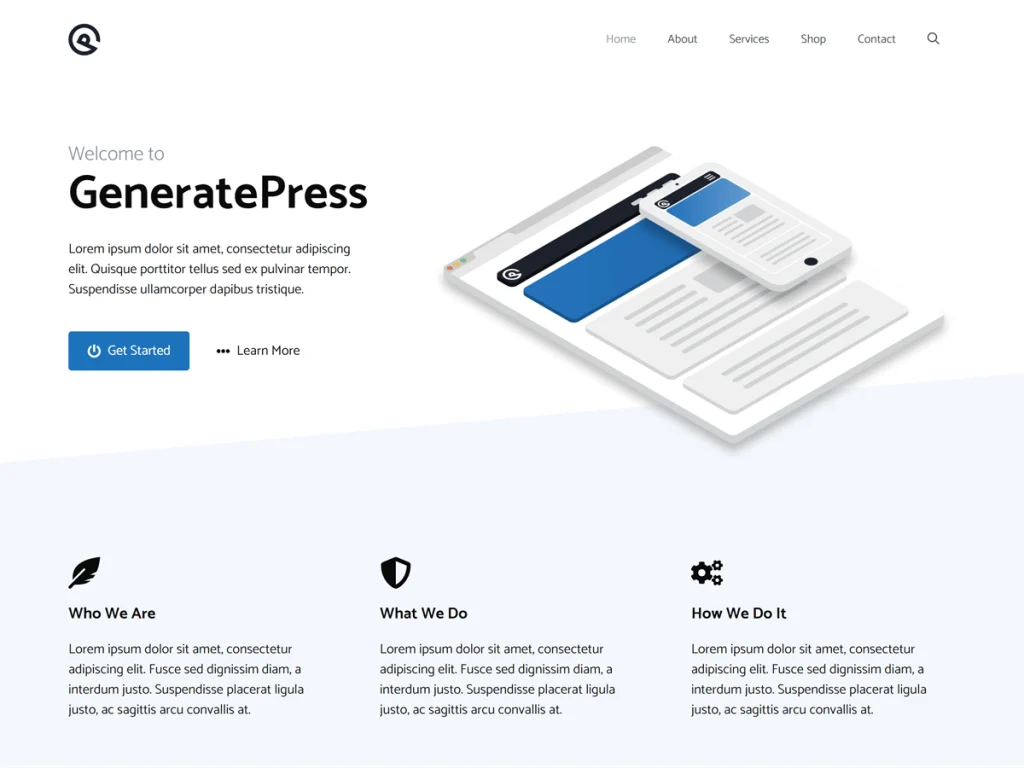
GeneratePress is suitable for those who want a clean, fast foundation that can grow over the long term. The official website states that a new installation adds less than 10 KB of compressed data; the version on WordPress.org also emphasizes compatibility with Gutenberg, Elementor, Beaver Builder, and WooCommerce (according to generatepress.com).
For blogs, content websites, or projects requiring performance control, GeneratePress is a highly worthwhile option. However, the default design is quite minimalist. Beginners may need time to get used to the customization system or purchase the premium plan to use the theme builder and full template library.
3. Kadence – easy header and footer design
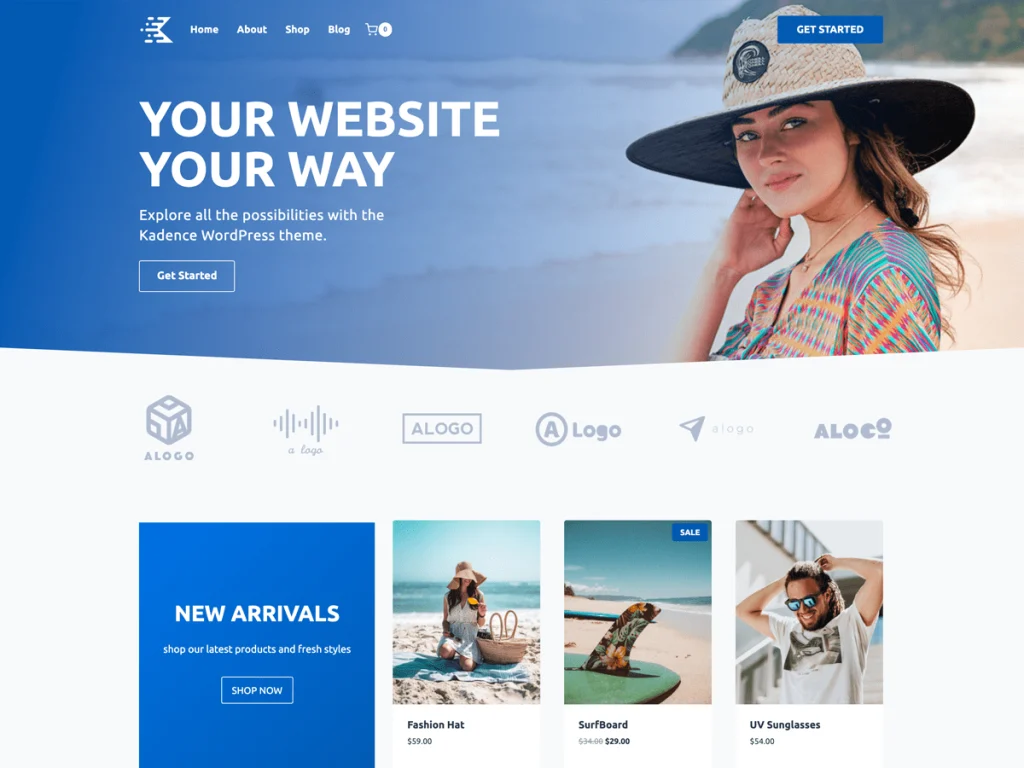
Kadence focuses on an intuitive customization experience. The theme includes drag-and-drop header and footer builders, a global color and font system, a starter template library, and integrations for e-commerce, course, and business websites. At the time of review, Kadence had more than 500,000 active installations on WordPress.org (according to WordPress.org).
This is a good choice for those who want a professional-looking website without writing code. You should use Kadence when you need control over menus, logos, call-to-action buttons, and responsive layouts. Some advanced blocks and in-depth options require a plugin or paid plan.
4. Blocksy – a modern theme for blogs and stores
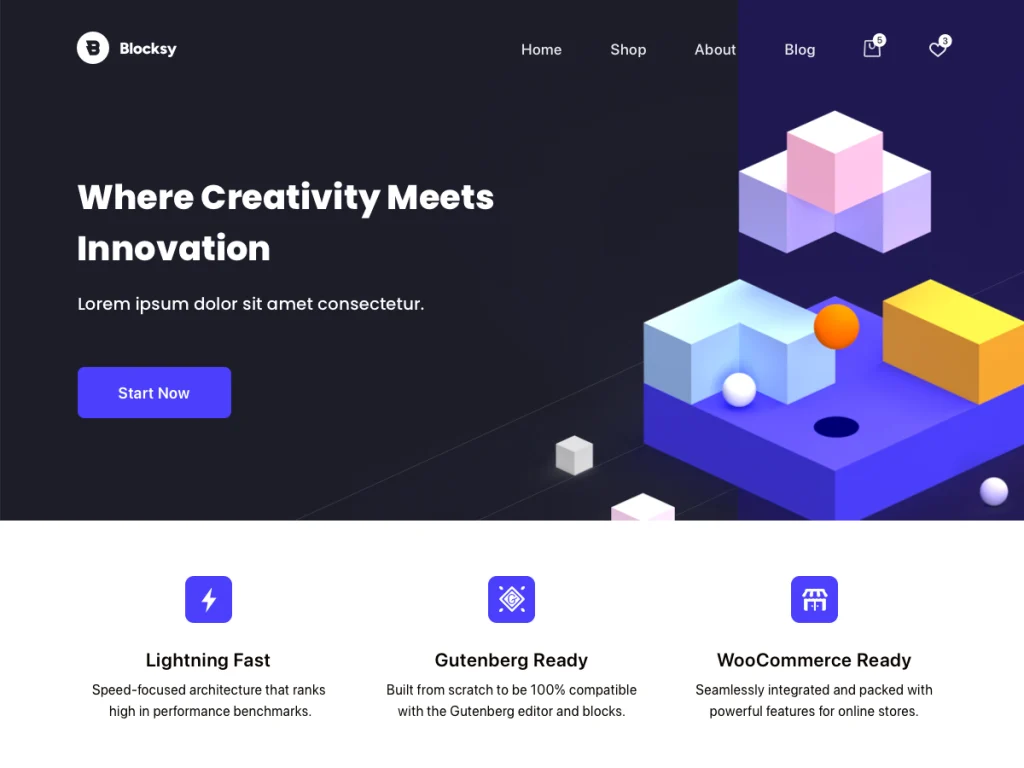
Blocksy has a modern style, supports the block editor, and focuses strongly on WooCommerce. The theme provides many options for layouts, headers, post grids, and store design. WordPress.org reports that Blocksy has more than 300,000 active installations and describes it as fast, modern, and compatible with the block editor (according to WordPress.org).
Blocksy is suitable if you care about visuals, product tags, filters, and the shopping experience. In return, the large number of options may take beginners time to learn. Start with a simple starter site instead of enabling all features at once.
5. Neve – optimized for lightweight, responsive websites
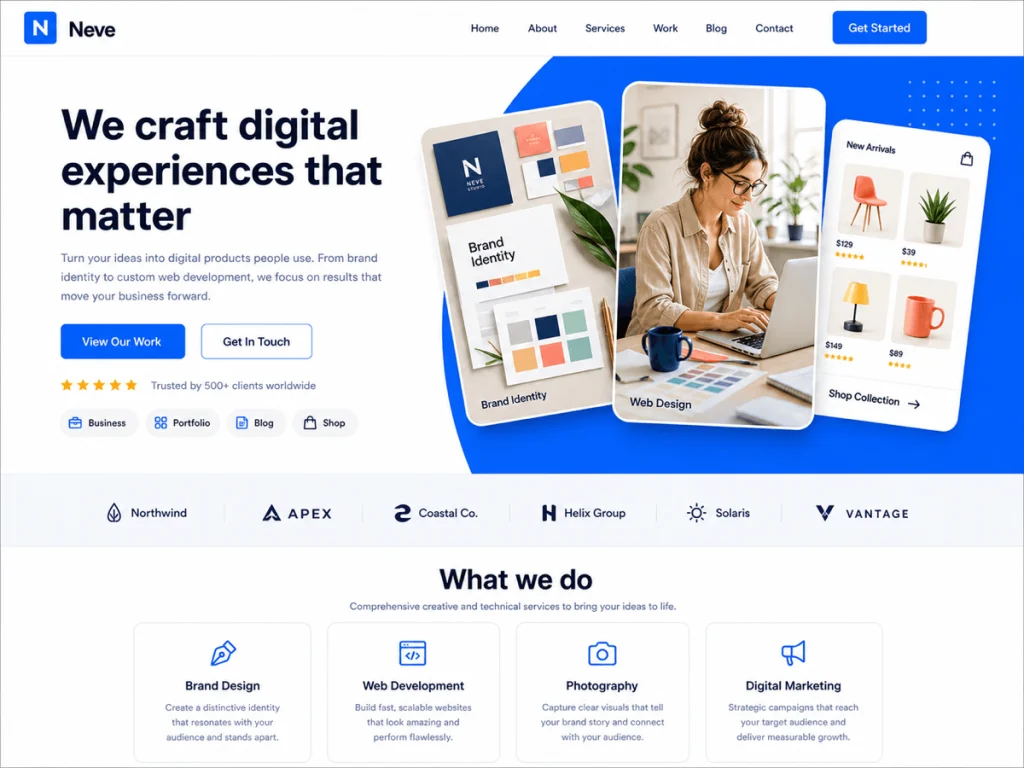
Neve is built to be lightweight and responsive, with an emphasis on SEO and Core Web Vitals. The theme supports Gutenberg, Elementor, Bricks, Oxygen, and WooCommerce, so it can be used for blogs, portfolios, small businesses, or online stores (according to WordPress.org).
Neve is suitable for people who want to get started quickly on modest hosting or need a website that displays well on mobile devices.
6. OceanWP – Many Options for Multipurpose Websites
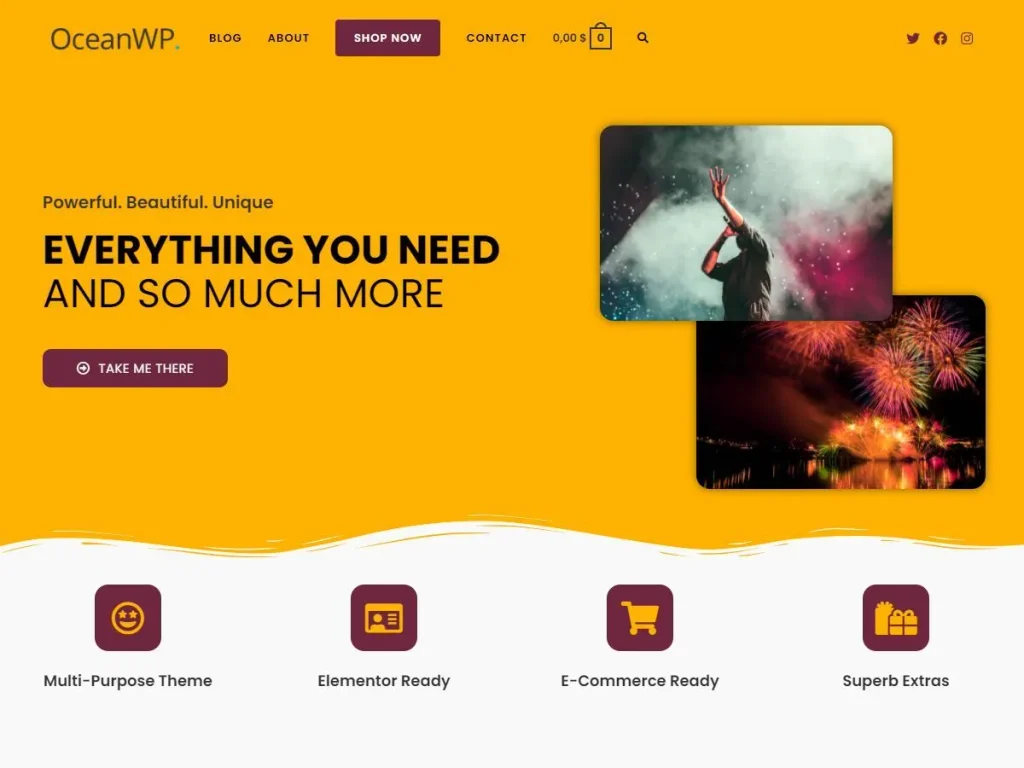
OceanWP is suitable for people who need extensive control over layouts, headers, sidebars, blogs, and stores. The theme supports Gutenberg, Elementor, Beaver Builder, Brizy, Divi, and WooCommerce; WordPress.org recorded more than 500,000 active installations at the time of review (according to WordPress.org).
OceanWP’s greatest strength is its ability to customize each page type and its wide range of demo templates. However, the numerous options can be confusing for beginners. I recommend enabling only the features you need, then checking performance on both desktop and mobile.
Which theme should you choose?
| Theme | Best suited for | Strengths | Things to note | Quick choice |
|---|---|---|---|---|
| Astra | Multipurpose websites | Many templates, large ecosystem | Advanced features usually require payment | Beginners who want to build quickly |
| GeneratePress | Blogs and content websites | Lightweight, clean, performance-focused | Minimal by default | Prioritize speed |
| Kadence | Businesses, online courses | Drag-and-drop header/footer | May require additional plugins | Want easy customization |
| Blocksy | Modern blogs, WooCommerce | Attractive design, many shop options | Many initial settings | Prioritize appearance |
| Neve | Lightweight, responsive websites | Focused on speed and builder compatibility | Some features are available only in the premium version | Modest hosting |
| OceanWP | Multipurpose websites, online stores | Extensive customization capabilities | Can become bloated if too many features are enabled | Need extensive control |
If you are completely new, choose Astra or Kadence for plenty of templates and an intuitive workflow. If speed is your number-one priority, start with GeneratePress or Neve. For an online store, Blocksy and OceanWP are worth considering for their WooCommerce options. Whichever theme you choose, install it on staging before applying it to your main website and check your plugins after each update; you can learn more from a guide to WordPress staging to build a safe workflow.
After activation, follow this order: import a starter template if needed, set your logo and brand colors, create the main menu, check the layout on mobile devices, optimize images, enable caching, and then measure the speed again. This approach helps you evaluate the design based on a real website rather than simply looking at the demo.
Reference source
