






IPv6 hosting is only truly ready when users with IPv6 connectivity can resolve the domain name, establish an HTTPS connection, and fully load the website without errors. Adding an IPv6 address or creating a new DNS AAAA record is only the first step. You must also check the web server, firewall, CDN, email system, applications, and monitoring tools.
The model that should be prioritized today is dual-stack: maintain IPv4 and IPv6 in parallel instead of removing IPv4 immediately. IPv6 uses 128-bit addresses, while IPv4 uses 32-bit addresses (according to datatracker.ietf.org). Therefore, the practical goal is not to “move a website to IPv6 in one go,” but to add a controlled IPv6 access path.
How is IPv6 hosting different from IPv4 and IPv6 hosting?
With IPv4 and IPv6 hosting, the provider assigns the server at least one IPv4 address and one public IPv6 address or range. The website can be accessed through an A record over IPv4 and an AAAA record over IPv6. If it has only IPv4, the website still works for most users but cannot directly serve IPv6-only networks without a translation mechanism such as NAT64.
| Category | IPv4 only | IPv4 and IPv6 dual-stack | What to check |
|---|---|---|---|
| Server address | A present | A and AAAA present | IPv6 must be a public address assigned to the correct server |
| DNS | A queries only | A and AAAA queries | Do not create an AAAA record if the server is not yet listening on IPv6 |
| Web server | Listens on IPv4 | Listens on IPv4 and IPv6 | Check ports 80 and 443 |
| Firewall | IPv4 rules | Separate IPv4 and IPv6 rules | Do not assume that IPv4 rules apply to IPv6 |
| CDN | Visitors connect over IPv4 | Visitors may access the CDN over IPv6 | Check which protocol the CDN uses to connect to the origin |
| Application | Few IP format changes | May receive long IPv6 addresses | Check logs, whitelists, and fraud prevention |
Hosting should not be evaluated solely by the claim “IPv6 supported.” Ask specifically: Is IPv6 routed to the Internet? Can it be used for the primary domain? Does the provider support reverse DNS? Is IPv6 managed separately in the firewall? And do the backup and monitoring systems recognize IPv6 yet?
IPv6 configuration checklist for websites

1. Confirm the IPv6 address and network services
First, obtain the IPv6 address from the hosting control panel or operating system. On Linux, you can run:
ip -6 address
ip -6 route
ping6 -c 4 2001:4860:4860::8888
The results should show that the network interface has a global address, an IPv6 default route, and Internet connectivity. An address beginning with fe80:: is only link-local and is not suitable for publishing a website. Do not use example addresses from the documentation range 2001:db8::/32 in a real environment.
2. Make the web server listen on IPv6
With Nginx, the configuration usually looks like this:
server {
    listen 80;
    listen [::]:80;
    server_name example.com www.example.com;
}

server {
    listen 443 ssl;
    listen [::]:443 ssl;
    server_name example.com www.example.com;
}
Apache may need to be configured to listen on the corresponding IPv6 address. After making changes, check with ss -lntp or the server’s management tools. If you only see 0.0.0.0:443 and not [::]:443, IPv6 HTTPS may not be working.
3. Deliberately open the IPv6 firewall
Allow TCP ports 80 and 443 over IPv6 if the website requires HTTP and HTTPS. Do not open all ports just to “test quickly.” Administrative ports such as SSH should be restricted to administrative IP ranges, key-based authentication should be enabled, and logs should be recorded. Check the provider’s firewall, the firewall on the server, and security groups if you use a cloud server.
If the website runs WordPress, you should test configuration changes in a staging environment first. You can refer to the WordPress plugin checking process before updating to reduce the risk when changing server and plugin configurations.
Check the DNS AAAA record, CDN, and HTTPS
Check the DNS AAAA record
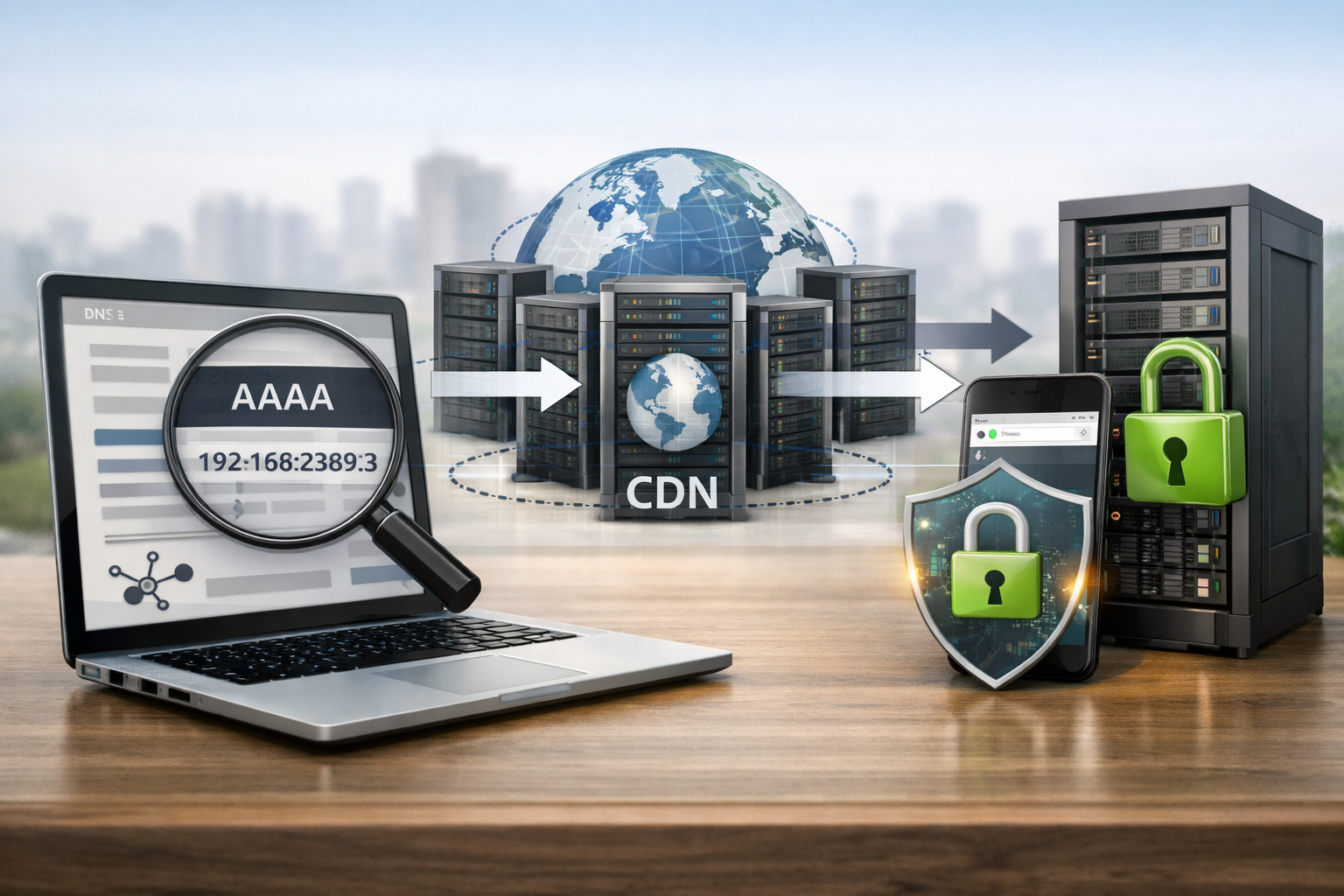
DNS AAAA record link a domain name to an IPv6 address, similar to how an A record links a domain name to IPv4 (according to cloudflare.com). Check from the command line:
dig AAAA example.com +short
dig AAAA www.example.com +short
dig A example.com +short
AAAA should return the exact address currently used by the server. If you use a CDN, the result may be the CDN’s IPv6 address rather than the origin’s; this is not necessarily an error. When creating or editing a record, note that TTL affects how long it takes for the new record to be used by resolvers (according to developers.cloudflare.com).
Do not create an AAAA record only for the root domain and forget wwwthe API domain, image and download domains, or subdomains used by the application. Also, do not point an AAAA record to a server that has not opened port 443: some users will attempt to connect over IPv6 but receive a timeout error.
Check the CDN and the path to the origin
Many CDNs can accept IPv6 traffic from clients even when the origin has only IPv4. For example, Cloudflare states that IPv6 compatibility mode can automatically create AAAA records for proxied records; if the origin has both IPv4 and IPv6, the CDN may prefer IPv4 when connecting to the origin (according to developers.cloudflare.com).
Therefore, distinguish between two tests:
- Client to CDN: query the AAAA record and confirm that the browser can connect over IPv6.
- CDN to origin: check that the origin permits the CDN’s IP ranges, TLS uses the correct domain name, and the firewall does not block IPv6.
To test the origin directly, temporarily use a separate hostname or a DNS-only record for a short period, but do not expose the origin address longer than necessary. After testing, restore the proxy configuration and review the cache.
Check HTTPS, redirects, and mixed content
Run:
curl -6 -I https://example.com
curl -6 -sS https://example.com -o /dev/null -w '%{http_code}n'
A good result is usually a valid HTTP status code such as 200, 301, or 302, as designed. Check that the TLS certificate covers the correct domain name, redirects do not loop, and CSS, JavaScript, font, and image resources do not point to IPv4-only hostnames or HTTP URLs that cause mixed content.
Check IPv6 support and troubleshoot errors
Practical testing procedure
- Check A and AAAA records using at least two different DNS resolvers.
- Use a machine with a real IPv6 connection, rather than relying solely on DNS results.
- Run
curl -6against the home page, login page, API, and important static files. - Open Developer Tools to see which requests fail or are redirected to hostnames without IPv6.
- Check the web server, CDN, WAF, and application logs at the same time.
- Measure again after the old TTL has expired and check all subdomains as well.
Online IPv6 testing tools can help confirm dual-stack capability, but the results reflect only the testing location and time. A website with an AAAA record may still not be fully operational if the firewall, TLS, or backend application has problems. Therefore, testing an actual HTTP connection remains the decisive step.
Common errors and how to fix them
- DNS has an AAAA record but times out: check the route, IPv6 firewall, and whether the web server is listening on [::] yet.
- The home page works but the API fails: add an AAAA record, firewall rules, and a certificate for the API hostname; check the IP allowlist.
- The CDN works but the origin fails: verify the proxy mode, origin certificate, and the range of CDN addresses permitted to connect.
- Logs record IPs in the wrong format: update database columns, regular expressions, anti-spam systems, and source code that processes 128-bit addresses.
- Some users experience slowness: check the quality of the ISP’s IPv6 routing; maintain IPv4 in a dual-stack model instead of forcing IPv6-only.
For WordPress, also check security plugins, CAPTCHA, login rate-limiting systems, webhooks, and email-sending services. These components often have their own allowlists or IP address processing logic. If you need a browser-based website review procedure, see how to manage and check a website in a browser.
Conclusion: a website can be considered IPv6-ready when DNS returns the correct AAAA record, the server accepts IPv6 connections on the required ports, HTTPS and all resources load normally, the CDN/WAF records visitor addresses correctly, and the application and monitoring systems can process IPv6. Deploy step by step, keep IPv4 running in parallel, record the configuration before making changes, and have a plan to quickly remove the AAAA record if widespread problems are detected.
Reference source
