






HTTP/3 hosting is the deployment of a website over the HTTP/3 protocol, using QUIC instead of TCP. Proper configuration does not mean disabling HTTP/2; it means enabling HTTP/3 over UDP 443, maintaining HTTPS on TCP 443, and advertising the service with Alt-Svc. When QUIC cannot be used because of firewalls, corporate networks, or legacy devices, browsers can still access the site via HTTP/2.
In this article, I explain how to understand QUIC, configure HTTP/3 with Nginx, design a safe fallback, and establish a repeatable performance measurement process.
What is QUIC, and how does HTTP/3 differ from HTTP/2?
What is QUIC? It is a transport protocol that runs over UDP and integrates TLS 1.3 with multiplexing. HTTP/3 maps HTTP semantics onto QUIC instead of running over TCP like HTTP/1.1 and HTTP/2 (according to ietf.org).
| Criterion | HTTP/2 | HTTP/3 |
|---|---|---|
| Transport protocol | TCP | QUIC over UDP |
| Encryption | TLS is commonly used with HTTPS | TLS 1.3 is a required component of QUIC |
| Head-of-line blocking | Can occur at the TCP layer | Reduced impact between streams |
| Connection migration | Limited when switching networks | QUIC supports connection migration |
| Common port | TCP 443 | UDP 443 |
| Fallback | No fallback to HTTP/1.1 is needed in most modern browsers | Falls back to HTTP/2 over TCP when UDP fails |
HTTP/3 is generally more beneficial when users switch networks, use mobile connections, or experience latency and packet loss. However, you should not assume by default that every website will be noticeably faster. If the server already has low TTFB, few resources, and users are primarily on stable networks, the difference may be small. Measure using the same network location, the same content version, and the same cache state.
HTTP/3 also requires UDP to be open. Therefore, the firewall, load balancer, CDN, or hosting provider must forward UDP 443; opening only TCP 443 is not enough.
Configuring HTTP/3 with Nginx and HTTP/2 fallback
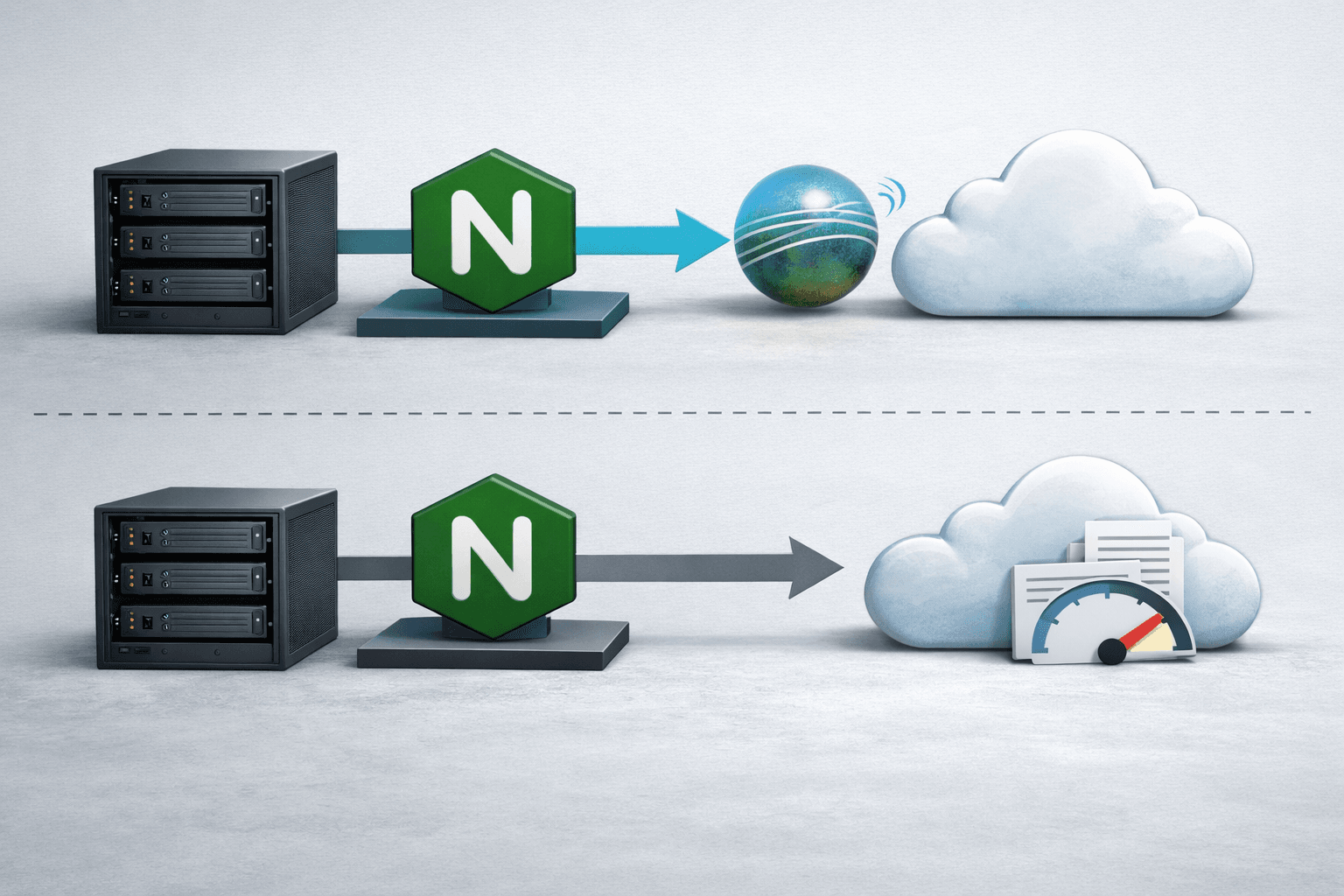
Nginx supports the HTTP/3 module from the 1.25.0 mainline branch onward, but the module ngx_http_v3_module must be compiled or provided through a server package that includes the appropriate module (according to nginx.org). Before modifying the configuration, check the following:
- Nginx has the HTTP/3 module:
nginx -V 2>&1 | grep http_v3. - A valid TLS certificate is installed, and the domain points to the correct server.
- Both TCP 443 and UDP 443 are permitted by the firewall.
- The CDN or reverse proxy in front supports HTTP/3 and forwards the correct protocol.
If you are preparing an Ubuntu server, you can also see the initial Ubuntu Server configuration guide to review the firewall, SSH, and other foundational settings.
Basic Nginx configuration example
server {
    listen 443 ssl;
    listen 443 quic reuseport;

    server_name example.com www.example.com;

    ssl_certificate     /etc/letsencrypt/live/example.com/fullchain.pem;
    ssl_certificate_key /etc/letsencrypt/live/example.com/privkey.pem;
    ssl_protocols       TLSv1.3;

    add_header Alt-Svc 'h3=":443"; ma=86400' always;

    location / {
        root /var/www/example;
        index index.html index.php;
    }
}
The line listen 443 ssl keeps HTTPS on TCP and allows HTTP/2 to operate. The line listen 443 quic reuseport enables QUIC over UDP on the same port. Nginx recommends using the same port for HTTP/3 and HTTPS for better compatibility (according to nginx.org).
To explicitly enable HTTP/2 on a compatible Nginx version, you can use:
listen 443 ssl http2;On newer Nginx releases, the way HTTP/2 is declared may vary by version and configuration warnings. Run nginx -t before reloading. Do not remove the TCP listener simply because HTTP/3 is working: doing so would prevent users on networks that block UDP from accessing the site.
Alt-Svc is not a redirect
Alt-Svc It indicates that the same resource can be accessed via HTTP/3. Browsers typically establish HTTPS over TCP first, read the announcement, and then try QUIC on subsequent loads. Therefore, the first response may not use HTTP/3. Setting always helps the header appear in some error responses as well, but you still need to consider cache and proxy policies.
Measuring QUIC performance instead of looking only at the Lighthouse score

To evaluate HTTP/3 hosting, compare HTTP/2 and HTTP/3 under the same conditions. At a minimum, record connection time, TTFB, main resource load time, error rate, and recovery when switching networks.
Check the protocol with curl
# Chỉ thử HTTP/3, thất bại nếu QUIC không kết nối được
curl --http3-only -I https://example.com/

# Thử HTTP/3 và cho phép fallback về HTTP/2 hoặc HTTP/1.1
curl --http3 -I https://example.com/

# Ép HTTP/2 để tạo đường cơ sở
curl --http2 -I https://example.com/
--http3-only to confirm that QUIC is actually working; --http3 it enables a fallback mechanism similar to HTTPS eyeballing (see curl.se). Note that curl must be compiled with HTTP/3 support.
To measure multiple times, use the timing option:
curl --http3-only -sS -o /dev/null
  -w 'HTTP=%{http_version} DNS=%{time_namelookup} connect=%{time_connect} start=%{time_starttransfer} total=%{time_total}n'
  https://example.com/
Run it about 10–20 times for each protocol, disregard failed attempts, and note the time, location, IPv4/IPv6, and CDN cache status. Do not compare a cold HTTP/3 request with an HTTP/2 request that has already been cached.
Read Nginx logs to confirm QUIC
log_format protocols '$remote_addr $request $status http=$server_protocol h3=$http3 quic=$quic';
access_log /var/log/nginx/protocols.log protocols;
HTTP/3-related variables can help distinguish requests using QUIC from requests going through TCP. If the logs do not record an HTTP/3 request even though it was curl --http3-only successful, check the log format and the reload process.
For browser-based testing, open DevTools, go to Network, enable the Protocol column, and reload the page. The value usually shows h3 or h2. This is a practical way to check HTTP/3 on a website, but you should combine curl and server logs because browsers cache Alt-Svc.
Proper HTTP/2 fallback: checks, common errors, and deployment decisions
Good fallback should happen naturally at the connection layer, without JavaScript or redirects. The process should be: the browser tries HTTP/3 over UDP 443; if it does not receive a suitable response, it uses HTTPS over TCP 443 and negotiates HTTP/2 via ALPN. Administrators must ensure that both paths use the same certificate, hostname, content, and security policies.
Pre-production checklist
- Check that the certificate covers every hostname in use.
- Open TCP 443 and UDP 443 on the server, cloud firewall, and security group.
- Confirm that Nginx actually has the HTTP/3 module using
nginx -V. - Run
nginx -t && systemctl reload nginx. - Use
curl --http3-onlyfrom at least two different networks. - Use
curl --http2to confirm that the TCP path is still working. - Check DevTools and logs to cross-reference the protocol.
- Monitor 4xx and 5xx error rates, UDP timeouts, and feedback from mobile users.
Common errors
- Only TCP 443 is open: HTTP/2 works, but HTTP/3 always fails. The fix is to open UDP 443 at every network layer.
- Disable the TCP listener: users behind corporate networks or strict firewalls lose fallback. Keep HTTPS over TCP enabled.
- Incorrect Alt-Svc port or hostname: the browser tries QUIC where it does not exist. Use
h3=":443"if HTTP/3 uses the same port. - Invalid certificate: QUIC requires TLS 1.3 and certificate validation just like regular HTTPS. Renew the certificate before testing.
- CDN does not support HTTP/3 to the origin: users may see h3 at the CDN, while the CDN–origin connection remains HTTP/2 or HTTP/1.1. This is not an error, but the measurement scope must be understood correctly.
- Evaluation based on a single load: the results are affected by cache, DNS, and network routing. Use multiple samples and report the median or p95.
If the website has high traffic or depends on a CDN, also check IPv6 because network path selection can change HTTP/3 measurement results. The practical IPv6 hosting test can be used as an additional checklist.
Conclusion: you should enable HTTP/3 when the provider offers stable UDP support, you control the firewall/CDN, and you have a measurement process. The safest configuration is to run HTTP/3 in parallel over UDP 443 and HTTP/2 over TCP 443. Do not deploy based on the slogan “HTTP/3 is always faster”; make the decision using TTFB, load time, error rate, and experience across real-world networks.
Reference source
