






What is the LAMP Stack?
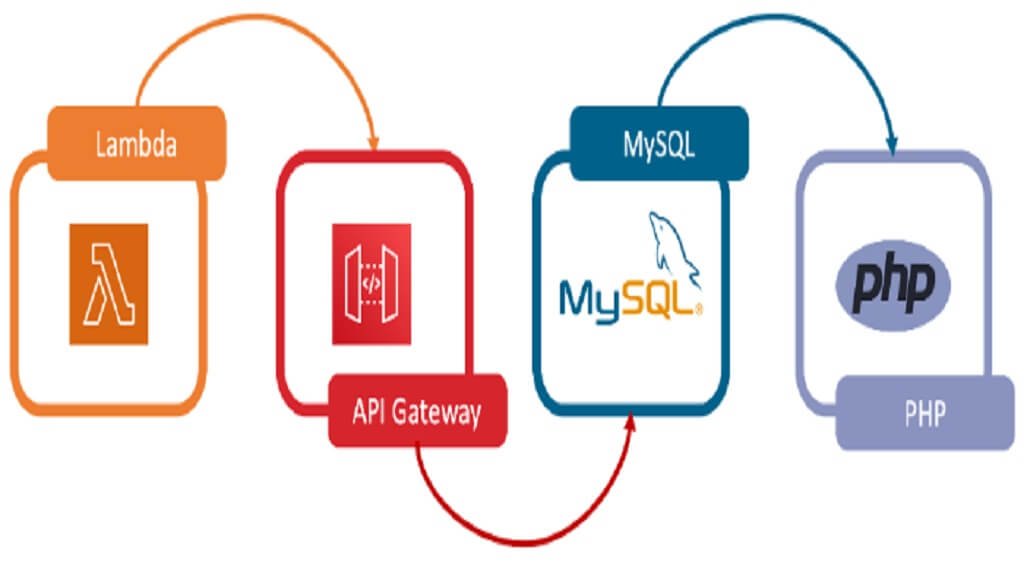
The LAMP Stack is a collection of four open-source technologies—Linux, Apache, MySQL, and PHP—commonly used to build, deploy, and operate websites or web applications. These components have different roles but work together to process requests from the browser to the server. PHP is currently the server-side programming language in the LAMP model; according to the official documentation, PHP can be embedded in HTML to create dynamic content (according to php.net).
Why is the LAMP Stack important?
Developers choose the LAMP Stack for the following reasons:
- Cost: All core components of the LAMP Stack are open-source software, which helps reduce or eliminate licensing costs. However, a project may still incur costs for servers, domain names, support services, and operations.
- Efficiency: This model has been widely used for many websites and web applications. Its layered structure separates the operating system, web server, database, and application code, making development and administration more convenient.
- Maintenance: Open-source projects offer extensive documentation, updates, and community support. Nevertheless, administrators still need to proactively update the components, especially PHP and the operating system, because end-of-life versions may no longer receive security patches (according to php.net).
- Support: The LAMP Stack has a rich ecosystem of documentation, forums, libraries, and tools, making it easier to find solutions to problems or implement features.
- Flexibility: LAMP is the name of a popular model, not a mandatory standard for every project. Depending on their needs, developers can replace PHP with another language or MySQL with a compatible database management system.
What is the LAMP Stack used for?
The LAMP Stack primarily supports server-side development, including data processing, database management, business logic execution, and API creation for applications. This model can serve both static and dynamic content.
- Static websites: HTML, CSS, JavaScript, and resource files are distributed directly by Apache. The content generally does not change for each user unless additional server-side processing is implemented.
- Dynamic websites: PHP processes server-side code, reads or writes data to MySQL, and then generates an HTML response appropriate to the user's request.
What is LAMP architecture?
LAMP architecture is a layered model consisting of four components that work together to build and run web applications:
- Linux: The underlying operating system, providing the environment for installing and running the web server, PHP, and database management system.
- Apache: The web server that accepts HTTP/HTTPS connections, distributes static files, and forwards requests requiring processing to the application. Apache supports many modules and configurable connection-processing models (according to httpd.apache.org).
- MySQL: A relational database management system used to store, organize, and query data using SQL. Data is arranged in related tables (according to dev.mysql.com).
- PHP: A server-side programming language used to process logic, work with databases, and generate dynamic HTML content before sending a response to the browser. In production, it is advisable to use a supported PHP branch.
How does the LAMP Stack work?
The process for handling a web request in the LAMP Stack typically proceeds as follows:
- Receiving the request: Apache receives the request from the browser. If it is a static file, Apache can return the content directly; if it is a dynamic request, Apache forwards it to PHP code or the configured PHP integration mechanism.
- Processing the request: PHP executes the application code, validates input data, and may send queries to MySQL to read, add, modify, or delete data.
- Generating the response: PHP generates HTML, JSON data, or an appropriate API result. Apache then sends the response to the browser or client application.
- Displaying the result: The browser interprets HTML, CSS, and JavaScript to display the page to the user. For an API, the client application processes the received data itself.
Alternatives to the LAMP Stack
The LAMP Stack can be modified by changing the web server, operating system, database, or server-side programming language. Commonly mentioned models include WAMP (Windows, Apache, MySQL, PHP), MAMP (macOS, Apache, MySQL, PHP), LEMP (Linux, Nginx, MySQL or MariaDB, PHP), and MEAN. The choice depends on the operating system requirements, performance, team skills, and project ecosystem.
Some languages that can replace PHP:
- Perl: A long-established language that was once widely used in web development and may still be suitable for systems or projects that need to maintain Perl code.
- Python: A general-purpose language commonly used with web frameworks such as Django or Flask, suitable when the team already has a Python background.
- JavaScript/TypeScript: Can be used on the server side through Node.js, allowing teams to use the same JavaScript or TypeScript ecosystem across multiple application layers.
What is the MEAN Stack?
MEAN Stack is a web development model consisting of MongoDB, Express.js, Angular, and Node.js. Unlike LAMP, MEAN uses JavaScript as the primary language across multiple layers of the application:
- MongoDB: A document-oriented NoSQL database management system that typically stores data in a JSON-like document format.
- Express.js: A minimalist framework for web applications and APIs running on Node.js.
- Angular: A client-side framework used to build user interfaces and web applications.
- Node.js: A server-side JavaScript runtime environment that enables the development of web services and APIs with JavaScript.
Comparing MEAN Stack with LAMP Stack
MEAN and LAMP are suitable for different contexts. MEAN can be convenient when a team wants to use JavaScript for both the frontend and backend while building highly interactive interfaces. LAMP is suitable for web applications that require PHP, SQL, and a mature server ecosystem, such as content websites, management systems, or online stores. There is no universally better choice; consider functional requirements, team skills, scalability, deployment tools, and operating costs before making a decision.
Reference source
