






To protect a small business from impersonation scams, you do not necessarily need to start with an expensive cybersecurity system. The most effective measure is often a mandatory procedure: pause when an unusual request arrives, verify the sender through an independent channel, confirm payment details, and retain evidence before approving it.
Impersonation scams often exploit habits and time pressure. Criminals may pose as an executive, vendor, customer, or government agency, then ask you to change the receiving account, send payroll information, provide login codes, or make an immediate payment. Guidance for small businesses from the U.S. Federal Trade Commission (FTC) also warns that urgency, threats, and requests for payment through unusual methods are important warning signs that require verification.
Why are impersonation scams so effective against small businesses?
Small businesses often have fewer approval layers, employees who perform multiple roles, and a heavy reliance on email to communicate with customers and vendors. A single employee with payment or mailbox-administration privileges who is persuaded by a scammer can cause substantial damage.
Scammers do not necessarily need to take over an entire email account. They may use an executive’s look-alike display name, create a domain resembling the company’s, or compromise a partner’s account and send a plausible request within an existing conversation thread. Therefore, seeing a familiar name in the sender field is not enough to conclude that an email is safe.
- Urgent requests to transfer money: “Complete this within 30 minutes,” “do not call back,” or “I’m in a meeting, so email is the only way to reach me.”
- Changes to payment information: a change to the account number, bank, payee, or invoice-delivery address.
- Unusual confidentiality requests: asking you not to tell accounting, not to check with a manager, or to use a personal account.
- Suspicious links and attachments: requests to log in, open an invoice, update a password, or download an application.
- Nearly correct context, but not quite: a familiar signature, but wording, timing, or the amount differs from normal practice.
The practical rule is: the more urgent the request, the more important it is to verify it through another channel. Do not let the person making the request dictate how their identity should be verified.
A four-step process for verifying emails and payments
1. Pause and classify the request
Employees who receive an email or message must pause before clicking a link, replying, downloading a file, or transferring money. Classify the request into one of three categories: account access, changes to payment information, or disclosure of sensitive data. All three categories require additional verification.
A brief internal response could be: “I’ll verify this through the established process before proceeding.” This gives employees an official reason not to yield to pressure from the sender.
2. Verify identity through an independent channel
Do not call a phone number, use a link, or reply directly to contact information provided in a suspicious email. Find the number in the contract, vendor records, official website, or customer relationship management system. Then call to confirm the sender’s identity, the request, the amount, and the deadline.
For requests from executives, call a number saved previously or confirm in person at the office. For vendors, call the company’s official number and also check with the previous contact if the bank information has changed suddenly. This is a measure recommended by the Internet Crime Complaint Center (IC3) for transactions and payment changes.
3. Cross-check the information before approving
Accounting staff or the approver should cross-check at least four items:
- The payee’s legal name.
- The account number and bank name on file.
- The contract, purchase-order, or acceptance-record number.
- The amount, deadline, and reason for the change, if applicable.
If a new bank account appears, apply a “two-person check” rule: one person receives the request and another independently verifies it. For large payments or international transactions, require written approval in the internal system, not just through a private message.
If your business regularly sends or receives international payments, you can also consult cross-border payment and fraud-prevention guidance to add checks for exchange rates, fees, and beneficiary information.
4. Preserve evidence and record the outcome
Record the verification time, who was called, the phone number used, the cross-check results, and the approver. If the request is legitimate, this record supports audits and dispute resolution. If it is suspicious, the evidence can help the email provider, bank, or authorities investigate more quickly.
Establish a secure business email foundation
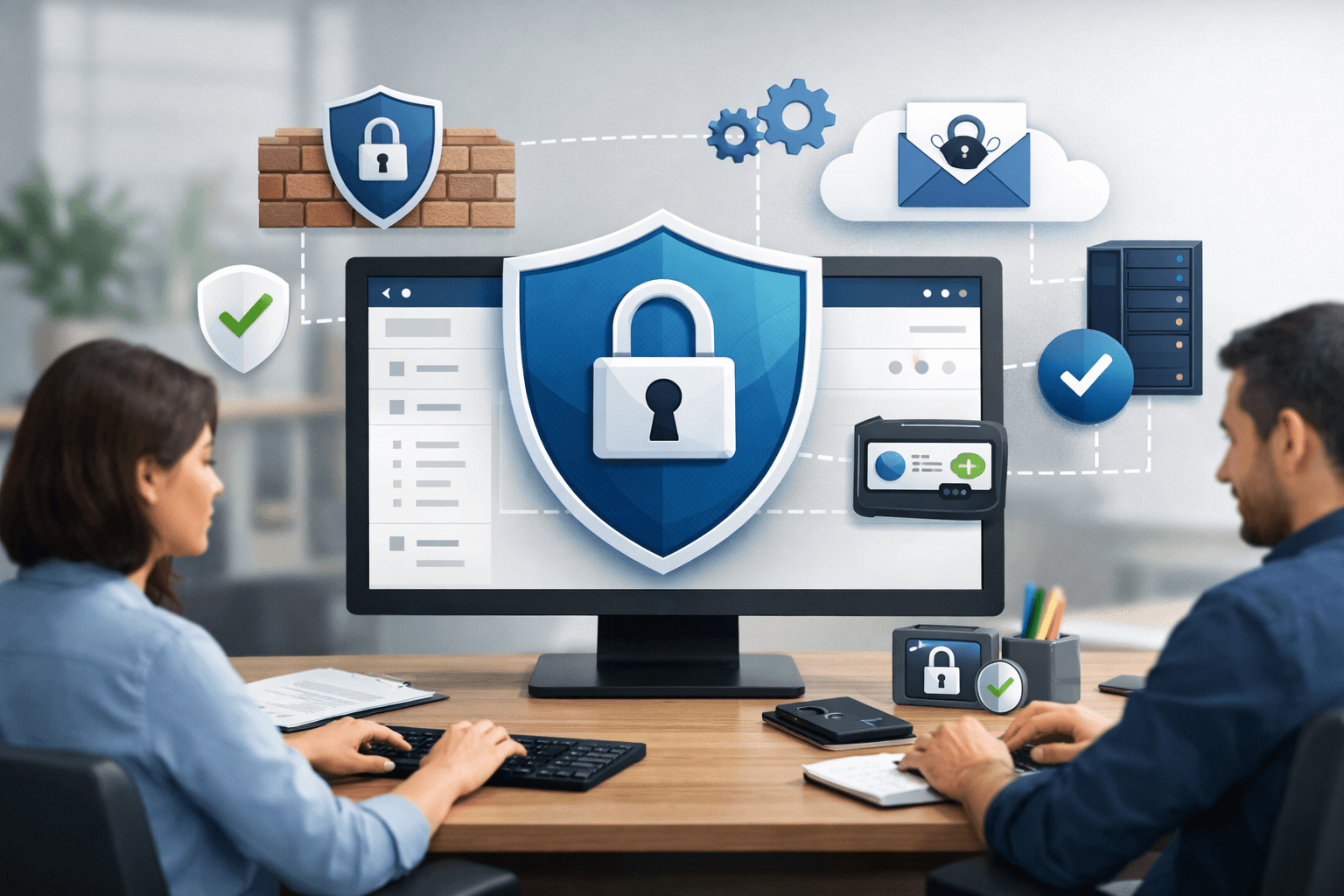
Human procedures must be paired with technical controls. First, enable multifactor authentication (MFA) for email, file storage, online banking, accounting software, and administrator accounts. The U.S. Cybersecurity and Infrastructure Security Agency (CISA) recommends prioritizing phishing-resistant methods such as security keys or authenticator apps; SMS codes should be a fallback only when no better option is available.
- Use separate accounts for each employee; do not share mailboxes or passwords.
- Immediately revoke access for departing employees and vendors whose engagement has ended.
- Use a password manager and prohibit password reuse across email, banking, and accounting software.
- Review rules that automatically forward email to external addresses.
- Display warnings for messages received from outside the organization, if the email platform supports this feature.
- Update operating systems, browsers, accounting software, and networking equipment.
Try sending an internal test email to confirm that employees can see the sender’s full address, domain, and external-sender warning. The display name “Nguyễn Văn A” is not as meaningful as the complete address that follows it. A domain such as cong-tyabc.com may be completely different from the official domain congtyabc.com.
Permissions should also be designed according to the principle of least privilege: the person entering a payment instruction should not also be the final approver. If the business uses automation tools or AI to support operations, it should separate the permissions to propose and approve actions, as well as to maintain logs, according to a permissions and approval governance process.
Applying NIST CSF 2.0 and responding after a mistaken click
NIST CSF 2.0 is a risk-management framework, not a specific software product. Version 2.0 organizes cybersecurity activities into six functions: Govern, Identify, Protect, Detect, Respond, and Recover. The framework can be applied by organizations of any size and does not require businesses to deploy a fixed set of tools (according to nist.gov).
For impersonation scams, small businesses can turn it into a short checklist:
- Govern – Governance: establish mandatory rules for verifying account changes and unusual payment requests.
- Identify – Identification: create a list of email accounts, personnel authorized to make payments, suppliers, and critical data.
- Protect – Protection: enable MFA, use unique passwords, apply least-privilege access, and train employees to recognize scams.
- Detect – Detection: monitor for unusual logins, new forwarding rules, duplicate invoices, or changes to payees.
- Respond – Response: terminate active login sessions, change passwords, notify the bank, and alert the person responsible.
- Recover – Recovery: restore data, review transactions, and update procedures after an incident.
If you have clicked a suspicious link, do not continue entering information. Disconnect the device from the network if you suspect malware, immediately notify the person responsible, change your passwords from a clean device, and revoke active login sessions. If you have already transferred money, contact the bank immediately to request help recovering or freezing the transaction; also preserve the email, message headers, account numbers, timestamps, and communication history.
During the first 30 days, the business can assess its progress with three questions: Have MFA been enabled on all critical accounts? Is there documented call verification for every payment change? Do employees know where to report an incident? If the answer to any question is “no,” that is the next priority.
Conclusion: The most practical way to protect a small business from impersonation scams is to make verification a prerequisite for payment, rather than relying on one person’s memory or vigilance. A call to an official number, a second-person review, and an approval log can prevent many impersonation attempts before money or data leaves the business.
Reference source
- The NIST Cybersecurity Framework (CSF) 2.0
- Scams and Your Small Business: A Guide for Business
- Internet Crime Complaint Center (IC3) | Cyber Criminals Conduct Business Email Compromise through Exploitation of Cloud-Based Email Services, Costing US Businesses More Than $2 Billion
- CISA – Require Multifactor Authentication
